Application
Instructions for use • IMAGE1 PILOT • HLI417_EN_V2.0_11-2021_IFU_CE-MDR 15
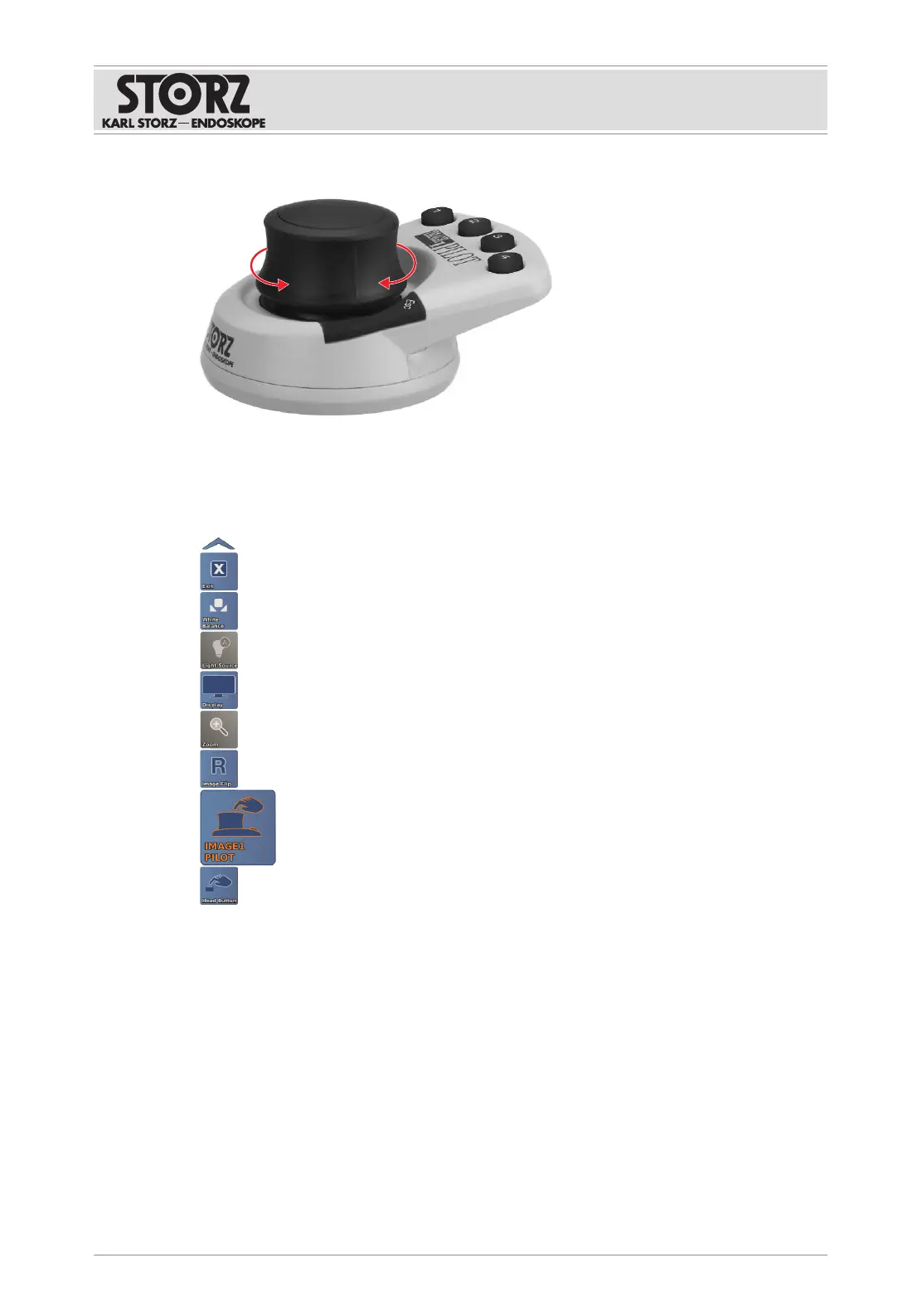
4. Turn the 3D wheel clockwise or counterclockwise to operate a camera-specific function.
6.2 Controlling the IMAGE1S camera platform
The product enables the IMAGE1Scamera platform menu to be accessed directly.
1. Press ENTER to access the menu.
2. Push the 3D wheel to navigate through the menu, adjust settings, or access functions.
3. Press ESC to exit the menu.
As long as the IMAGE1Smenu is active, the camera functions (e.g., zoom and focus with
VITOM® 3D) cannot be controlled.
6.3 Using the function keys
The four function keys can be programmed and functions can be assigned to them. Depending
on which camera system is connected, certain functions can be performed quickly, or rapid
access can be gained to menus.



 To Next Page