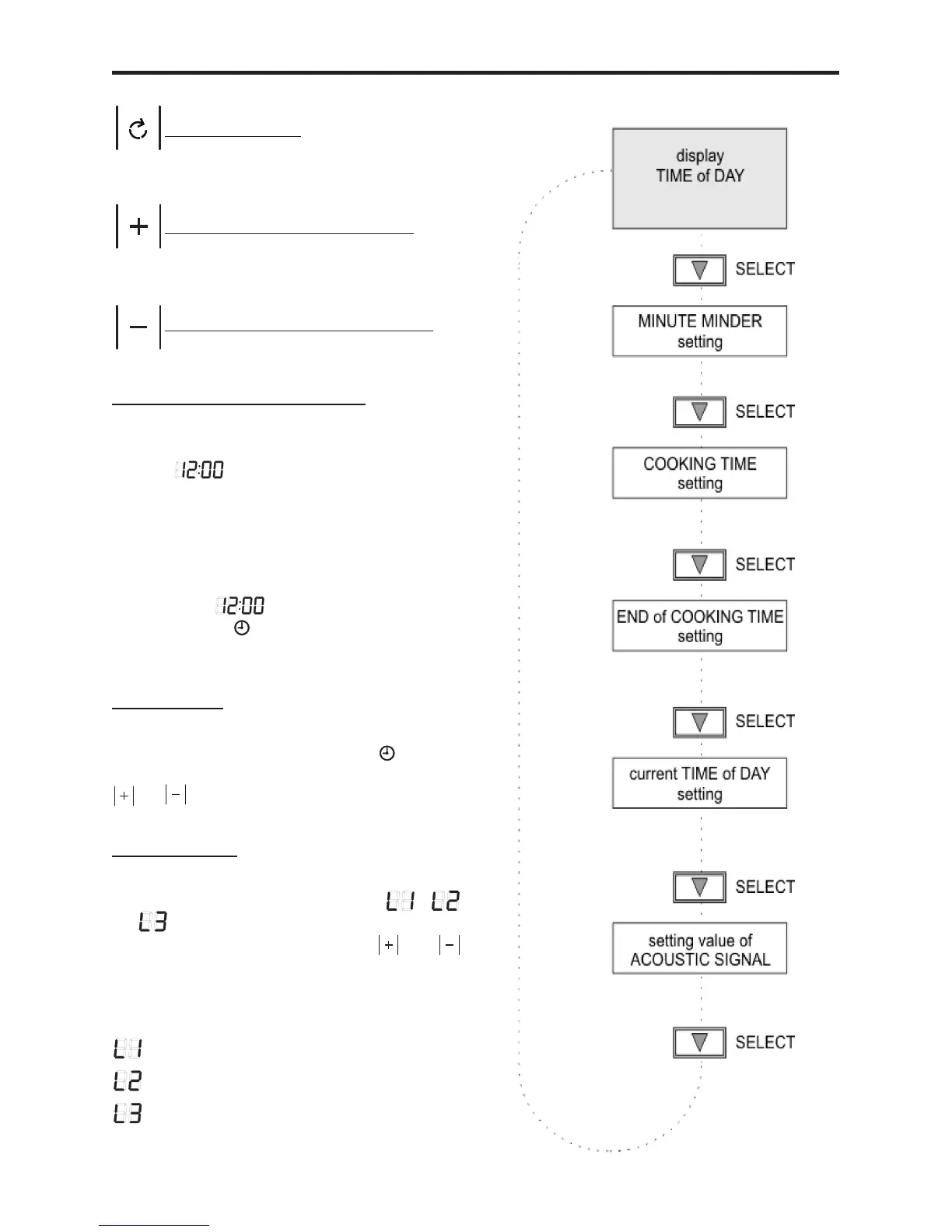
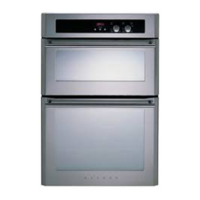
USING THE TOUCH PROGRAMMER
Select a function
Plus - increase time or volume
Minus - decrease time or volume
Power ON/initial operation
After connecting the appliance to the
mains, the display shows the default TIME
of DAY ashing.
In the event of a power failure, the oven &
grill elements will not automatically switch
on when power is resumed; thus, on re-
sumption of power, touch any of the touch
control symbols & the display will show the
default time permanently. The colon
& the symbol continuetoash&the
current TIME of DAY can now be set.
Time of Day
Select the TIME of DAY mode by using
the FUNCTION symbol until the symbol
ashes;settheTIMEofDAYbyusingthe
or symbols.
Volume Level
Select the volume level by using the FUNC-
TION symbol until the symbols ,
or appear on the display. The signal
volume can be set using the or
symbols; the acoustic signal sounds in the
selected volume.
ACOUSTIC SIGNAL volume:
= Low
= Medium
= Loud



 To Next Page