Stratus 3i Installation Guide
Configuring the Transponder
After Stratus 3i has been installed, configure the transponder to allow for ADS-B In receiver
information.
1. Enter into configuration mode on the transponder.
To enter into configuration mode: While holding the FUNC key, press and release the
PWR key.
2. Press FUNC or the arrow keys to navigate to the ADS-B Capability screen. Press ENT.
3. Use the arrow keys to select UAT and 1090 ES. Press ENT.
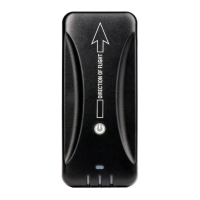
Turning on Stratus 3i
Stratus 3i automatically turns on when it receives aircraft power.
If Stratus 3i is moved after being turned on, you must re-calibrate it in Stratus Horizon Pro or
ForeFlight Mobile.


 To Next Page