User Manual for A5-E0804
For more information, please visit our website www.en.streamax.com
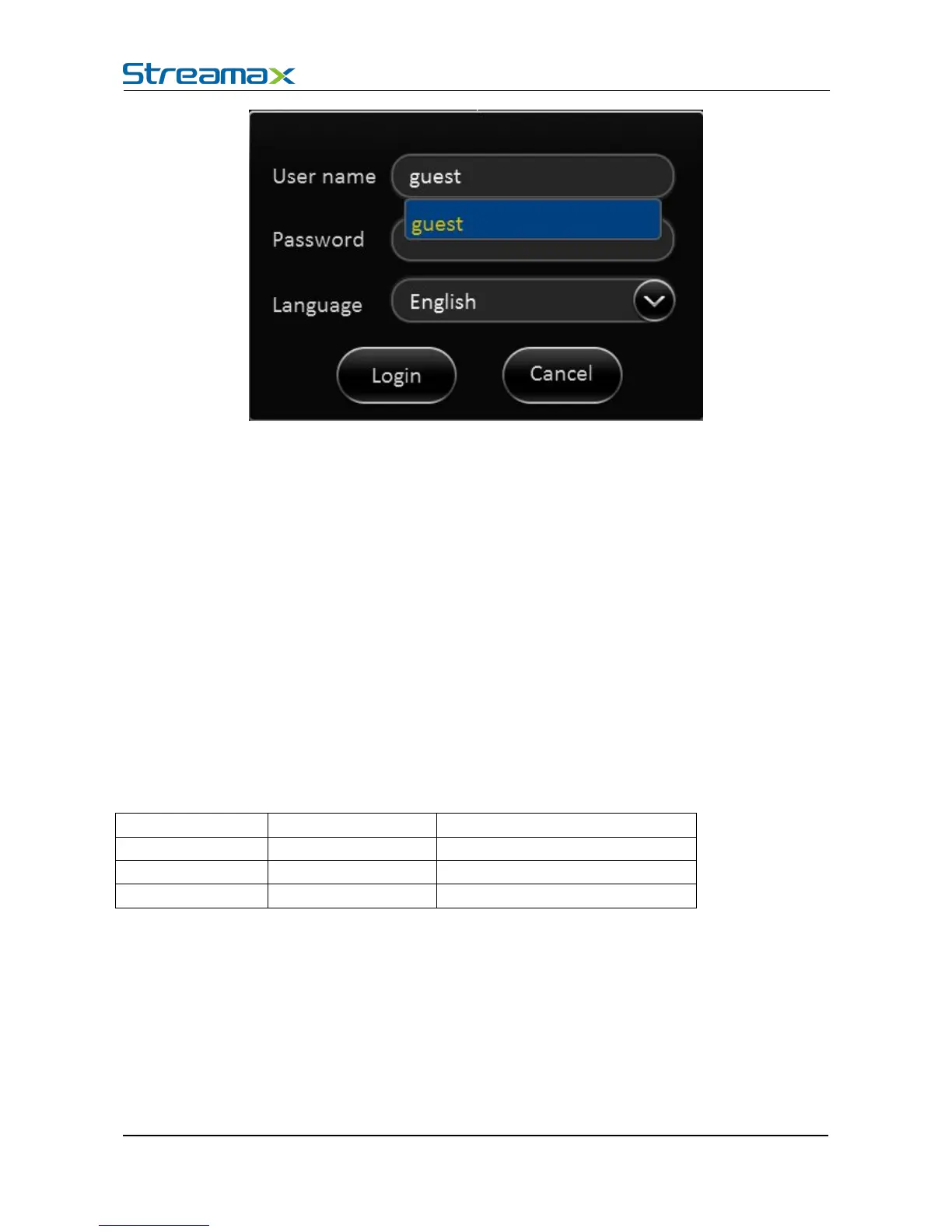
Login interface Introduction:
1) Select users from the drop-down box. There are admin and user as defaults.
2) Currently, it can show two users and one admin at most.
1) User can enter the operation interface if entering the right password;
2) User must enter the right password again if entering the wrong ones;
3) Click cancel to exit the login interface;
1) Support the language switch. "language" (Lang) means the current interface adopts Chinese;
2) It will automatically switch once Selecting the language.
3) Currently, it supports Chinese and English;
4) After switching languages, it will not restore language option when user restores the factory
Default password and permission table is as follows::
The password input Instruction:
1. If the password are numbers, user can enter it via CP4
2. User can click 【ENTER】 or the left click mouse on the remote control.



 To Next Page