User Manual for A5-E0804
For more information, please visit our website www.en.streamax.com
a. Move the cursor to the number position, press 【 Enter 】 or left click mouse button to select the
b. Move the cursor to 【123】, press 【Enter】or mouse to choose input type, such as
the Numbers, letters, or special characters.
【ab】means lower case letters,【123】means numbers,【AB】means capital letters; the highlighted
place of background refers to the current cursor position.
c. Move Cursor to , Press【Enter】or left click mouse to move between the contents that have
d. Move Cursor to , Press 【Enter】or left click mouse to delete the previous input contents.
e. Move Cursor to , Press 【Enter】or the left click mouse to exit the keypad, the entered
contents will be written to the edit box.
f. Move Cursor to【Esc】 position, Press【Enter】or the left click mouse to exit the keypad, the entered
contents will not be written to the edit box
2.2. RECORD SEARCH AND EXPORT
Video search interface contains video file search, video data backup and video playback function.
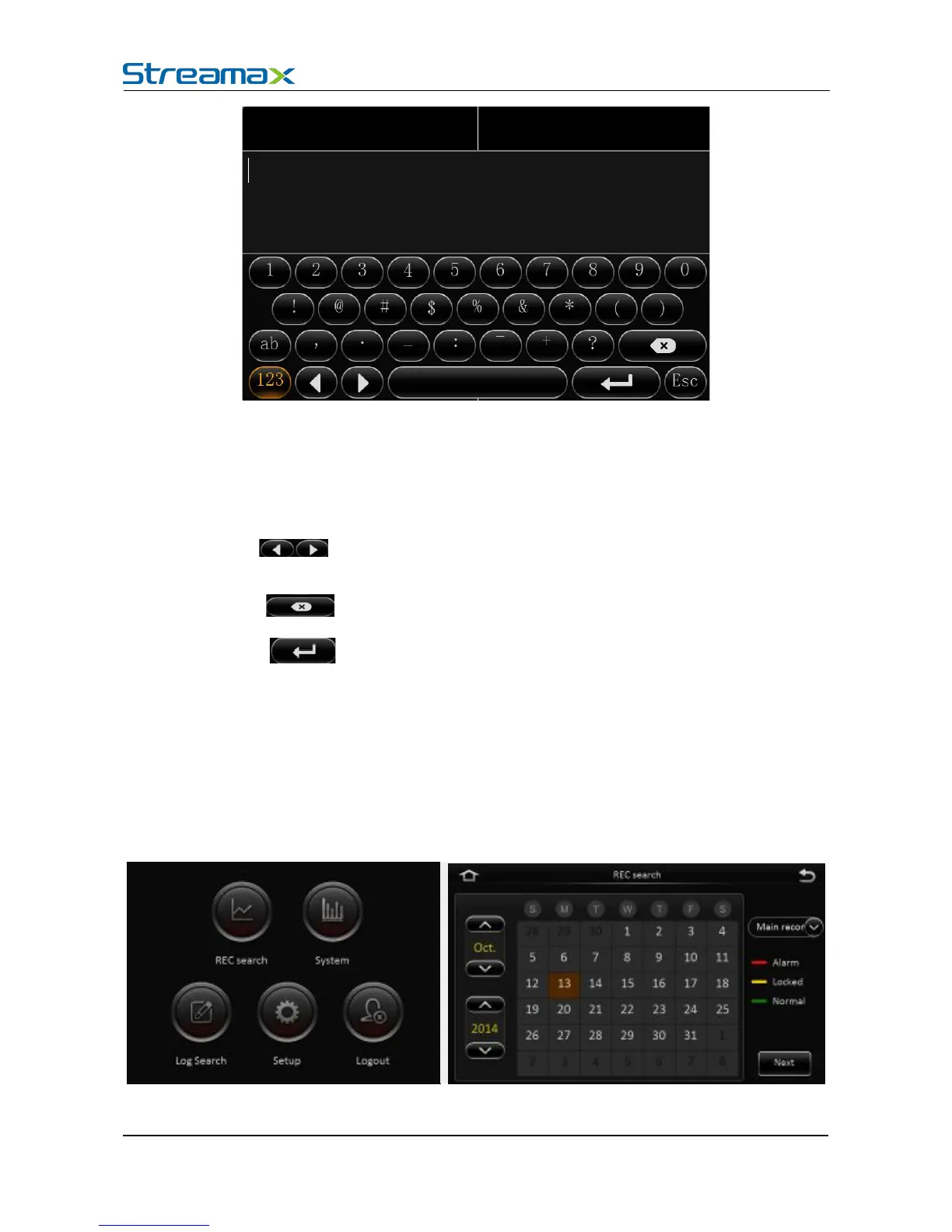
When there is a hard disk or SD card, enter the video search interface. Following is the REC Search
interface:
In the calendar, the color below the dates means:



 To Next Page