User Manual for A5-E0804
For more information, please visit our website www.en.streamax.com
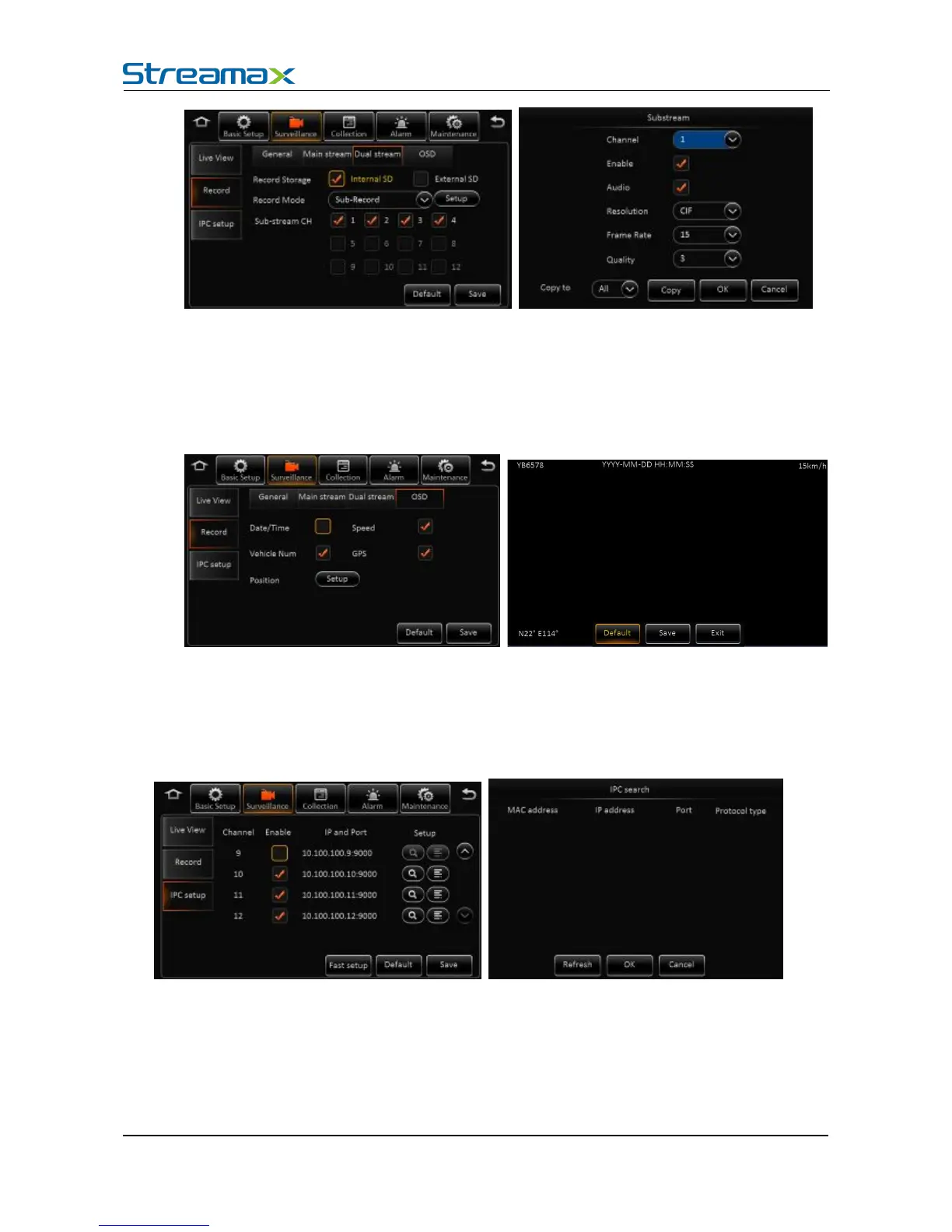
Parameters includes channel number, enable or not, audio, resolution, frame rate and image quality
Can’t record I frame only, record parameters is completely separated from main stream.
Remark:
Main stream +sub-stream total resource can’t over 12M
Embedded key information to video file for easily check when playback.
Channel: 1-16 are default for analog cameras. If selected, then analog camera is invalid. 17-20
channel are for IP cameras
Enable IPC: Enable to operate
IP and port: Display channel number and port
Setup: Search and edit IP camera recording parameters
Fast Setup: Search all the IP cameras in LAN network, and auto assign IP address to IP



 To Next Page