User Manual for A5-E0804
For more information, please visit our website www.en.streamax.com
“IMPORT” to import the parameters, and it will display the notice when import success.
Remark: it won’t import the register info and speed adaption info.
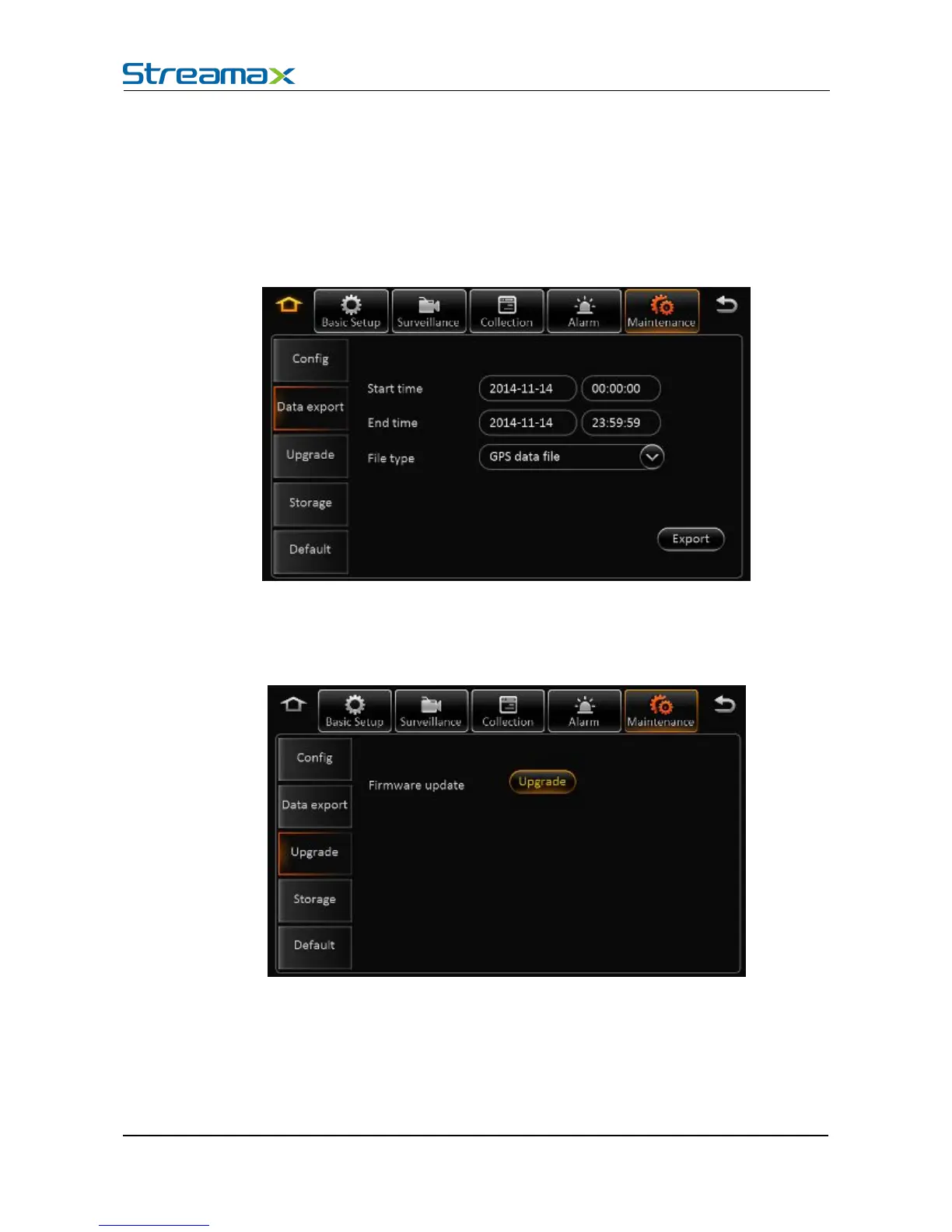
In the Data export page, you can export the appointed file in any time, such as black box data, log
file and so on.
In the page of upgrade, you can upgrade the firmware, MCU for MDVR
Remark:
1) Make sure don’t power off during upgrading.
2) Put the upgrade file into the folder “upgrade”, which is at the root directory if the USB drive
3) It support upgrade firmware, LOGO, MCU, and MCU for CP4.
4) Firmware and MCU will package in one file, and it will upgrade MCU first, and then firmware.
5) The name of the LOGO are: logo_update(10.12.15).jpg and logo_cvbs(11.12.15).jpg



 To Next Page