User Manual for X5-E0804/E0408 V2.0
For more information, please visit our website www.en.streamax.com
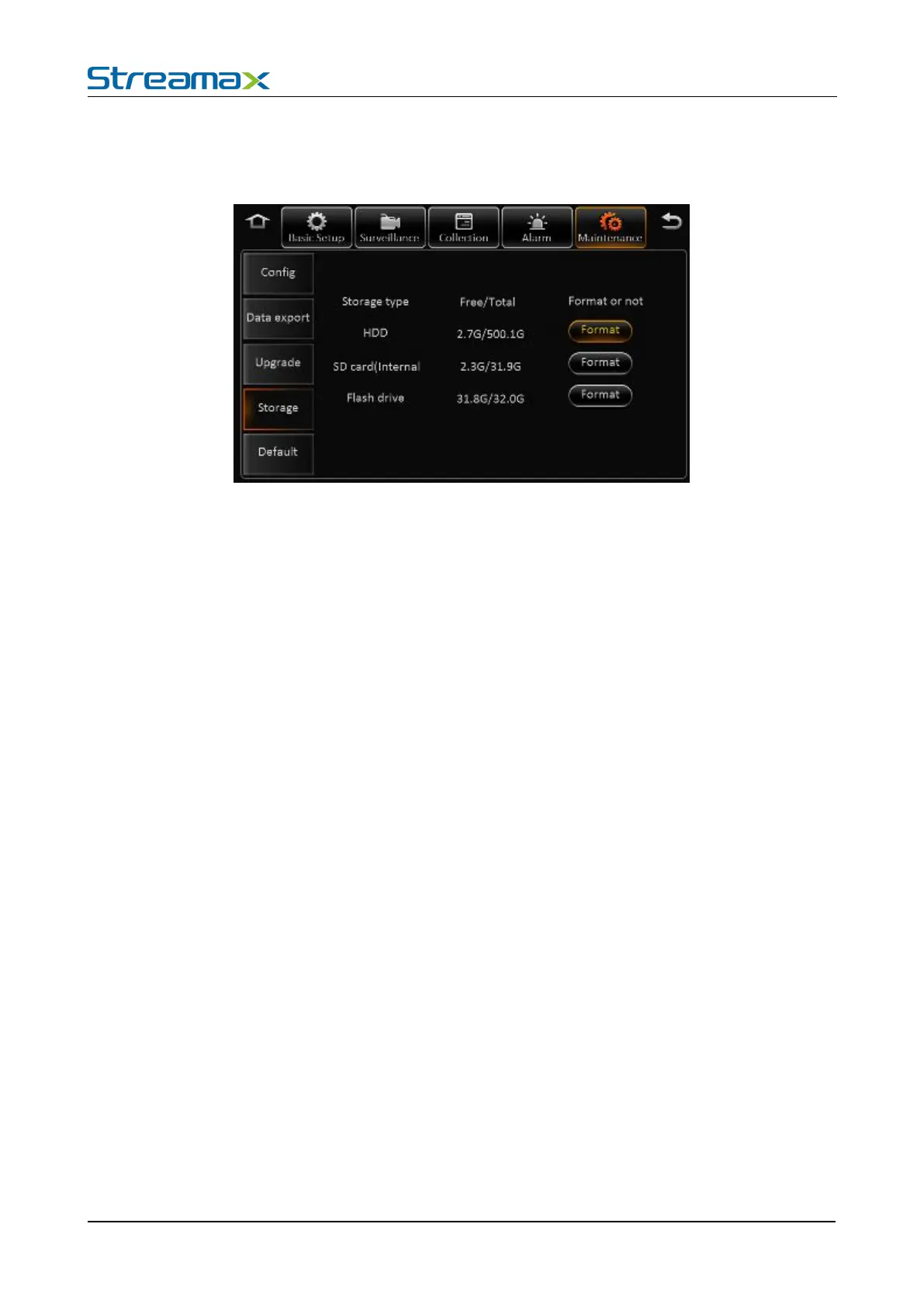
In this page, user can format all the storage.
HDD, SD card (Internal), SD card(External), USB drive
Not exist: Didn’t find the HDD (not install or broken)
Unformatted: Means the HDD has been detected, but unformatted.(New HDD)
Capacity info: Display the correct info means HDD working fine
Click the Format button to start format, if format successful, it will start to recording, and don’t need to
restart, the format time will be around 10 seconds.
Remark: The new HDD and SD card must be format manually at the first time.
In this page, you can click the default button to reset the parameters to factory settings.



 To Next Page