User Manual for X5-E0804/E0408 V2.0
For more information, please visit our website www.en.streamax.com
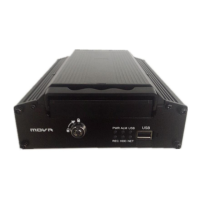
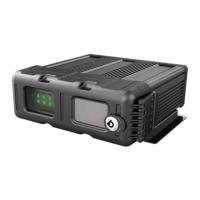
SD card for mirror recording
Works with remote controller
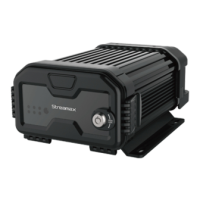
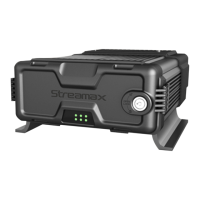
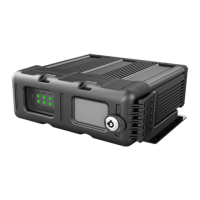
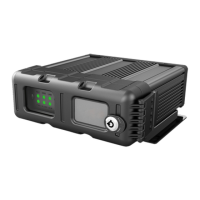
To show the status of different functions
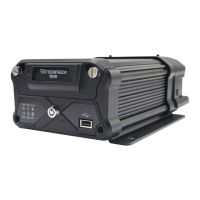
For update/export file, or to connect mouse
Hard disk drive indicator lamp: It is blue when there is hard disk, otherwise, it is light
off.It flashes when hard disk is reading/writing.
SD card indicator lamp: green
GPS Status indicator lamp: It is green when there is module, otherwise, it is light off. It
flashes when there is position information.
Network indicator lamp :It is green when there is 3G/4G module,otherwise, it is light
off. It flashes when there is network.
Heater indicator lamp: It is yellow when it is heating or keeping warm.
Power indicator lamp: blue
Record indicator lamp: It is green when HDD or SD card is recording while it is light off
when it is not recording.
Video loss indicator lamp: It is red when there is video loss, otherwise, it is light off.
Alarm indicator lamp: It is red when there is alarm, otherwise, it is light off.
Error indicator lamp: It is red when there is something wrong with hard disk.



 To Next Page