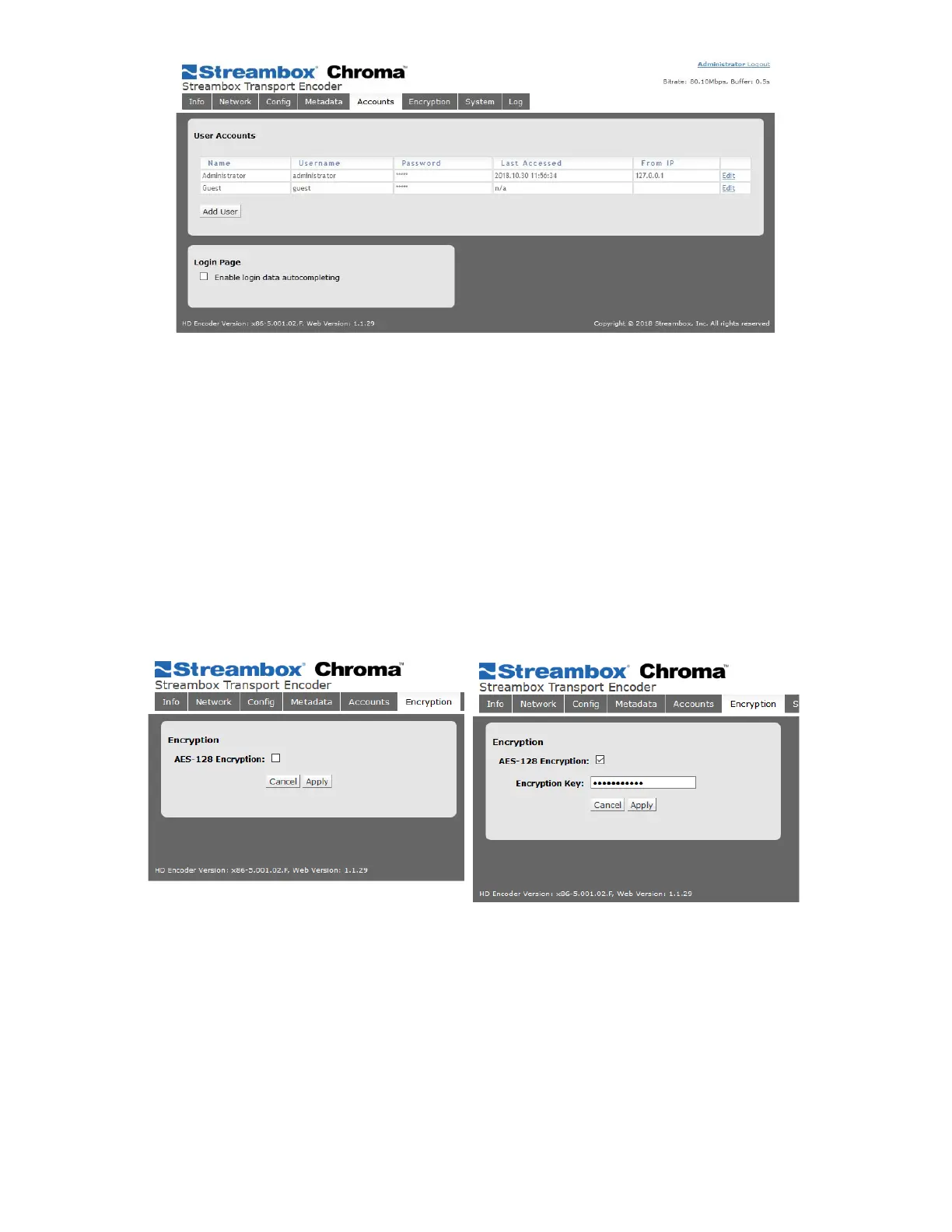
Figure 8 Encoder Web UI Account Page
Use the Add User button to add additional users. There are 3 types of users:
● Administrator: All-access
● Operator: Can access all features and make changes, but cannot create or delete users.
● Guest: Can view all status and settings but cannot make changes.
Login Page
Select the “Enable login data autocompleting” box for the Login form to auto-complete usernames based on
the initial entry by a user.
5.9 Encryption Page
Figure 9 Encryption Page (disabled/enabled)
Streambox Chroma offers the optional feature Stream Encryption, using 128, 192, or 256-bit AES encryption.
This page allows you to start the Activation process (if you’ve paid for an activation key) and, following
activation, enable or disable encryption.
Check the box to enable encryption, and a field will appear in which to enter your Crypto-Key. This key is not
given by Streambox, but rather is the shared-secret phrase that sender and receiver must use. We recommend
that you use both letters and numbers in your crypto-key.



 To Next Page