Features
This chart lists the available features for the hardware, and indicates which ones are activated. Consult the key
in the Activation section of this same page. Not all Chroma hardware can support all listed features.
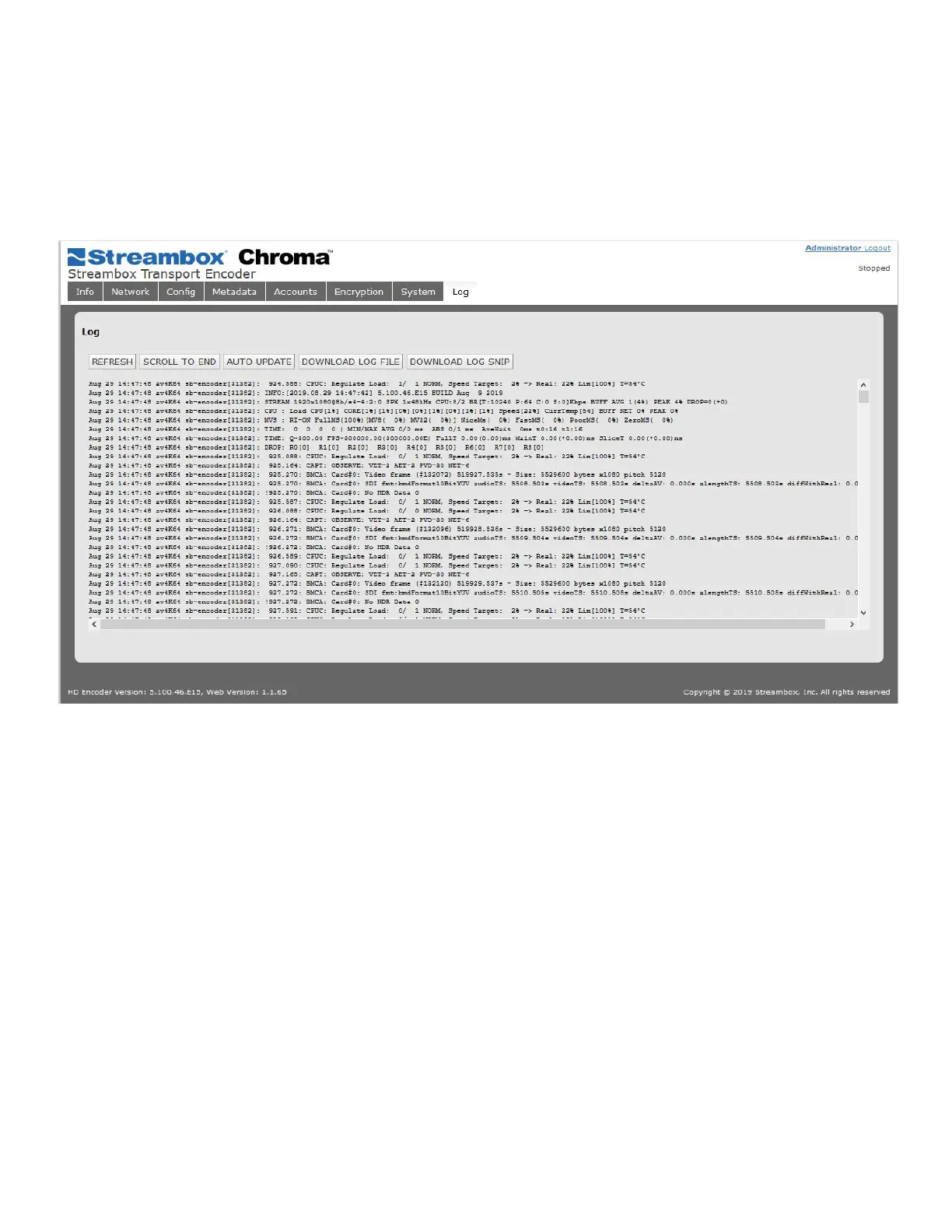
5.12 Log Page
The log page is where the user can preview and download the Decoder application log. This tool is used to
assist in troubleshooting possible issues.
Figure 12 Log Page
REFRESH: Update the current display manually with the most recent lines of the log
SCROLL TO END: Jump to the end of the log stored in the browser buffer
AUTO UPDATE: Enable the Web UI to automatically refresh your view of the log
The following should only be done if requested by Streambox Support:
DOWNLOAD LOG FILE: Download the most recent log file
DOWNLOAD LOG SNIP: Download a previous, snipped-and-compressed log file.



 To Next Page