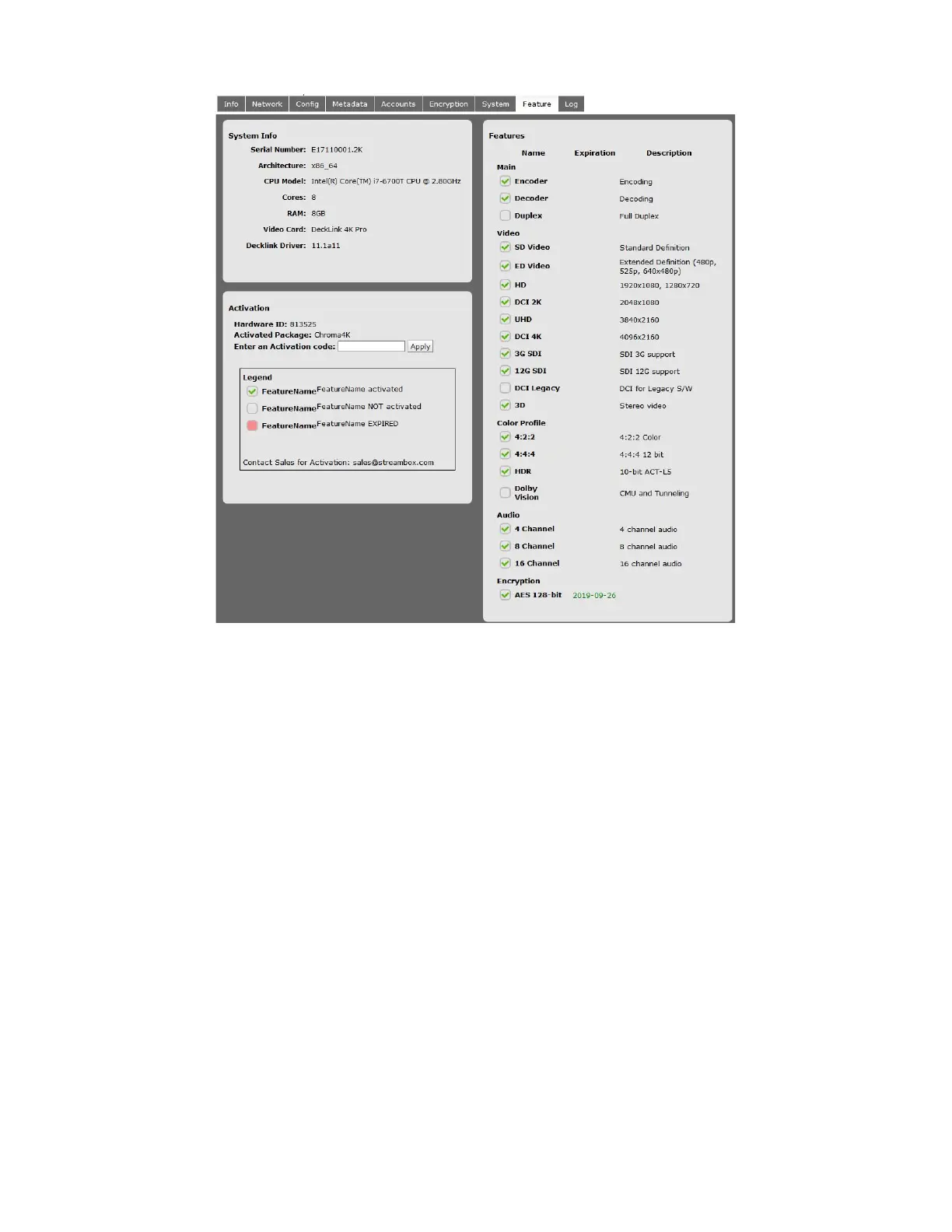
5.11 Features Page
Figure 11 Features Page
The Features tab appears on the Navbar when opened from the System tab. It displays which features are
enabled on the Chroma, and can also indicate expiration dates for features that have a time limit.
System Info
This section displays some hardware specifications of the Chroma, including Serial Number, CPU specs,
memory, and info about the video card.
Activation
This section displays the Hardware ID of the Chroma, which will be needed by Streambox Support to create
activation codes to enable optional add-on features.
Activated Package identifies the core functionality that has been enabled on the machine.
Enter an Activation Code has an entry field for entering the 9+ digit codes generated by Streambox to add
features or feature expiration dates.
Below those items is a key for understanding the features chart



 To Next Page