Switch to Encoder: Stop the Decoder software and switch modes to Encoder mode.
Advanced Mode: Open the Legacy web UI which has additional settings and diagnostics
Features: Open the Features page to view current activations or add additional features.
Demo: [Not yet implemented.]
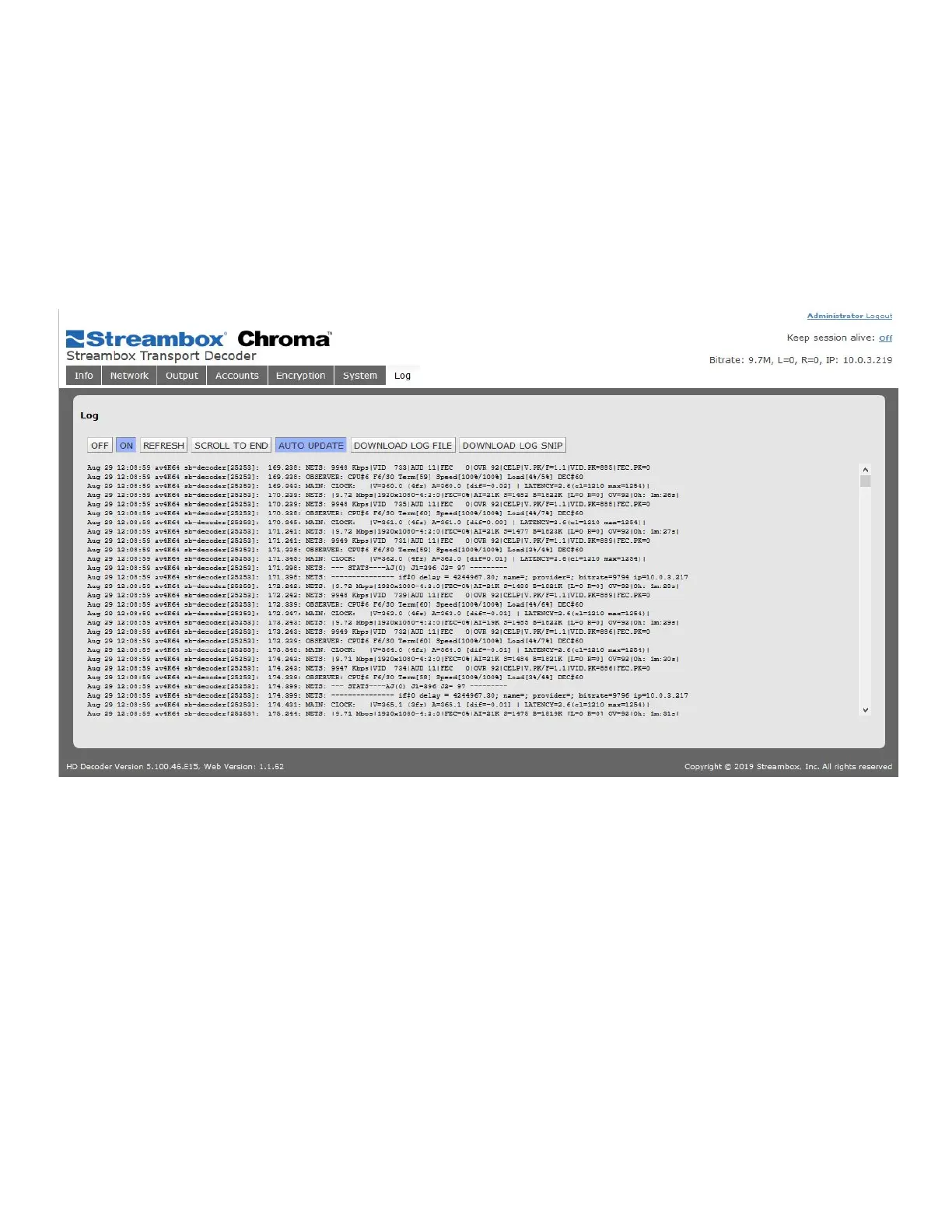
6.09 Log
The log page is where the user can preview and download the Decoder application log. This tool is used to
assist in troubleshooting possible issues.
Figure 24 Decoder Log Page
REFRESH: Update the current display manually with the most recent lines of the log
SCROLL TO END: Jump to the end of the log stored in the browser buffer
AUTO UPDATE: Enable the Web UI to automatically refresh your view of the log
The following should only be done if requested by Streambox Support:
DOWNLOAD LOG FILE: Download the most recent log file
DOWNLOAD LOG SNIP: Download a previous, snipped-and-compressed log file.



 To Next Page