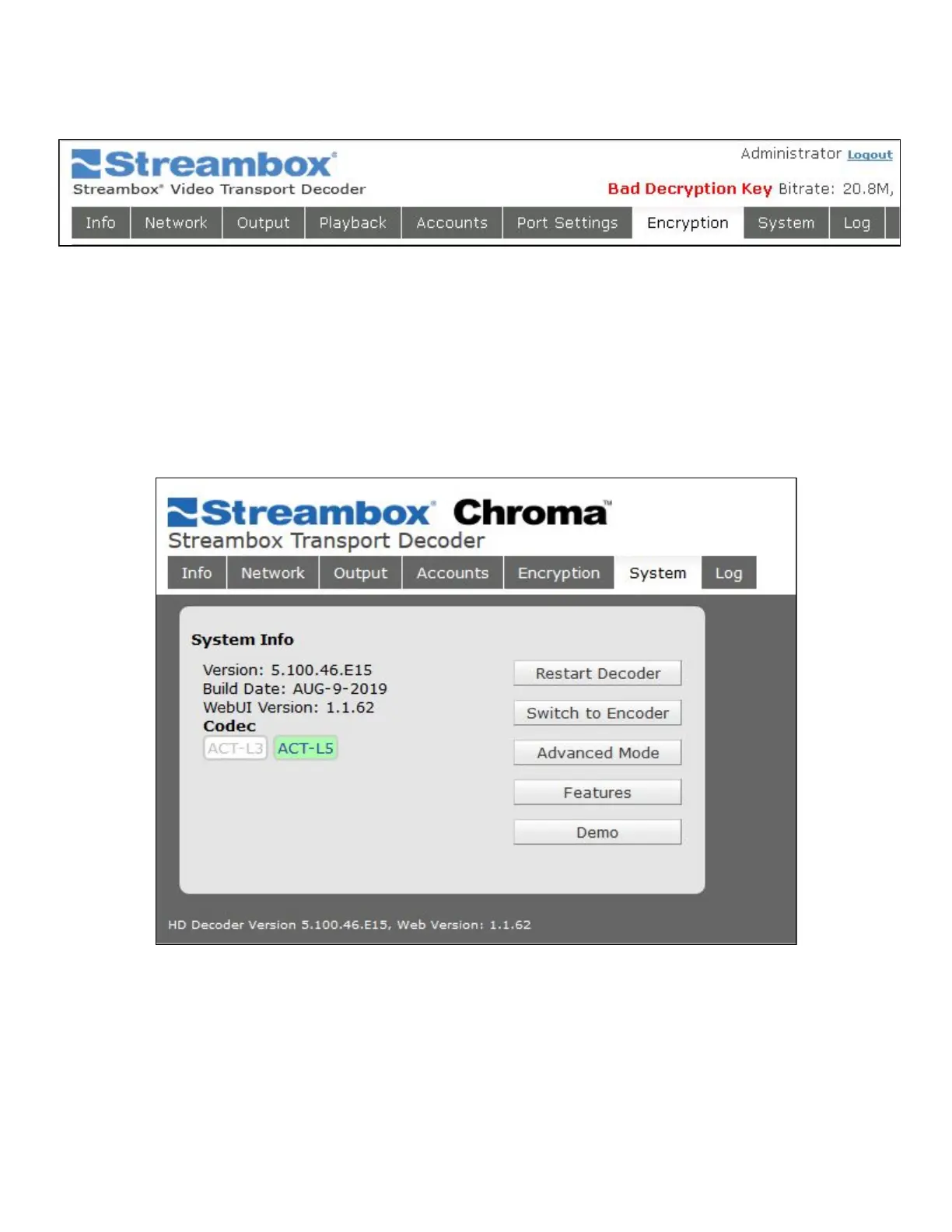
If the stream is Encrypted, but the Decryption Key entered by the decoder user is not a match, the status line
will report Bad Decryption Key:
Figure 22 Decoder Web UI Encryption Failure
NOTE: If the Encoder stream is not encrypted, there is no need to clear out the Decryption Key.
6.8 System Page
The system page allows system functions to be performed on the unit and it displays the serial number,
version and firmware. Here you can also switch between ACT-L3 and ACT-L5 codecs.
Figure 23 Decoder Web UI System Page
Codec: The current codec is highlighted green, and also indicated by the Version number, which will begin
with a 3 for ACT-L3, and 5 for ACT-L5. Encoder and decoder must match codecs in order for a successful
stream.
Restart Decoder: restarts the Decoder software application; it takes only a fraction of a second but will
interrupt a stream.



 To Next Page