7.6 Toggle Stream on Boot
Navigate to System Settings by selecting Settings -> System -> Others -> Strm on boot or directly by
appending the following URL’s to the base IP address (see example above)
/avenir/settings_encautostart.php
This setting allows the user to enable or disable the option to have Chroma start streaming automatically
when booting up. Enable this if the unit is used in a permanent or unattended backhaul workflow. Disable this
if the Chroma is streaming to the Cloud, or used only for discrete streams.
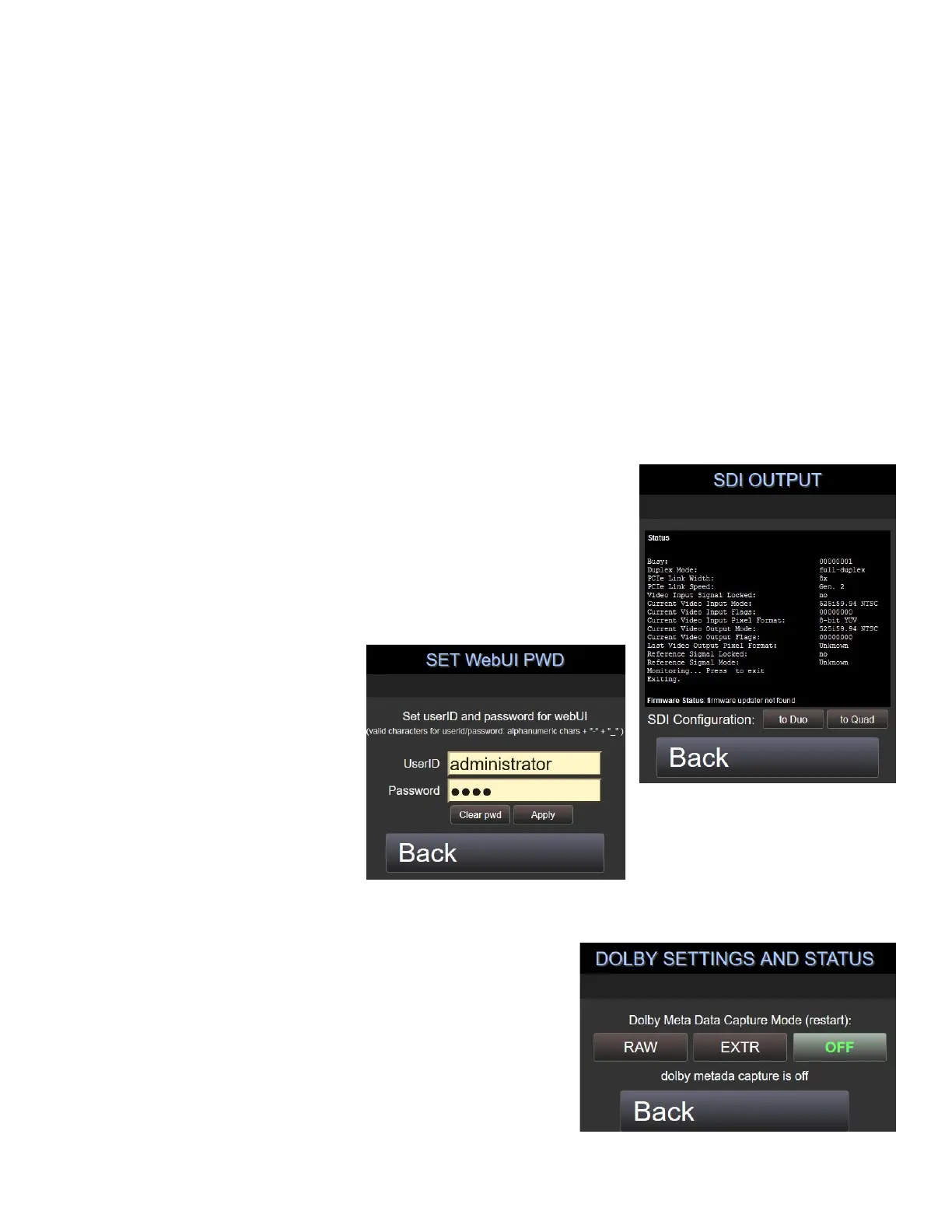
7.7 Quad / Duo Input/Output Mode (Chroma 4K Only)
Navigate to System Settings by selecting Settings -> System -> Others -> SDI OUT or directly by appending the
following URL’s to the base IP address (see example above)
/avenir/settings_sdiout.php
This setting applies only to 4K Chromas with the 8K Pro hardware installed (see the Features page in the
Encoder or Decoder UI to view hardware specs)
Set Quad Mode to allow 4x 3G-SDI Input or Output. Also known as Half
Duplex Mode.
Set Duo Mode to use 2x 6G-SDI or single 12G Input with simultaneous 2x
6G-SDI Output or single 12G, for monitoring. Also known as Full Duplex
Mode. Set Single (for 12G) or Dual (for 2x 6G) mode in the
Encoder/Decoder Config
7.8 WebUI Password
Navigate to System Settings by
selecting Settings -> System -> Others
-> webUI pwd or directly by
appending the following URL’s to the
base IP address (see example above)
/avenir/settings_webuipwd.php
With the Firmware Update v1.1.1, this setting will allow the admin user
to enable and set a password on the Advanced Web UI.
7.9 Dolby Audio Settings
Navigate to System Settings by selecting Settings -> System ->
Others -> DOLBY or directly by appending the following URL’s to
the base IP address (see example above)
/avenir/settings_dolby.php
Enable and set up Dolby Audio Settings (not supported on all
hardware)



 To Next Page