5 Encoder Web Administration
In addition to the standard console interface, the Streambox Encoder may also be equipped with a web
management feature. This allows the Encoder to be easily controlled using a web browser on any computer
with network access to the unit. The web interface uses advanced html which allows dynamic updates of the
web interface so that information is updated without having to refresh the page. The web interface can be
accessed by entering the IP address of the Streambox Encoder into a web browser .
5.1 Login Page
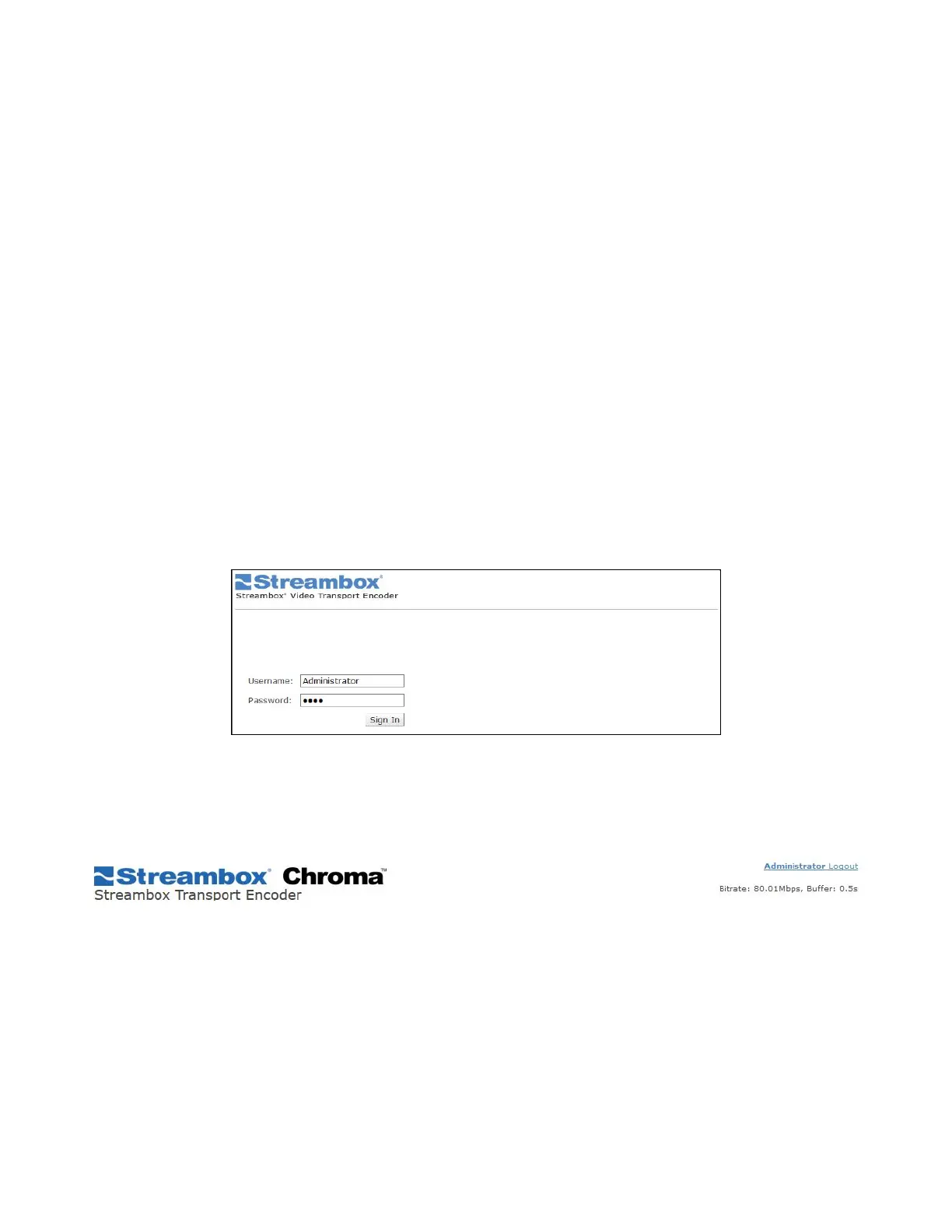
When first connecting to the web interface of the Streambox ACT-L3/L5 Encoder or Decoder you are
prompted for the Username and Password to access the interface. This username and password is specific to
the web interface and is not shared by the console or RDP interfaces. The login and password are
case-sensitive. The default credentials are:
Username: administrator
Password: demo
Figure 1 Encoder Web UI Login Page
5.2 Title Bar
The title bar contains the Streambox logo, product information, and important information about the
Streambox stream.
5.3 Info Page
The Info page is the main interface for Streambox Chroma Encoder and provides an instant view of the current
video and network settings.



 To Next Page