43
INSTALLATION & MOUNTING
● In any case, make sure the device is securely and safely placed.
● Keep the appropriate distance between the device and any other object. Do not block or
cover ventilation outlets.
● Remember the Projector needs to be parallel and perpendicularly to the wall or projection
screen.
● Use and store the device in a dust-free, clean place at room temperature. Do not place
the device near the air conditioning.
● Do not cover the ventilation openings as it will lead to overheating and eventually
damage.
● The brightness of the room is crucial to the quality of the image projected. Reduce the
external brightness for the optimum image.
Before using your device, select an appropriate spot for the Projector. Follow the instructions and
hints below for optimum usage.
You can place the Projector on a desktop, shelf, or tripod. In any case, you need to make sure that
the Projector is placed rmly and horizontally, or at a slight angle (front to back). Do not install the
device vertically or at an angle. Do not place any objects on the Projector and nothing around it in
close vicinity.
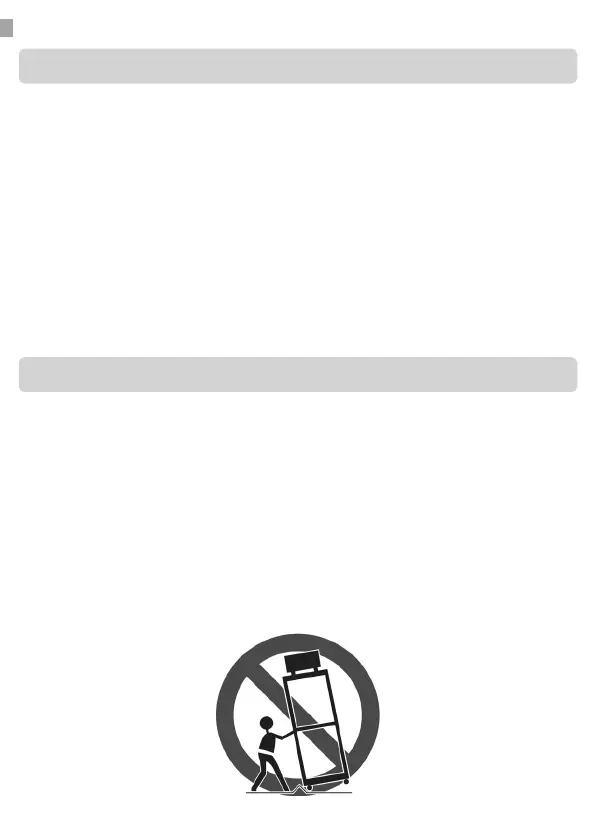
Do not place the Projector on an unstable cart, stand, or table. The Projector may fall, causing
serious injury to a child or adult and serious damage to the Projector. Use only with a cart or stand
recommended by the manufacturer, or sold with the Projector.
An appliance and cart combination should be moved with care. Sudden stops, excessive force, and
uneven surfaces may cause the appliance and cart combination to overturn.
Installation
Mounting


 To Next Page