48
WIRELESS SCREEN MIRRORING
Preparing the projector for the screen mirroring function
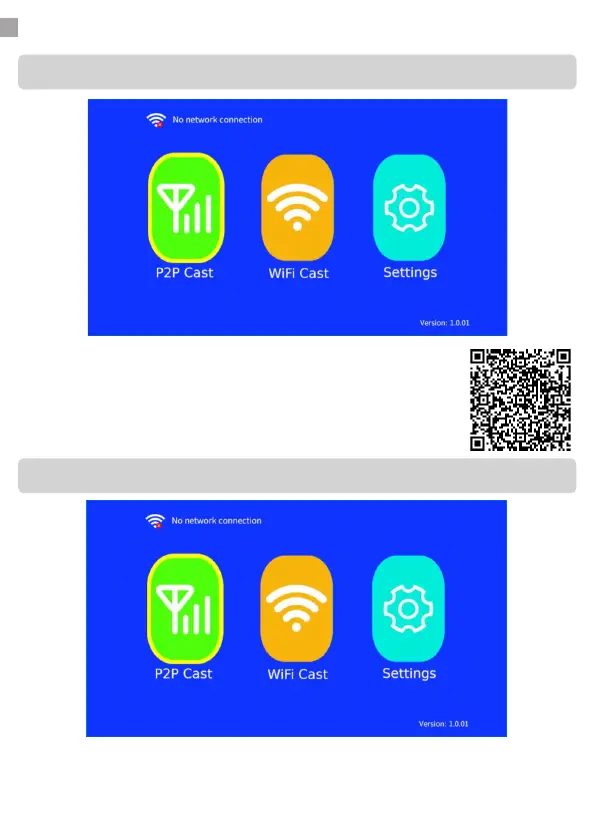
1. Select MCAST using the SOURCE button on the projector or via the
remote control. You will now arrive at the home screen above. This is
the main screen for the screen sharing function.
2. Now choose one of the connection methods below. Each method has
its own advantages and disadvantages. Choose a method that is most
suitable for your scenario.
1. Go to settings. Click on WiFi and connect to your WiFi network. After
you have successfully connected to your WiFi network, press the back
button.
RECOMMENDED: Screen mirroring using a WiFi connection
Instruction video


 To Next Page