4. Navigation User Manual
Getting Started
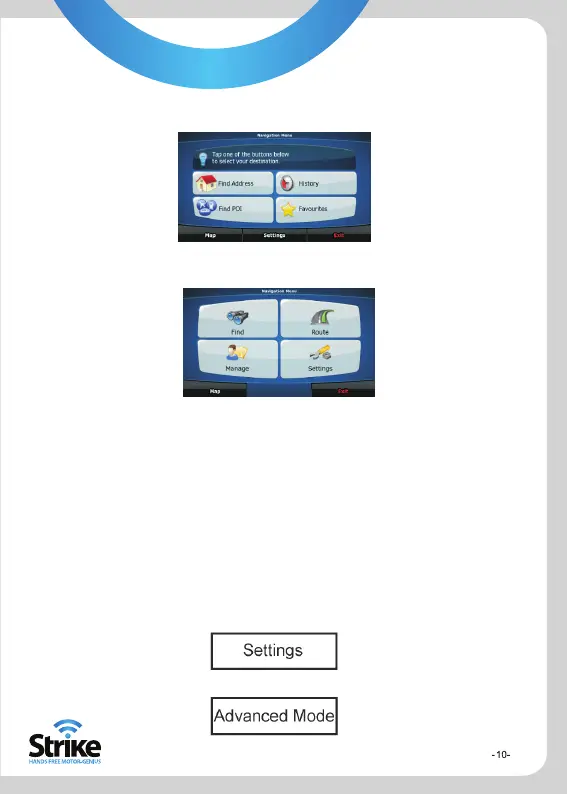
Advanced Mode
Simple Mode
When the Strike Genius GPS BT software is started for the first time, you need to
select whether to start the program in Simple or Advanced mode. The two
operating modes of the Strike Genius mainly differ in the menu structure and the
number of available features. The controls and screen layouts are the same.
Simple Mode: You have easy access to the most important navigation functions
and the basic settings only. The rest of the settings are set to values that are
optimal for typical use.
Advanced Mode: You have access to the full functionality of the Strike Genius.
This guide covers actions in Simple mode. To switch from Simple to Advanced
mode, on the startup screen (Navigation Menu), select:


 To Next Page