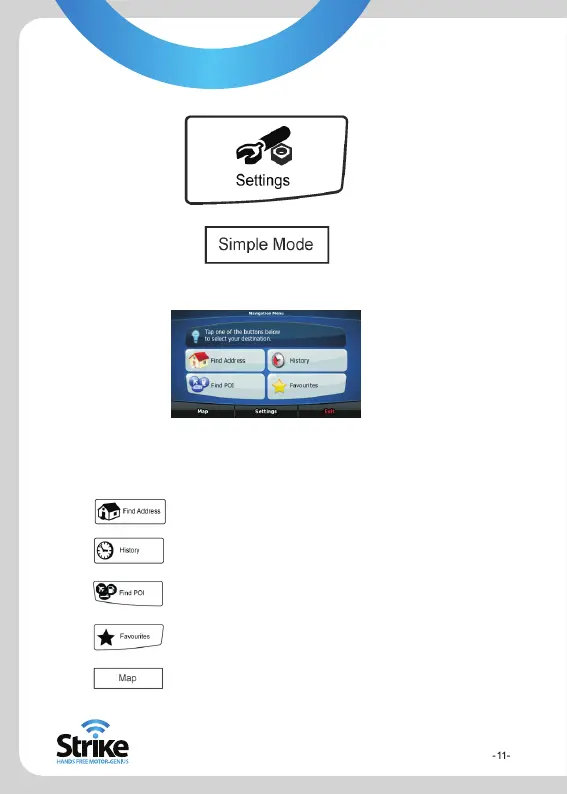
To switch from Advanced mode to Simple mode, on the startup screen
(Navigation Menu), select:
Startup screen: the Navigation Menu
After selecting Simple mode, the Navigation
menu appears. From here you can reach all
parts of the Strike Genius.
Tap
Tap
Tap
Tap
Tap
to specify an address as your detination
for the list of recent destinations
to select one of the stored Points of Interest
for the list of your favourite destinations
to navigate or browse the map


 To Next Page