Selecting Street Screen
On the Map screen, tap to return to the Navigation Menu
In the Navigation menu, tap
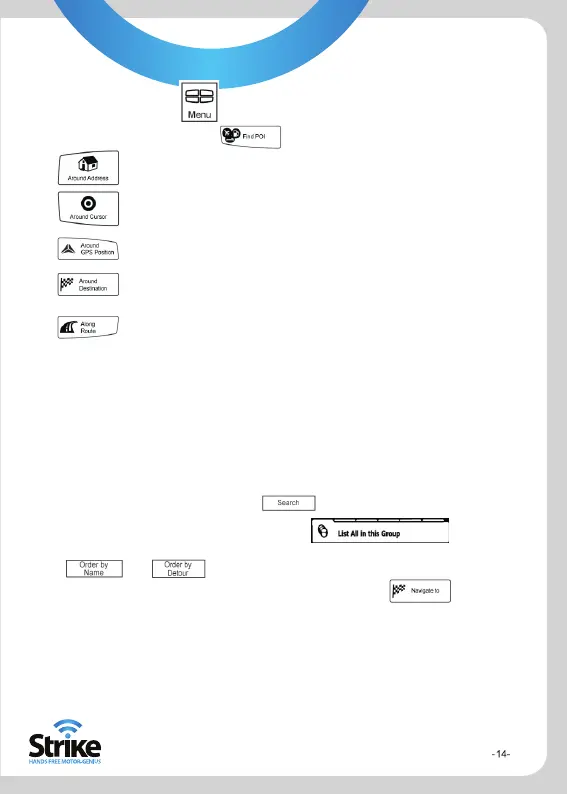
Point Of Interest will be searched for around a given address
Point Of Interest will be searched for around the Cursor
Point Of Interest will be searched for around the current GPS
postion
Point Of Interest will be searched for around the destination of the
active route
Point Of Interest will be searched for not around a given point, but
by the size of the detour it adds to the active route. This can be
useful if you search for a later stopover that causes only a minimal
detour, for example upcoming petrol stations or restaurants.
After this, the list of POI categories appear.
You can narrow the search with the following:
Select the POI group (i.e. Accommodation), and after that, if needed, select
the POI subgroup (e.g. Hotel or Motel)
To find the POI by its name, tap ,and use the keyboard to enter a
part of the name
To list all POIs in a given POI group, tap
[Optional] When the list of results appear you can change the list order with the
or button
Navigating to a POI
The map appears with the selected point in the middle. Tap from the
Cursor menu. The route is then automatically calculated, and you can start navigating.



 To Next Page