11
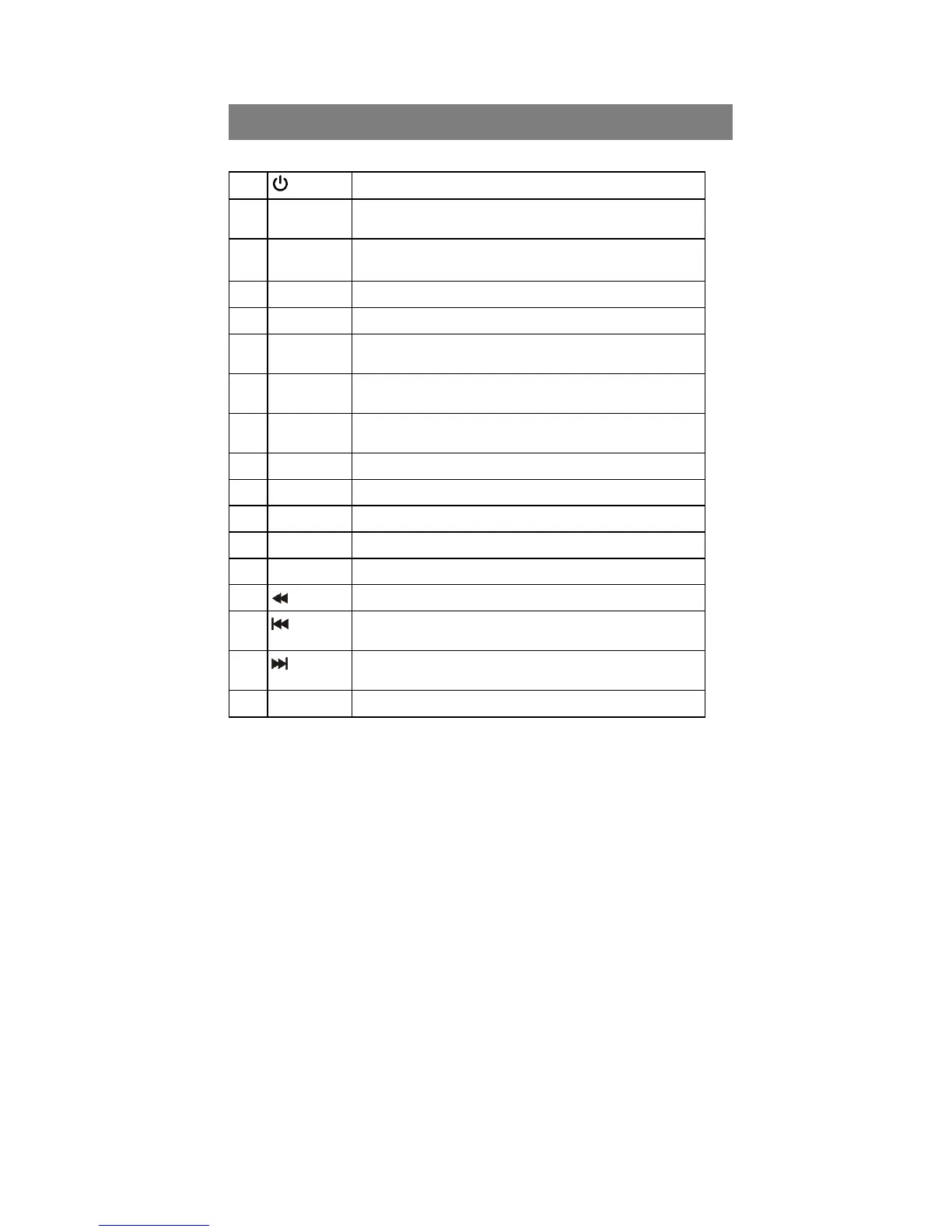
Remote Control Unit
1
To switches between power-on and stand-by modes.
2 0–9
To choose a channel directly,or to numeria information
a menu.
3 MULTI
PICTURES
MULTI –PICTURE
4 EPG
To show the TV and radio program guide
5 MENU
To display the main menu,or return to a previous menu.
6 VOL(◄/►)
To change the volume in viewing mode,or to change an
tion or setting in a menu.
7 OK
To show the channel list in viewing mode,and to select
an item(or confirm a choice) in a menu.
8 FAV
To display the favourites list in viewing mode,and to
select a favourite
9 RECALL
To return to the prebious channel or station
10 SAT
To display SAT list.
11 ZOOM
Press to Zoom-in and Zoom-out picture.
12 SLOW
To show the playback of a movie
13 TXT
14
To fast rewind a movie or music track
15
To go to the start of a movie or music track,or show the
previous photo
16
To go to the end of a movie of music track ,or show the
next photo.
17 USB
To display the USB list



 To Next Page