EasyManua.ls Logo

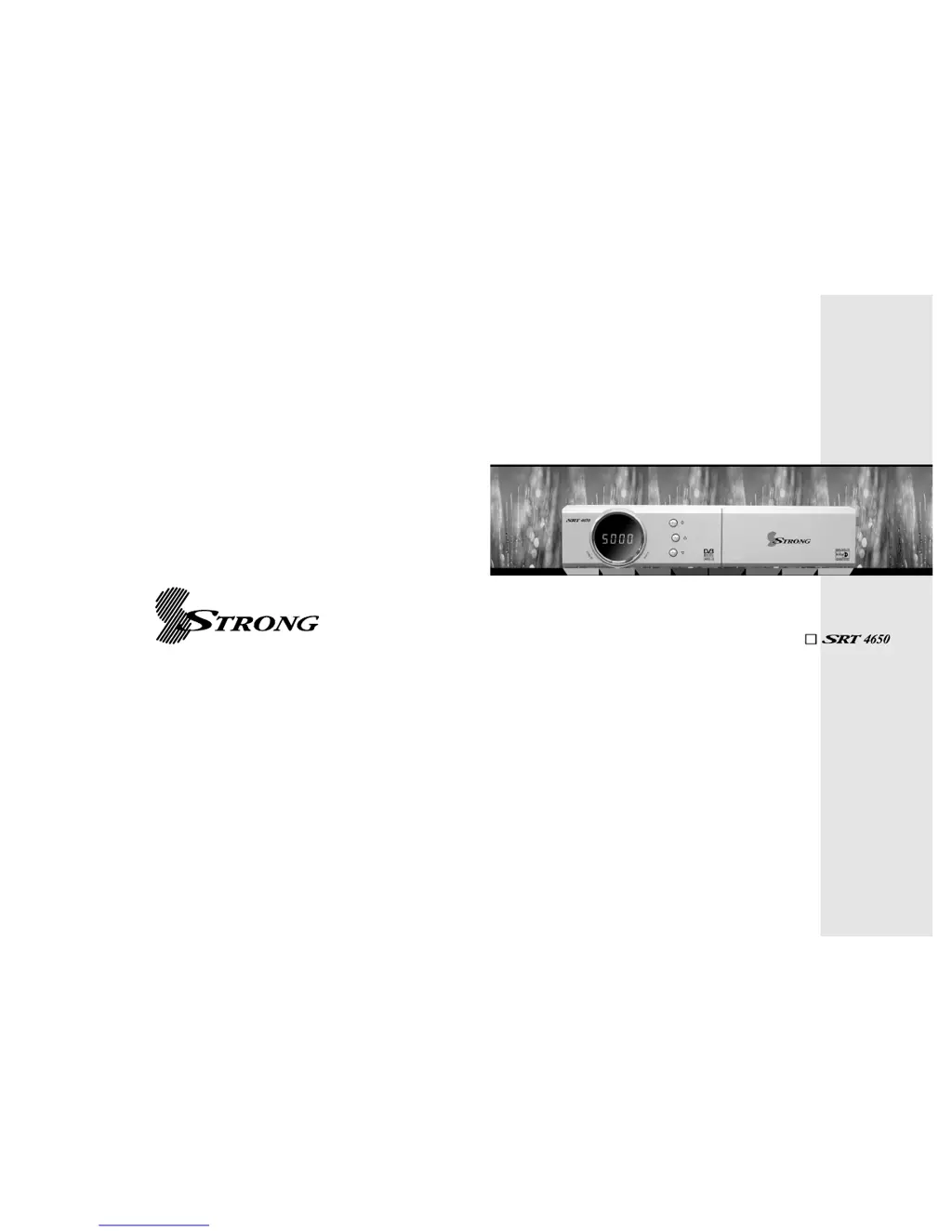
Strong SRT 4650 - User Manual

Strong SRT 4650
20 pages
Print Icon
To Next Page IconTo Next Page
Loading...
E109000257A
USER’S MANUAL
Digital Satellite Receiver
STRONG&Co.
(
FAR EAST
)
, LTD.
P. O. Box:85, YOKOHAMA, KANAGAWA-KEN
JAPAN 231-91
-
FAX:+81 45 662-4957
Website:www.strong-technologies.com
E-mail:tech@strong-technologies.com

Questions and Answers

  • A
    Amanda WatkinsAug 1, 2025
    What to do if there is no picture or sound on my Strong SRT 4650 Receiver?
    • J
      Joseph AllenAug 1, 2025
      If your Strong Receiver shows no picture or sound, it could be due to several reasons: * Incorrect connection of video/audio output: Ensure the RCA or RF cables are correctly connected between the receiver and the TV input terminal. * Satellite antenna cable: Verify the antenna cable is properly connected. * Antenna direction: Adjust the direction of your satellite antenna. * Weak signal: Check all cable connections, the LNB, and any other equipment between the LNB and the receiver. You might also need to adjust the antenna. * Incorrect channel information: Double-check and correctly input the channel setting values in the MENU screen.
  • C
    csuttonAug 7, 2025
    How to fix Strong SRT 4650 Receiver remote controller that is not working?
    • D
      Dr. Lindsay Silva PhDAug 7, 2025
      If the remote controller for your Strong Receiver isn't working, here are a few things to try: * Check the batteries: Replace them if they're exhausted. * Fluorescent light interference: Switch off any nearby fluorescent lights that may be interfering with the remote controller's signal. * Aim correctly: Ensure you are aiming the remote control directly at the receiver.
  • G
    Glen StevensAug 15, 2025
    Why is the LED light not on for my Strong SRT 4650?
    • K
      Kevin CardenasAug 15, 2025
      If the LED light on the front panel of your Strong Receiver isn't lighting up, it's likely that the AC power cord is disconnected. Ensure the power cord is properly connected to the power socket.
  • S
    Stephen DeleonAug 23, 2025
    What to do if my Strong SRT 4650 shows a black-and-white screen?
    • J
      Julia GarciaAug 23, 2025
      A black-and-white screen or V-Hold issue on your Strong Receiver typically occurs when your TV mode (PAL/NTSC) is different from the satellite broadcasting mode. To resolve this, use a TV of the same mode or connect a NTSC/PAL converter between the receiver and the TV.

Summary

Introduction

1.1 Overview

Receiver for free-to-air channels, up to 5,000 channels.

1.2 Main Features

Lists key features like MPEG-II, DVB compliant, OSD, DiSEqC, etc.

Safety and Precautions

2.1 Safety

Safety instructions including reading manual, avoiding wet hands, not opening cover, ventilation, professional installation.

Safety and Precautions (Continued)

2.2 Precautions

Precautions for installation, avoiding water, humidity, direct sunlight, extreme temperatures, and condensation.

Points to Check before Use

3.1 Accessories

Lists included accessories like user's manual, remote control, batteries, and RCA cable.

3.2 The Satellite Dish

Mentions proper installation and setup of the satellite dish, supporting DiSEqC 1.2.

Controls and Functions

4.1 Front Panel

Describes the controls and indicators on the front panel of the receiver.

4.2 Rear Panel

Details the connectors and their functions on the rear panel.

Controls and Functions (Continued)

4.3 Remote Controller

Explains the functions of each button on the remote control.

How to Connect

Connecting the Receiver to a TV with RF Connectors

Step-by-step guide for connecting the receiver to a TV using RF and AV connectors.

Operation

6.1 Getting Started

Initial setup process, starting with menu language selection.

Operation (Continued)

6.1 Getting Started (Continued)

Configuration of satellite dish settings, including LNB, DiSEqC, and motor settings.

Antenna Setup

Configuration of satellite dish settings, including LNB, DiSEqC, and motor settings.

Satellite Scan

Process for scanning for available channels, including auto and manual scan.

Operation (Continued)

6.1 Getting Started (Continued)

Details manual scan, package identifier scan, and OTA menu for software updates.

Satellite Scan (Continued)

Details manual scan, package identifier scan, and OTA menu for software updates.

Operation (Continued)

6.1 Getting Started (Continued)

How to navigate and select channels, including using channel lists and sorting options.

Channel Selection

How to navigate and select channels, including using channel lists and sorting options.

Other Functions of the Remote Control

Explains volume control, channel information, TV/SAT switching, TV/RADIO switching, recall, subtitle/audio settings.

Operation (Continued)

6.1 Getting Started (Continued)

Features like Teletext, video pause/zoom, channel groups, and multi-picture display.

Teletext, Pause, Group, Multi Picture Display

Features like Teletext, video pause/zoom, channel groups, and multi-picture display.

System Setting

1) Time Settings

Setting local time, wake-up time, and sleep time.

System Setting (Continued)

2) A;V Output Settings

Configuring audio language, subtitle language, video format, screen format, RF type, RF channel, and SPDIF.

3) OSD Settings

Adjusting menu language, OSD transparency, and information/volume timeouts.

4) Security Settings

Setting up password options, receiver lock, install lock, channel lock, and age limit.

System Setting (Continued)

4) Security Settings (Continued)

Details on changing passwords and default password.

Database Reset, Calculator, Data Transfer

Factory reset, calculator, and data transfer features.

Channels

1) Set Favorites

How to set up and manage favorite channel groups.

2) Edit Channels

Renaming channels and editing PID data for optimal signal reception.

3) Move Channels

How to move channels within the channel list.

Channels (Continued)

4) Lock Channels

Locking channels to restrict access, requiring a password.

5) Skip Channels

Setting channels to be skipped during channel navigation.

Channels (Continued)

6) Delete Channels

Deleting channels from the receiver's database.

Electronic Program Guide

1) EPG

Accessing and using the Electronic Program Guide for program information and reservations.

Electronic Program Guide (Continued)

2) Timer

Setting on/off times for the receiver, including wake-up and sleep functions.

Games

1) Tetris

Playing the Tetris game, with skill level selection and controls.

Games (Continued)

2) Sokoban

Playing the Sokoban game, with skill level selection and controls.

3) Snake

Playing the Snake game, with skill level selection and controls.

System Information

Receiver Details

Checking receiver model, software/hardware versions, and manufacturing date.

Troubleshooting

Specifications

Strong SRT 4650 Specifications

General IconGeneral
BrandStrong
ModelSRT 4650
CategoryReceiver
LanguageEnglish

Related product manuals