EasyManua.ls Logo

Strong SRT 5303 - User Manual

Strong SRT 5303
21 pages
Print Icon
To Next Page IconTo Next Page
Loading...
www.strong.tv
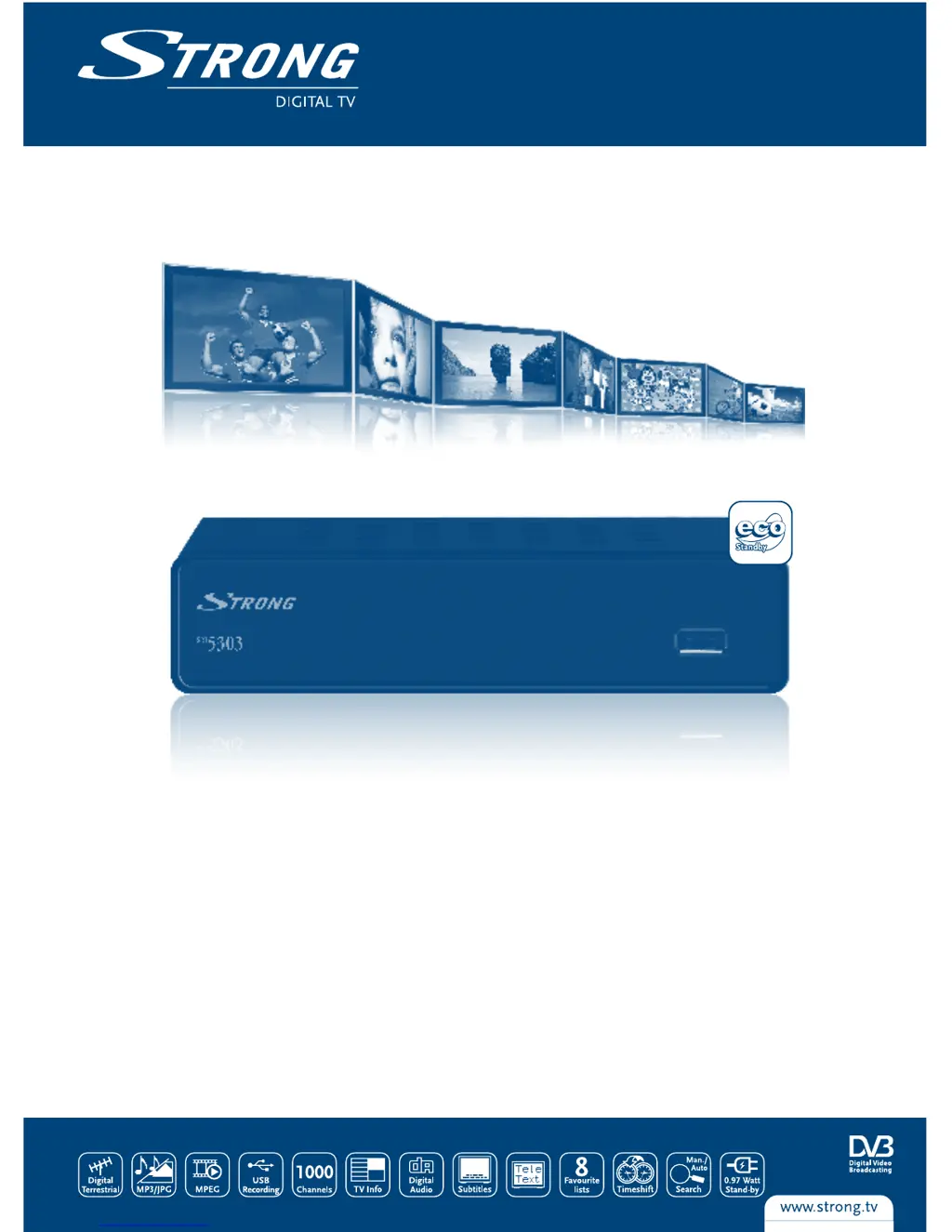
Digital Terrestrial Receiver SRT 5303
Picture similar
User manual
Bedienungsanleitung
Manuel d’Utilisateur
Manuale Utente
Manual del usuario
Návod k obsluze
Používateľská príručka
Upute za korištenje

Questions and Answers

  • A
    Amy MitchellAug 6, 2025
    Why is my Strong SRT 5303 not responding to the remote control?
    • K
      keith93Aug 6, 2025
      If your Strong Receiver isn't responding to the remote control, ensure the receiver is plugged in and turned on. Aim the remote directly at the front panel, check for any obstructions blocking the signal, and replace the remote batteries.
  • B
    biancaandrewsAug 10, 2025
    What to do if my Strong Receiver says 'No signal found'?
    • M
      Marie HamiltonAug 11, 2025
      If you're getting a 'No signal found' message on your Strong Receiver, check the aerial lead to ensure it's properly connected. Inspect the aerial for any damage or misalignment. If you are in an area of weak digital signal, consult with a dealer. If using an active antenna, switch the receiver’s Antenna Power ON or connect external power.
  • E
    Emily EdwardsAug 14, 2025
    Why is there no picture or sound on my TV from the Strong SRT 5303?
    • K
      kim90Aug 15, 2025
      If there is no picture or sound on your TV when using the Strong Receiver, switch to the correct TV input or switch the VCR on. Also, make sure the TV is switched on.
  • M
    Michelle ObrienAug 19, 2025
    What to do after moving the Strong SRT 5303 Receiver, I am no longer able to receive digital reception?
    • B
      Barbara HuertaAug 19, 2025
      If, after moving your Strong Receiver, you're unable to receive digital reception, the antenna signals may be too weak or coming from a different antenna. It is also possible that the antenna feed may come through a distribution system which may reduce the digital signal. Press the INFO button on the remote 3 times to view the signal bars and adjust the antenna for maximum reception, or rescan channels. Try a direct feed from the antenna, or use an active room antenna.
  • F
    fquinnAug 23, 2025
    Why does my Strong Receiver turn off automatically?
    • B
      Brett Morris MDAug 23, 2025
      If your Strong Receiver switches off automatically, the Auto Standby function may be enabled. Disable auto standby. See section 5.3.8 for details.
  • A
    Allison HallAug 28, 2025
    What does 'Scrambled channel message' mean on my Strong SRT 5303?
    • L
      Lisa RobertsonAug 28, 2025
      If you see a 'Scrambled channel' message on your Strong Receiver, it means the channel you're trying to watch is scrambled. Select an alternative channel.
  • H
    Heather SmithSep 1, 2025
    How to fix a Strong Receiver when the IR sensor light is not lit?
    • T
      Thomas CannonSep 1, 2025
      Check the mains lead to ensure it is plugged in, or switch the multipoint connector on. Check the fuse.

Summary

1.0 INSTRUCTION

1.1 Safety Instructions

Alerts users to potential risks and provides guidelines for safe operation and handling of the product.

1.5 Usage of External USB Devices

Details recommendations and requirements for using USB storage devices for recording, playback, and formatting.

2.0 CONNECTION

2.1 Connecting to TV and Terrestrial Antenna

Instructions for connecting the receiver to a television set and a terrestrial antenna for signal reception.

3.0 YOUR RECEIVER

3.3 Remote Control Functions

Explains the function of each button on the remote control unit for operating the receiver.

4.0 FIRST TIME INSTALLATION

5.0 MAIN MENU

5.2 Installation and Scanning

Perform initial setup and channel scanning using auto scan, manual scan, and antenna settings.

5.6 Time Shift and Recording

6.0 OPERATION

6.1 Channel Selection Methods

Explore the four different ways to select and change channels on the receiver.

7.0 TROUBLE SHOOTING

Strong SRT 5303 Specifications

General IconGeneral
TypeSatellite Receiver
TunerDVB-S2
Input Impedance75 Ohm
Aspect Ratio4:3, 16:9
Video OutputHDMI, CVBS
EPGYes
Weight0.8 kg
Supported Video FormatsMPEG-2, MPEG-4, H.264
Input Frequency Range950 MHz - 2150 MHz
Demodulation8PSK, QPSK
Video DecodingMPEG-2, MPEG-4
Audio DecodingMP3, AAC
Audio OutputRCA (L/R)
ConnectorsHDMI, USB, LNB In
USB Port1 x USB 2.0
Power Supply100-240V AC, 50/60Hz
Supported Audio FormatsAAC, MP3
Symbol Rate1-45 MS/s
CI SlotYes (1x)

Related product manuals