EasyManua.ls Logo

Strong SRT 5016 - User Manual

Strong SRT 5016
20 pages
Print Icon
To Next Page IconTo Next Page
Loading...
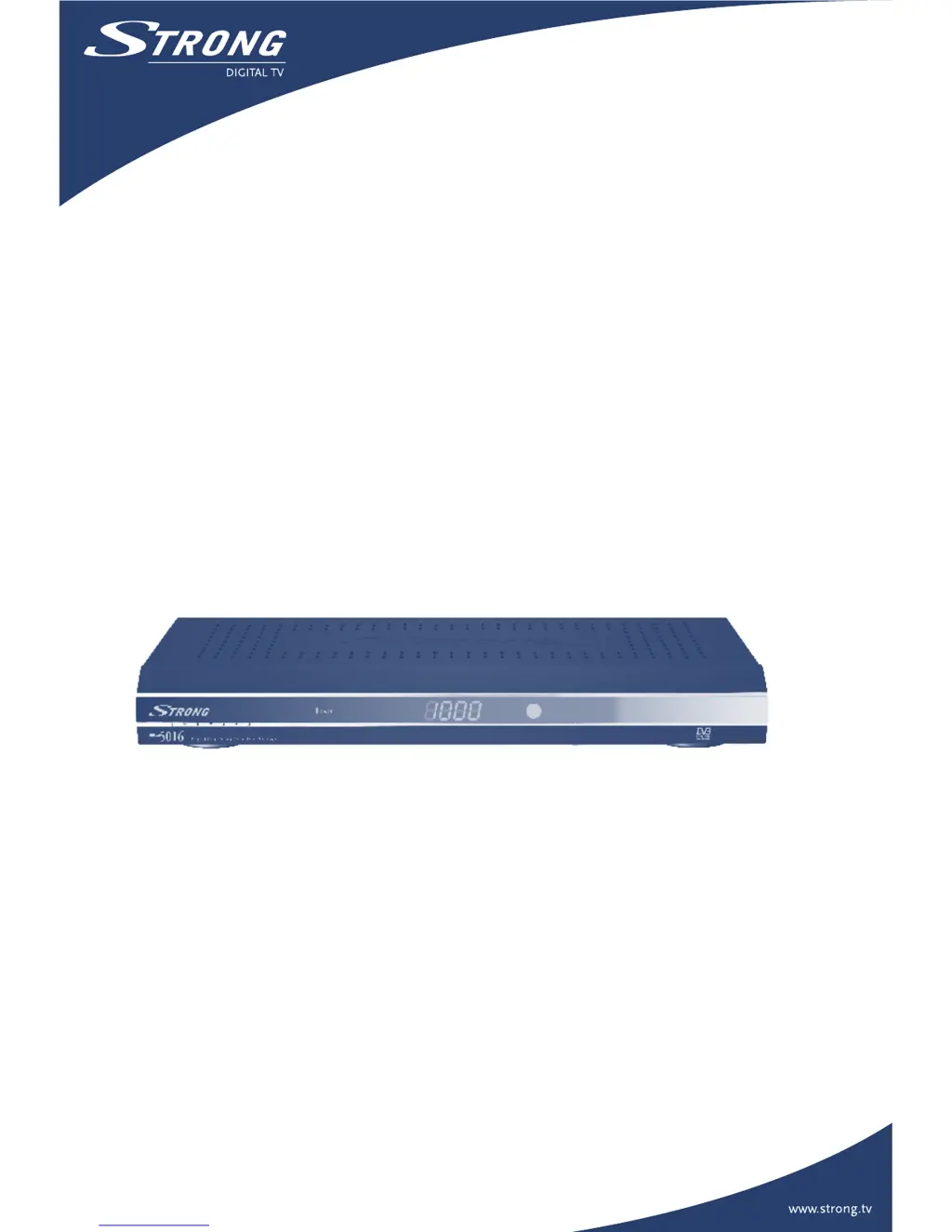
Digital Free-To-Air Terrestrial
Receiver SRT 5016
User Manual
Picture similar

Questions and Answers

  • S
    Sarah LittleJul 29, 2025
    Why is my Strong Receiver remote control not working?
    • C
      Christopher TurnerJul 29, 2025
      If your Strong Receiver's remote control isn't working, first check the batteries. Ensure the receiver is in operate mode and that you're pointing the remote at the front panel, avoiding direct sunlight from behind the receiver. If issues persist, try switching off the receiver at the power source, wait a few seconds, and then switch it back on.
  • C
    cortezjamesAug 3, 2025
    What to do if I see blocks in the TV picture on my Strong Receiver?
    • K
      kyoungAug 3, 2025
      If you are seeing blocks in the TV picture when using your Strong Receiver, this indicates that the signal is weak or defective, possibly due to bad weather. Try adjusting your aerial position or wait for the signal to be re-established.
  • H
    Holly MillerAug 7, 2025
    Why does the TV picture change color with my Strong Receiver?
    • G
      Garrett MooreAug 7, 2025
      A change in TV picture color with your Strong Receiver may occur after a power cut or disconnection. The receiver may have lost some software settings. Try switching the receiver off and on again after a few seconds. If the problem continues, contact your vendor.
  • G
    gilbertlindseyAug 11, 2025
    What to do if the EPG is empty on Strong SRT 5016 Receiver?
    • F
      Felicia EdwardsAug 11, 2025
      If the EPG (Electronic Program Guide) is empty on your Strong Receiver, it could be due to the selected program not supporting EPG, or the local time being incorrect. Try setting the correct local time.
  • S
    Sarah ByrdAug 16, 2025
    Why is the standby indicator on the front panel of my Strong Receiver red?
    • R
      Roberto JonesAug 16, 2025
      If the standby indicator on the front panel of your Strong Receiver is red, it means your receiver is in standby mode. Simply press the power button on your remote control to turn it on.
  • M
    Mark CruzAug 20, 2025
    Why is no program broadcast recorded on VCR from my Strong SRT 5016 Receiver?
    • J
      Jamie StephensAug 20, 2025
      If no program broadcast is being recorded on your VCR from your Strong Receiver, check the connection between the receiver and the VCR. Also, ensure your VCR is set up correctly.
  • C
    Christopher RobbinsAug 25, 2025
    How to fix a Strong Receiver when the standby indicator doesn't light up?
    • I
      Isabel MurphyAug 25, 2025
      If the standby indicator on the front panel of your Strong Receiver does not light up, check if power is available at the wall socket. Also, check if the SCART cable and antenna cable are correctly connected and that the receiver is switched on. Disconnect and reconnect these cables to ensure they are properly in place.

Summary

Instruction

Safety Instructions

Provides essential safety guidelines for the installation and use of the receiver.

Connection

Connecting to Terrestrial Antenna

Instructions for connecting the terrestrial antenna to the receiver for signal reception.

Connecting to TV and VCR with SCART cable

Details how to connect the receiver to a TV and VCR using SCART cables.

Your Receiver

Remote Control

Explains the functions of each button on the remote control for operating the receiver.

First Time Installation

Main Menu

Channel Search

Options for searching for available channels, both automatically and manually.

Installation

Section for configuring system settings, TV settings, country, and other installation parameters.

Troubleshooting

Strong SRT 5016 Specifications

General IconGeneral
BrandStrong
ModelSRT 5016
CategoryReceiver
LanguageEnglish

Related product manuals