EasyManua.ls Logo

Strong SRT 5200 - User Manual

Strong SRT 5200
19 pages
Print Icon
To Next Page IconTo Next Page
Loading...
www.strong.tv
User manual
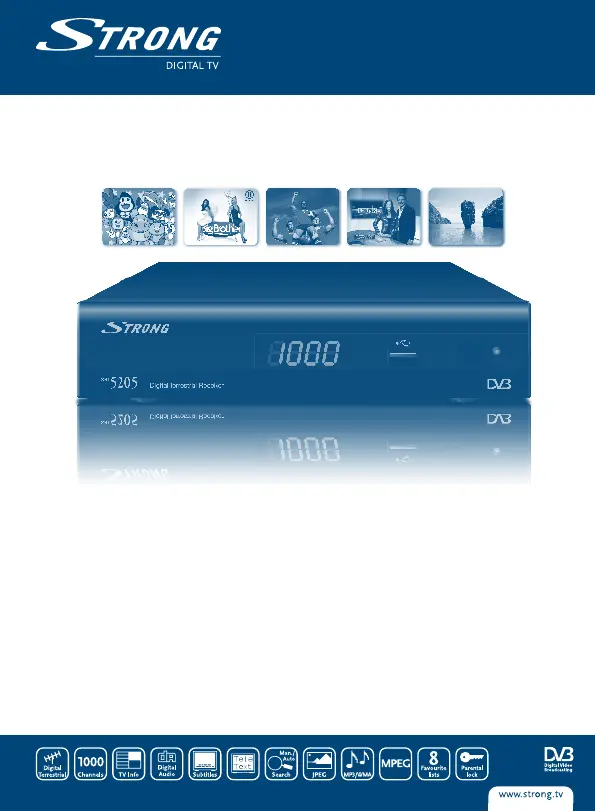
Digital Terrestrial Receiver
SRT 5200/SRT 5202/SRT5205
Picture similar

Questions and Answers

  • M
    Matthew SimmonsAug 6, 2025
    Why does my Strong SRT 5200 Receiver say no signal?
    • T
      Terry HowardAug 6, 2025
      If your Strong Receiver shows 'No signal found', the issue could be: * The aerial is disconnected: Check the aerial lead. * The aerial is damaged or misaligned: Check the aerial. * You are out of the digital signal area: Check with your dealer. * The active antenna requires antenna power: Switch the receiver’s Antenna Power ON or connect an external feed.
  • K
    Kaylee ManningAug 10, 2025
    What to do if Strong SRT 5200 Receiver remote control not working?
    • J
      Joshua GillespieAug 10, 2025
      If your Strong Receiver is not responding to the remote control, here's what might be happening: * The receiver is off: Plug it in and turn it on. * The handset is not aimed correctly: Aim the handset at the front panel. * There's an obstruction: Check for obstructions. * The handset batteries are exhausted: Replace the handset batteries.
  • J
    Jonathan FletcherAug 15, 2025
    Why is there no picture or sound on my TV with Strong Receiver?
    • C
      Craig ThomasAug 15, 2025
      If you're not getting any picture or sound on your TV/VCR with the Strong Receiver, the problem might be: * The wrong input is selected on your TV: Switch to the correct TV input. * The TV or VCR isn't connected to the mains: Check the mains lead.
  • N
    Nancy McdonaldAug 19, 2025
    Why does my Strong SRT 5200 Receiver turn off by itself?
    • J
      James HowellAug 19, 2025
      If your Strong Receiver switches off automatically, it may be because the Auto Standby function is enabled. To solve this, disable the auto standby feature. Please refer to section 5.3.8 for detailed instructions on how to do this.
  • E
    Erica HoldenAug 23, 2025
    What to do if Strong SRT 5200 loses signal after moving rooms?
    • B
      Bailey SalinasAug 23, 2025
      If you're no longer able to receive digital reception after moving your Strong Receiver, the aerial feed at the new point may be coming through a distribution system, which can reduce the digital signal. Try a direct feed from the antenna.
  • J
    Jacob RogersAug 28, 2025
    What does 'scrambled channel message' mean on Strong Receiver?
    • D
      dstewartAug 28, 2025
      If you're seeing a scrambled channel message on your Strong Receiver, it simply means the channel is scrambled. Select an alternative channel.
  • C
    Caitlin JenkinsAug 31, 2025
    How to reset channel lock code on Strong SRT 5200?
    • R
      regina19Sep 1, 2025
      To address a forgotten channel lock code on your Strong Receiver, reinstall the channels. This action will cancel the channel lock.

Summary

1.0 INSTRUCTION

1.1 Safety Instructions

Alerts users to potential electrical hazards, operating risks, and essential safety precautions for product use.

1.3 Equipment Set-up

Step-by-step instructions for connecting and setting up the receiver, including antenna and SCART connections.

2.0 CONNECTION

2.1 Connecting to TV and Terrestrial Antenna

Details how to connect the receiver to a television set and a terrestrial antenna for signal reception.

4.0 FIRST TIME INSTALLATION

5.0 MAIN MENU

5.1 Channel

Managing channels, including viewing channel lists, editing, sorting, locking, and skipping channels.

5.2 Installation

Procedures for automatic and manual channel scanning, and configuring antenna power settings.

5.3 Setup

Customizing display settings, subtitle preferences, TV system, region, time, and parental lock.

A.1 TROUBLESHOOTING

Strong SRT 5200 Specifications

General IconGeneral
BrandStrong
ModelSRT 5200
CategoryReceiver
LanguageEnglish

Related product manuals