EasyManua.ls Logo

Strong SRT 5003 - User Manual

Strong SRT 5003
17 pages
Print Icon
To Next Page IconTo Next Page
Loading...
www.strong.tv
User manual
Bedienungsanleitung
Manuel d’Utilisateur
Manuale Utente
Manual del usuario
Návod k obsluze
Upute za korištenje
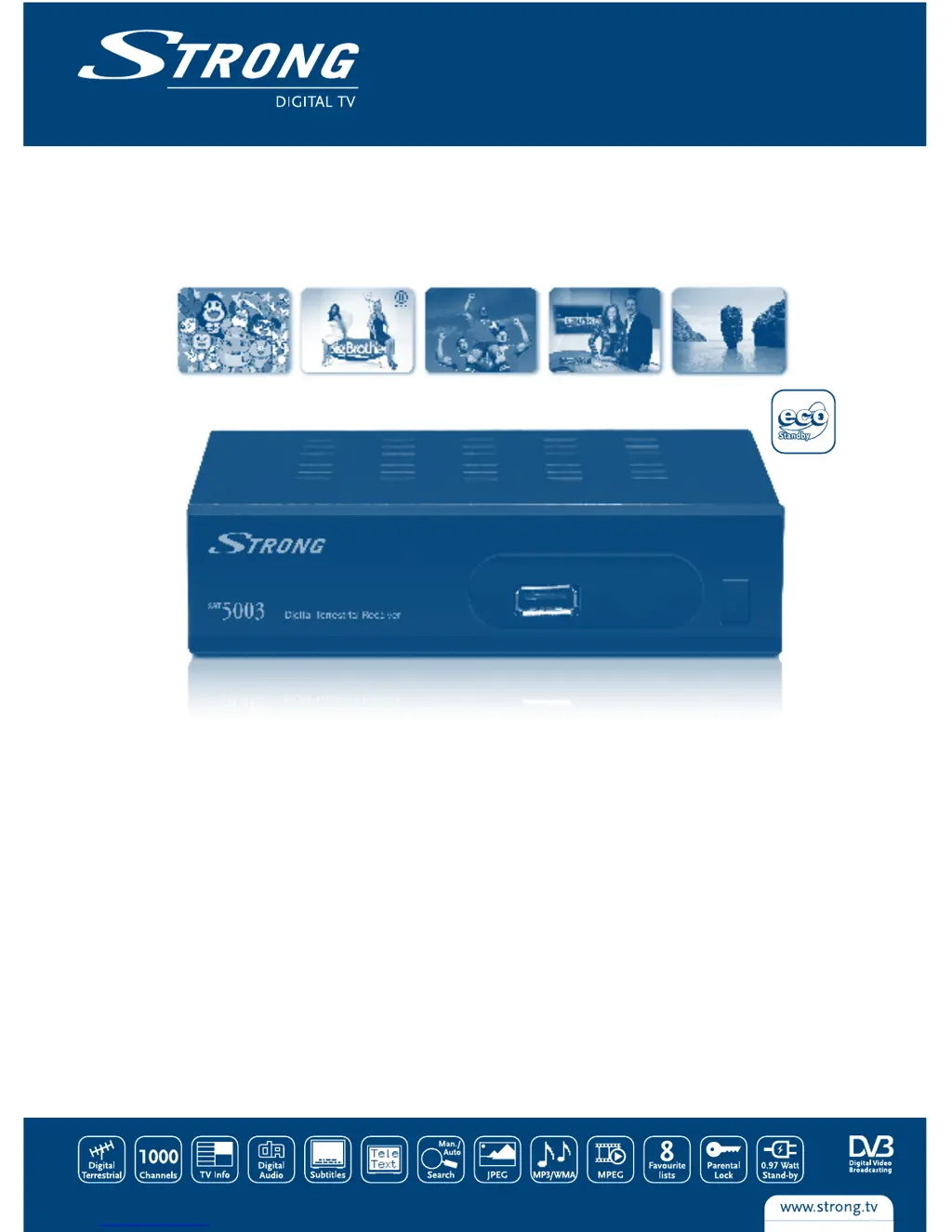
Digital Terrestrial Receiver SRT 5003
Picture similar

Questions and Answers

  • N
    natashasullivanAug 6, 2025
    Why does my Strong Receiver say no signal?
    • J
      Jordan BarrettAug 6, 2025
      If you're getting a 'No signal found' message on your Strong Receiver, the first thing to check is the aerial lead to make sure it's properly connected. Also, the aerial might be damaged or misaligned, so inspect that as well. If you are using an active antenna, make sure the receiver’s Antenna Power is switched ON or connect an external feed. If everything appears to be in order, you may be out of the digital signal area; in that case, check with your dealer.
  • C
    Christian HamiltonAug 10, 2025
    What to do if Strong Receiver remote control is not working?
    • K
      Kristie DuffyAug 11, 2025
      If your Strong Receiver isn't responding to the remote control, there might be several reasons. First, ensure the receiver is plugged in and turned on. Then, make sure you're aiming the remote directly at the front panel of the receiver without any obstructions. Finally, the remote batteries might be dead, so try replacing them.
  • M
    Meagan FrancisAug 14, 2025
    Why is there no picture or sound from my Strong SRT 5003 on my TV?
    • B
      Barbara AllenAug 14, 2025
      If you're not getting any picture or sound on your TV when using your Strong Receiver, ensure that your TV is switched on. Also, verify that you've selected the correct input (Scart/ AV) on your TV to match the receiver's output.
  • J
    Jill BarnettAug 18, 2025
    What does 'Scrambled channel message' mean on Strong Receiver?
    • M
      Mitchell KirbyAug 19, 2025
      If your Strong Receiver shows a 'Scrambled channel message', this indicates that the channel you're trying to watch is scrambled. Simply select an alternative channel.
  • K
    Kimberly AveryAug 23, 2025
    How to stop my Strong Receiver from switching off automatically?
    • D
      David EsparzaAug 23, 2025
      If your Strong Receiver switches off automatically, it's likely because the Auto Standby function is enabled. To stop this, disable the auto standby feature. See section 5.3.8 for details.
  • H
    Holly JacksonAug 28, 2025
    What to do if Strong SRT 5003 Receiver loses signal after moving it to another room?
    • J
      Joseph HallAug 28, 2025
      If you move your Strong Receiver to another room and can no longer receive digital reception, it could be due to weak antenna signals. Press the INFO button 3 times on the remote to check the signal bars and adjust the antenna for maximum reception, or rescan the channels.
  • J
    jimmyturnerSep 1, 2025
    How to fix a Strong SRT 5003 with LED indicator not lit?
    • D
      derrickperrySep 1, 2025
      Check the mains lead to ensure it is properly plugged in.

Summary

Instruction

Safety Instructions

The lightning flash symbol alerts users to uninsulated voltage. The exclamation point symbol highlights important operating instructions.

Equipment Set-up

Consult a professional installer or follow these instructions carefully for setup. Ensure SCART cable and antenna are in good condition.

Connection

Connecting to TV and Terrestrial Antenna

Connect the terrestrial antenna cable to the ANT IN connector at the back of the receiver for broadcast signal reception.

First Time Installation

Main Menu

Installation

Procedures for installing and configuring channels and settings, such as auto scan and channel scan.

Setup

Configuration options for display, audio, language, region, time, timers, OSD, and parental lock.

Channel

TV Channel List

Details how to manage channels: view, edit (favor, lock, skip, delete, rename), find, and sort.

Installation

Auto Scan

Guides through the automatic channel scanning process to find available broadcasts.

Channel Scan

Details manual channel scanning modes (By Channel, By Frequency) for signal tuning.

Antenna Setting

Configures antenna settings, including enabling 5V power for active antennas.

Setup

Timer Setting

Allows setting programme timers for recording and sleep timers for automatic power off.

Parental Lock

Protects installation menu and channels with a password, and allows password changes.

Tools

Load Factory Default

Resets the receiver to factory settings, clearing all stored channels and user configurations.

Operation

Changing Channels

Explains four methods for channel selection: stepping, number, on-screen list, and EPG.

Trouble Shooting

No signal found

Possible causes and solutions for when no signal is detected by the receiver.

No picture or sound on TV

Steps to resolve issues with no picture or sound on the connected TV.

No response to remote control

Troubleshooting steps for when the remote control is not responding.

Strong SRT 5003 Specifications

General IconGeneral
HDMI OutputYes
DemodulationQPSK
Video DecodingMPEG-2
Aspect Ratio4:3, 16:9
Video Resolution720p, 1080i
Audio DecodingMPEG-1
Audio ModeStereo, Mono
ConnectorsHDMI, USB
USB PortUSB
USB2.0
Power SupplyExternal

Related product manuals