EasyManua.ls Logo

Strong SRT 7004 - User Manual

Strong SRT 7004
34 pages
Print Icon
To Next Page IconTo Next Page
Loading...
www.strong.tv
Picture similar
User manual
Bedienungsanleitung
Manuel d’Utilisateur
Manuale utente
Manual del usuario
Manual do Utilizador
Felhasználói kézikönyv
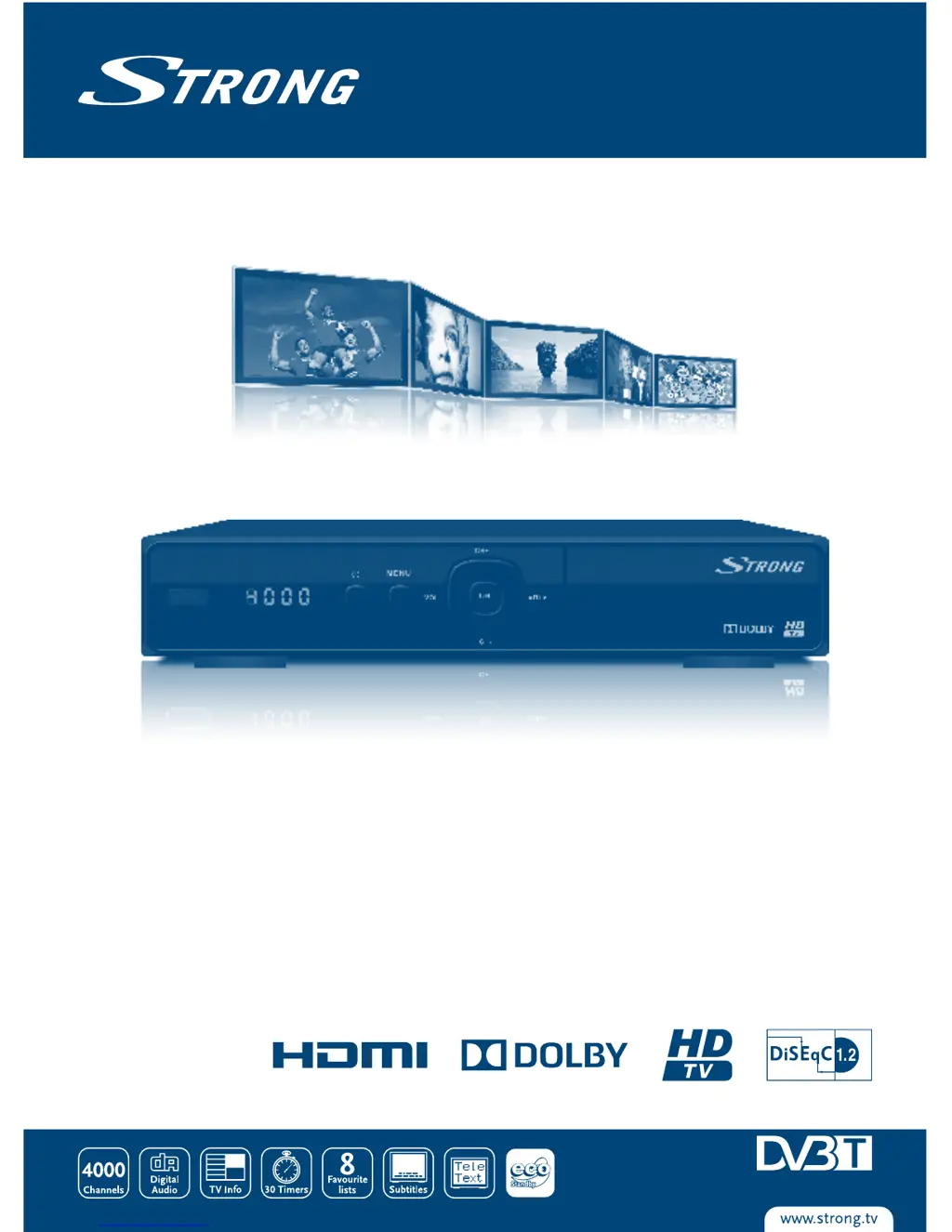
Digital High Definition Satellite Receiver
SRT 7004

Questions and Answers

  • X
    xwilsonAug 8, 2025
    What to do if my Strong SRT 7004 has no sound or picture but the menu is visible?
    • L
      Laura LoweAug 8, 2025
      If your Strong Receiver shows no sound or picture, but the receiver menu is visible on the TV screen, it could be due to several reasons. The channel might be off-air, or channels might have been deleted in the edit menu. Try switching to other channels, check the signal level in the Antenna Setup menu, adjust the dish, and scan for channels again. Another possible cause is that the satellite dish is not pointing at the correct satellite. In this case, adjust the dish or seek advice from a local satellite specialist.
  • X
    xsalazarAug 15, 2025
    What to do if my Strong SRT 7004 has no sound or picture, but the front panel shows a red light?
    • B
      bonnie36Aug 15, 2025
      If your Strong Receiver's front panel shows a red light but there is no sound or picture, the receiver is likely in standby mode. To resolve this, simply press the On/Standby button.
  • J
    Jeffrey LoweryAug 22, 2025
    How to fix a Strong SRT 7004 Receiver when the display doesn't light up?
    • E
      englishchristopherAug 22, 2025
      If the display on the front panel of your Strong Receiver does not light up, it could be due to a couple of reasons. First, ensure that the mains cable is properly plugged into the power socket. Second, check the mains fuse to see if it has blown.
  • M
    Meredith RogersOct 30, 2025
    Why does my Strong SRT 7004 Receiver have no signal or weak signal?
    • T
      Tom MoralesOct 31, 2025
      If your Strong Receiver displays no signal or a weak signal with intermittent reception, several factors could be responsible. Cables may have loosened, or moisture might have entered the cables or connectors. Also, heavy rain or storms could be affecting the signal. Check the cable connections, LNB, and other equipment between the LNB and the receiver, or adjust the dish. Wait for the rain or storm to subside. The satellite dish may not be pointing at the correct satellite(s); in this case, adjust the dish or consult a local satellite specialist. Alternatively, the satellite dish might be too small, or there might be obstructions like trees or buildings in the path; consider changing to a larger dish or repositioning the dish. If the signal is too strong due to an oversized dish, connect ...

Summary

INSTRUCTION

Safety Instructions

Provides essential safety guidelines for installing and operating the receiver.

Equipment Set-up

YOUR RECEIVER

CONNECTIONS

Basic connection using a Scart cable

Step-by-step guide for connecting the receiver to a TV using a Scart cable.

Connecting multiple fixed LNBs using a DiSEqC 1.0;1.1 switch

Connecting to Ethernet

FIRST TIME INSTALLATION

Installation

Initial setup process for the receiver, including language and country selection.

Satellite Setting

Configuring satellite dish settings for optimal signal reception.

Signal Adjust

Fine-tuning antenna alignment using signal quality indicators.

Automatic SAT scan

Initiating an automatic scan for satellite channels.

OPERATION

EPG (Electronic Programme Guide)

Instant Recording*

Timeshift*

MAIN MENU

Installation

Accessing installation options like Satellite Setting and channel scans.

Satellite Setting

Configure the antenna settings for the selected satellite

Details on setting up LNB, transponder, and DiSEqC for selected satellites.

Automatic SAT scan

Manual scan - Scanning by transponder

Channel

TV Channel Editor

Tools for editing, renaming, moving, locking, and skipping channels.

System

TV setup

Adv Timer (Schedule)

Parental Control

Update & Backup

Factory setting

Network

Multimedia

Multimedia*

Playback of movies, music, and photos from USB devices.

Recorder Settings*

TROUBLESHOOTING

SPECIFICATIONS

Strong SRT 7004 Specifications

General IconGeneral
Aspect ratio4:3, 16:9
Signal sourceSatellite
Supported video modes1080i, 1080p, 576i, 720p
Digital signal format systemDVB-S2
Personal Video Recorder (PVR) includedNo
Tuner typeDigital
Product colorBlack
Interactive TV-
Number of tuners1 tuner(s)
Parental controlYes
Channels quantity4000 channels
Audio output channels- channels
Favorite list TV programs8
Digital Satellite Equipment Control (DiSEqC)1.0, 1.1, 1.2
USB 2.0 ports quantity2
USB 3.2 Gen 1 (3.1 Gen 1) Type-A ports quantity0
AC input voltage100-240 V
AC input frequency50 - 60 Hz
Power consumption (standby)0.65 W
Power consumption (typical)10 W
Weight and Dimensions IconWeight and Dimensions
Depth170 mm
Width220 mm
Height45 mm
Weight680 g

Related product manuals