EasyManua.ls Logo

Strong SRT 7300 CI+ - User Manual

Strong SRT 7300 CI+
23 pages
Print Icon
To Next Page IconTo Next Page
Loading...
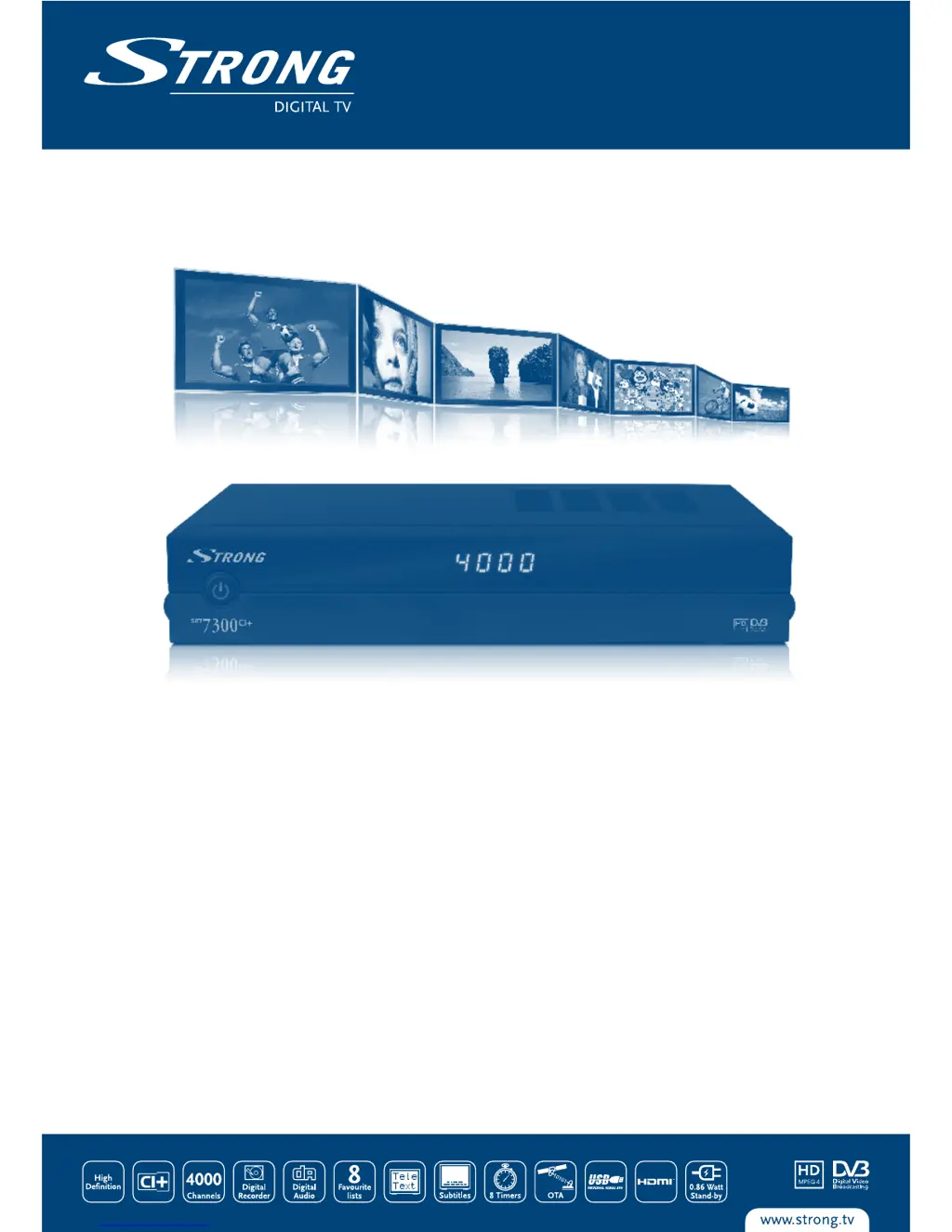
Digital High Definition
Satellite Receiver SRT 7300 CI+
Picture similar
User Manual
Bedienungsanleitung
Gebruiksaanwijzing
Manuel de l'utilisateur
Manuale per l'uso
Használati utasítás
Návod k obsluze
Používateľská príručka

Other manuals for Strong SRT 7300 CI+

Questions and Answers

  • M
    Michael BentonAug 8, 2025
    What to do if there is no picture or sound on my Strong SRT 7300 CI+ Receiver?
    • E
      Erin JohnstonAug 8, 2025
      If you're not getting any picture or sound from your Strong Receiver, there might be a few things to check. First, ensure that the Audio/Video output of the receiver is correctly connected to your TV, and verify the settings in the menu under Setup> Output Options. Also, make sure that audio muting is off by pressing the MUTE button. Finally, verify that your TV is powered on.
  • J
    John MaddenAug 14, 2025
    Why is my Strong SRT 7300 CI+ remote control not working?
    • J
      Jennifer HodgeAug 14, 2025
      If your Strong Receiver remote control isn't working, the batteries might be the issue. Check if the batteries are correctly inserted or exhausted. If they are exhausted, replace them.
  • C
    Chad CarrAug 19, 2025
    How to fix no picture on Strong SRT 7300 CI+?
    • C
      calebnicholsonAug 19, 2025
      If you're experiencing a 'no picture' issue with your Strong Receiver, it could be due to a few reasons. First, check the antenna cable to ensure it's properly connected to the receiver, and replace it if necessary. You may also need to correctly set the values of tuner parameters in the menu under Installation> Satellite Settings. Also, ensure that the dish is correctly aligned by checking the signal strength with a spectrum analyzer and adjusting it accordingly.
  • J
    jennacoleAug 23, 2025
    How to turn on display on Strong SRT 7300 CI+?
    • A
      Ashley EwingAug 23, 2025
      If the display on the front panel of your Strong Receiver doesn't light up, first, make sure the power cord is securely plugged into the wall outlet and that the power switch on the rear panel is in the ON position. Also, check if the receiver is in STBY mode and if the display function is switched OFF in the menu under Setup>Time Setting>Time Display.
  • M
    Melissa BentonAug 28, 2025
    Why does my Strong Receiver switch to STBY automatically?
    • S
      Samantha PinedaAug 28, 2025
      If your Strong Receiver is automatically switching to STBY, the Auto Power Down function may be activated. You can adjust the Auto Power Down time or disable it altogether in the menu under Setup>Time Setting.
  • F
    Frank YoungSep 2, 2025
    Why does my external USB HDD not start on Strong SRT 7300 CI+?
    • J
      Jack RogersSep 2, 2025
      If your external USB HDD isn't starting on your Strong Receiver, it could be due to high power consumption. Try connecting an extra power supply adapter to your USB HDD device.

Summary

1.0 Introduction

1.1 Safety Instructions

Crucial safety guidelines for installation, usage, and handling of the receiver to prevent hazards.

2.0 Your Receiver

1.3 Equipment Set-up

Step-by-step instructions for setting up the satellite receiver and its associated components.

3.0 Connections

4.0 Starting Up for the First Time

4.3 Satellite Selection

Guide to selecting the correct satellite for signal reception based on dish alignment.

4.5 Signal Adjust

Tool for fine-tuning the satellite dish alignment to achieve optimal signal strength and quality.

4.6 Channel Setup

Automatic channel search process and storage of found channels for new receiver use.

6.0 Operation

6.1 Changing channels

Describes three methods for changing channels: direct access, channel list, and P+/P- keys.

6.7 EPG (Electronic Programme Guide)

Using the EPG to view TV schedules, program details, and book recordings.

6.8 Instant Recording

Functionality to start recording the current program instantly and set recording duration.

6.9 Timeshift

Pausing and resuming live television broadcasts without missing any content.

7.0 Main Menu

7.1 Installation

Menu section for configuring satellite settings and performing channel scans.

7.2 Setup

Accessing system settings to configure language, output options, time, and parental controls.

7.4.5 Factory Reset

Restoring all receiver settings and configurations to their original factory defaults.

8.0 Troubleshooting

9.0 Specifications

Strong SRT 7300 CI+ Specifications

General IconGeneral
BrandStrong
ModelSRT 7300 CI+
CategoryReceiver
LanguageEnglish

Related product manuals