7
PART 1 • English
English
4.2.4 Subtitles
Use this option to set the preferred subtitle language or select “off” if you do not want this option.
4.3 Satellite Selection
Use pq to highlight the satellite your dish is aimed at and press OK to confirm.
If your dish is aimed at Astra 1C, 1E, 1F, select ASTRA 19.2E. The SCAN MODE screen will appear.
If your dish is aimed at HOT BIRD, select HOTBIRD 13E.The SCAN MODE screen will appear.
If your dish is aimed at another satellite, select OTHER. You will be guided to the Satellite Settings menu.
Refer to chapter 7.1.1 for instructions.
4.4 Scan Mode
Use pq to highlight the desired option and press OK to confirm.
All: Will scan all available channels on the chosen satellite.
Free: Will scan FTA (Free-To-Air) channels only.
4.5 Signal Adjust
This screen allows you to fine tune the alignment of your dish antenna for optimum reception.
Use tu to select the switch input the dish is connected to. (If the LNB of your dish is directly connected
to the receiver, choose Switch Input 1) The bars on the bottom of the screen indicate the current signal
strength and quality. A red bar indicates a bad signal. Green bars indicate a good signal. Yellow bars
indicate that the signal condition is nearly acceptable.
Adjust your dish for maximum possible signal quality and strength. Once the signal cannot be improved
anymore, fix the dish on this position and press OK to continue.
4.6 Channel Setup
Your receiver will now perform an automatic channel search. Once the process is finished, all found
channels will be stored and the receiver will switch to the first found channel. You are now ready to enjoy
your new receiver.
Note: If no channels were found during the automatic channel scan, the receiver will
display the Satellite Settings menu. Please refer to chapter 7.1.1 for instructions.
5.0 QUICK GUIDE TO USING YOUR RECEIVER
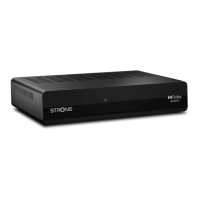
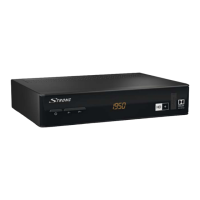
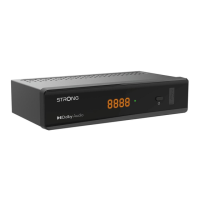
We at STRONG understand that you can’t wait to enjoy your new HD receiver. The following quick guide
will make you familiar with the basic operation of this device. We do, however, advice you to read the full
manual to get the best performance from your STRONG HD receiver.
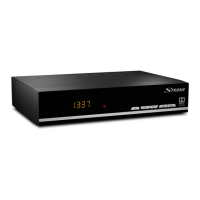
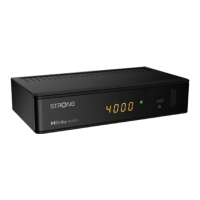
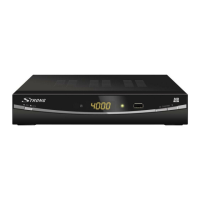
To turn your receiver ON or to Standby, use the q button on the remote control or the button on the left
side of the front panel.
Choose the desired channel with the pq buttons or the P+/P- buttons. Alternatively, you can digit the
channel number with the [0~9] buttons on the remote control. Or press OK in viewing mode to display
the channel list.
The volume can be adjusted with the V+/V- buttons or the tu buttons.


 To Next Page