3332
6.5 Games
Press the EXIT button to quit the game.
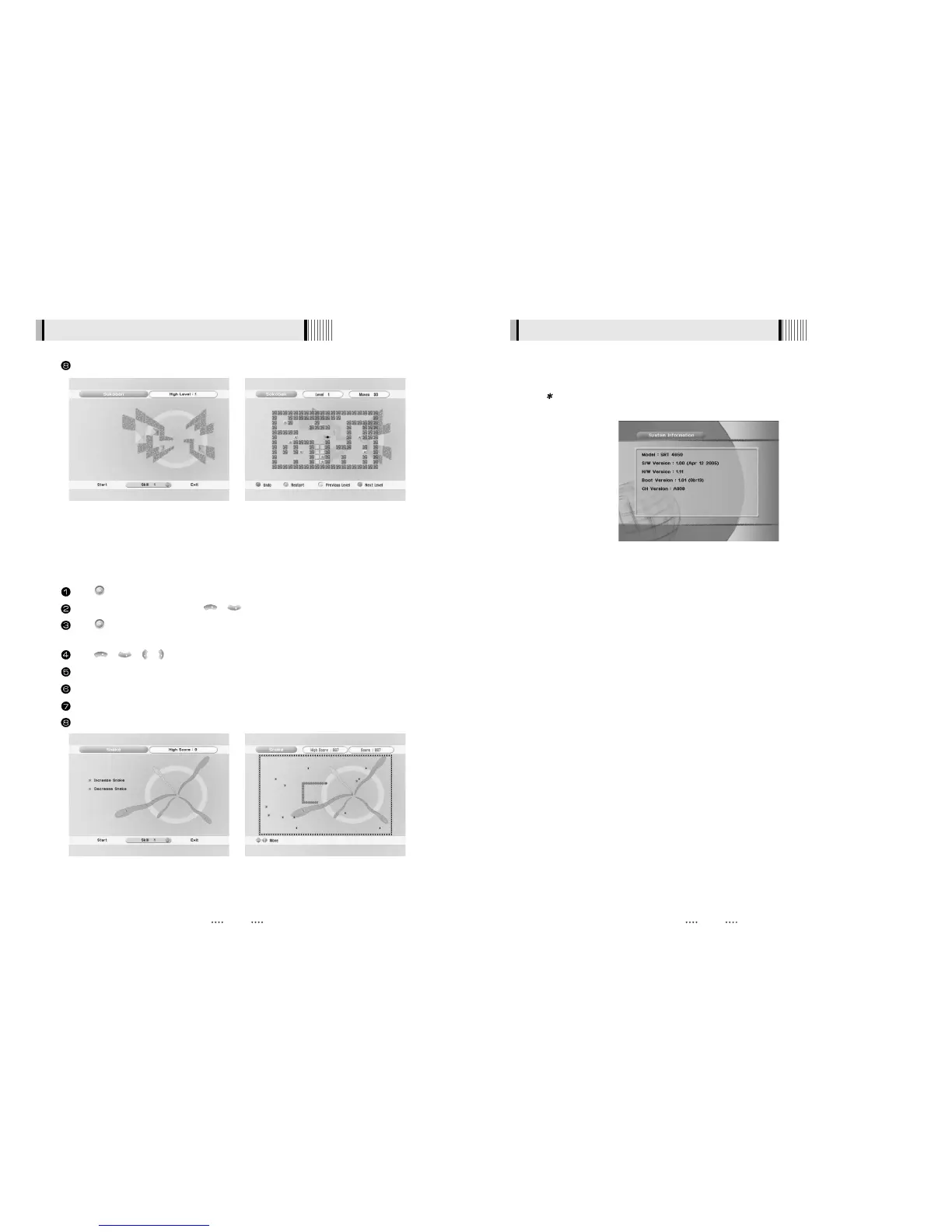
<Figure 6-29> <Figure 6-30>
Press on ‘Snake’. The following menu will be displayed. <Figure 6-31>
You can choose a skill level using / .
Press to start the game <Figure 6-28>, or press the EXIT button to return to the previous
menu.
Press / / / to move.
Pass through the BLUE icon to increase your score; the length of the snake increases.
Pass through the RED icon to decrease the snake’s length.
Avoid the BLACK icons. If you hit a BLACK icon (block), the game ends.
Press the EXIT button to quit the game.
3) Snake
<Figure 6-29> <Figure 6-30>
6.6 System Information
You can check the current information about your receiver such as receiver model name, S/W
(software) version, H/W (hardware) version, manufacturing date, etc. <Figure 6-33>
Note : This information is useful to download new software and/or repair the
receiver.
<Figure 6-33>



 To Next Page