EasyManua.ls Logo

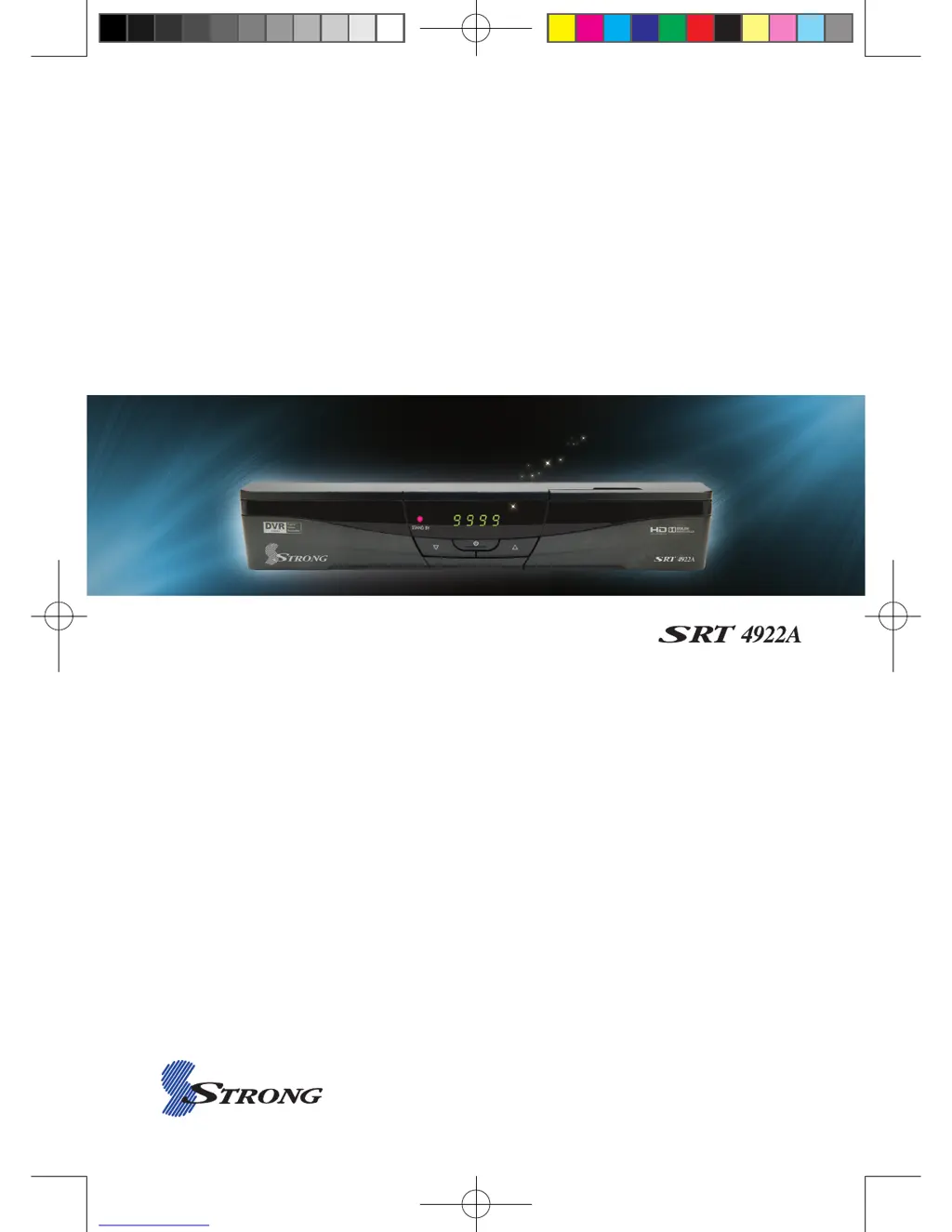
Strong SRT 4922A - User Manual

Strong SRT 4922A
60 pages
Print Icon
To Next Page IconTo Next Page
Loading...
USERS MANUAL
High Definition Digital Satellite
Television Receiver and Recorder
[2013.01.04]SRT4922A 매뉴얼_english_AUS.indd 1 2013-01-04 오후 4:49:40

Questions and Answers

  • D
    Darryl MillerAug 1, 2025
    Why is there no picture or sound on my Strong SRT 4922A?
    • K
      kerroscarAug 1, 2025
      Several factors could be the cause: * Incorrect connection of the video/audio output to the TV input terminal. Ensure the RCA or HDMI cables are correctly connected. * The satellite antenna cable might be improperly connected. Verify the antenna cable connection. * The satellite antenna direction may be misaligned. Adjust the antenna's direction. * There might be no signal or a weak signal. Check the cable connections, the LNB and any other equipment between the LNB and the receiver, and adjust the antenna. * Incorrect channel information settings in the MENU screen. Make sure to input the correct setting values.
  • D
    David WilliamsAug 8, 2025
    What to do if the remote controller is not working for Strong SRT 4922A?
    • L
      ljacksonAug 9, 2025
      If your remote controller isn't working, here are a few things to try: * The batteries may be exhausted. Replace them with new ones. * Fluorescent light might be interfering with the remote. Try switching off the light. * The remote controller might not be aimed correctly. Ensure you are aiming the remote control directly at the receiver.
  • E
    eyoungAug 16, 2025
    How to fix a black and white screen or V-Hold issue on Strong SRT 4922A Receiver?
    • Y
      yfarrellAug 16, 2025
      If you are seeing a black-and-white screen or experiencing V-Hold issues, it may be because your TV mode (PAL/NTSC) is different from the satellite broadcasting mode. To resolve this, use a TV of the same mode or connect a NTSC/PAL converter between the receiver and the TV.
  • D
    David GarciaAug 25, 2025
    How to troubleshoot LED light not lighting on Strong SRT 4922A Receiver?
    • B
      Barry ButlerAug 25, 2025
      If the LED light on the front panel isn't lighting up, the AC power cord may be disconnected. Connect the power cord properly into the power socket.

Summary

Introduction

Main Features

Lists the key features and technical specifications of the satellite receiver.

Safety Precautions

Safety

Essential safety guidelines to prevent electric shock, damage, and injury during use.

Precautions

Guidelines for proper unit installation to ensure safety and prevent damage.

Controls and Functions

Remote Controller

Explains the function of each button on the remote control for operating the receiver.

How to Connect

Operation

DVR

Covers DVR functions: file playback, editing, trick mode, bookmarks, and recording.

Troubleshooting

Strong SRT 4922A Specifications

General IconGeneral
BrandStrong
ModelSRT 4922A
CategoryReceiver
LanguageEnglish

Related product manuals