31
English
➌
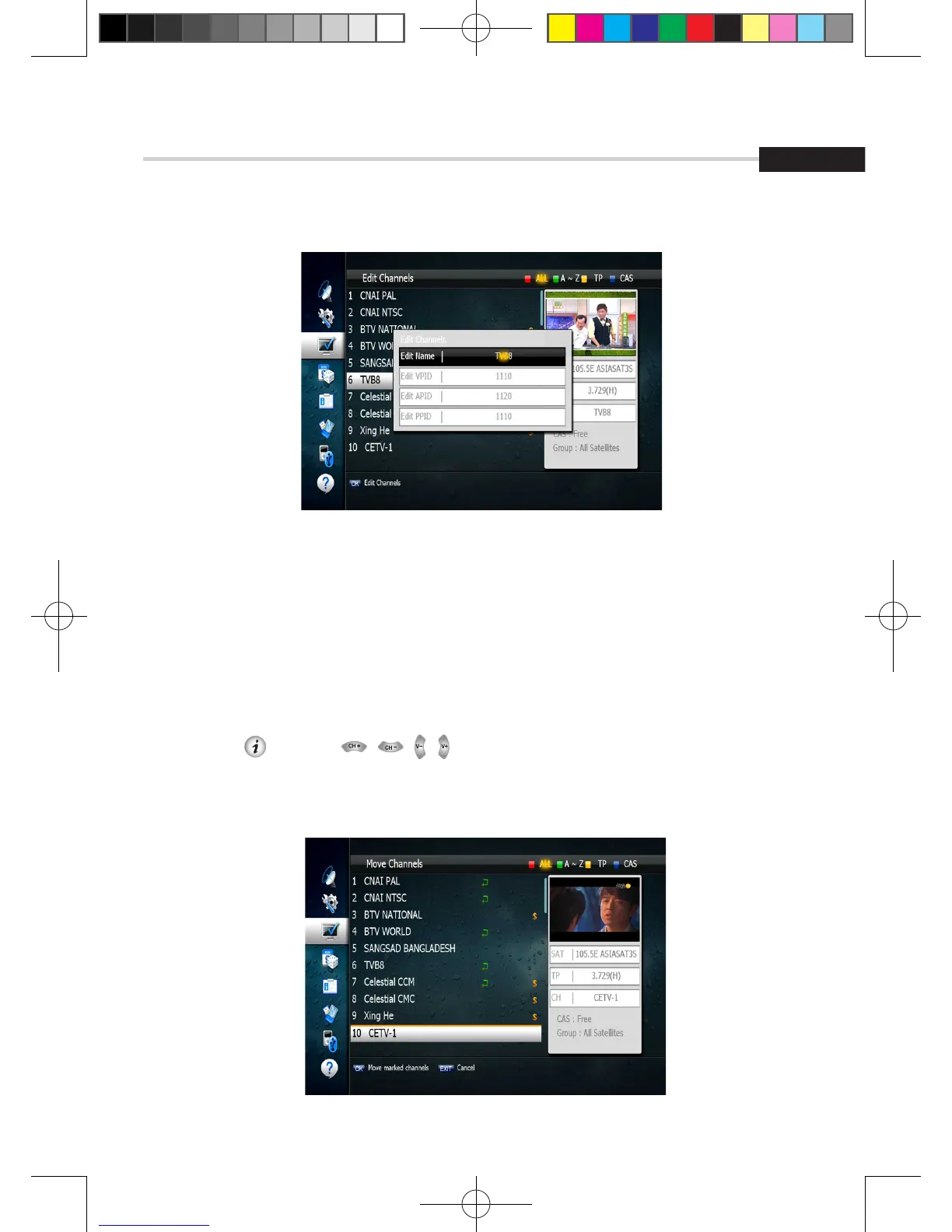
Move Channels
This submenu allows you to move channels.
You can select TV or Radio channels in an alternative way by pressing the TV/RADIO button.
You can choose a channel list group by pressing the GROUP button.
1. Press OK on ‘Move Channels’. The following menu will be displayed.<Figure 6.3.4>
2. Press OK on the channel that you want to move; a ‘move’ icon will be displayed.
3. After press , use the , , , , NUMERIC buttons to move the selected channel.
4. Press OK again to place the channel.
5. Press the EXIT button to return to the previous menu.
6. Operation
6.3 Channels
Figure 6.3.3
Figure 6.3.4
[2013.01.04]SRT4922A 매뉴얼_english_AUS.indd 31 2013-01-04 오후 4:49:54



 To Next Page