26
6. Operation
6.2 System Setting
Figure 6.2.4
➎
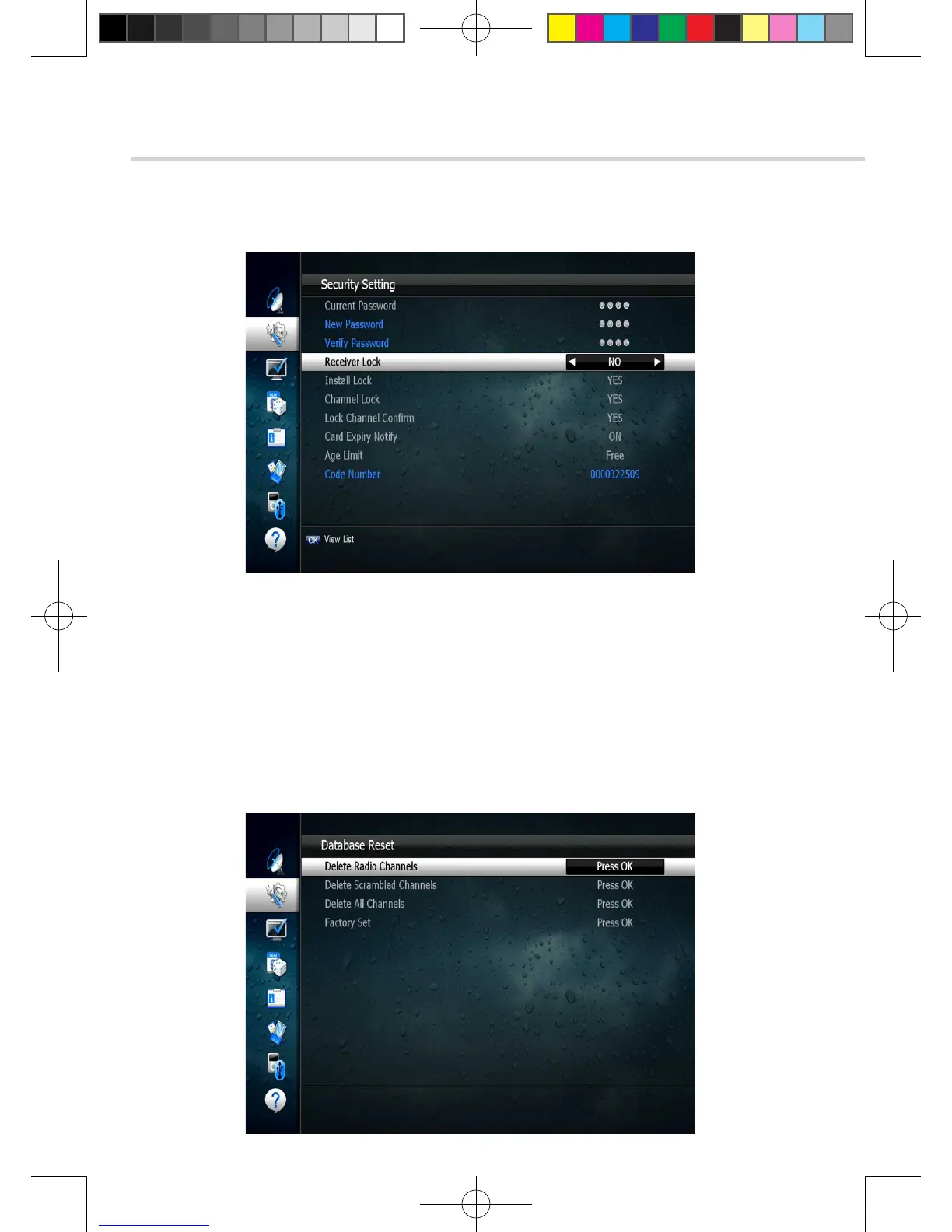
Database Reset
This submenu allows you to restore the factory set values
(useful when encountering problems after changing settings). <Figure 6.2.5>
▪ Delete Radio Channels: Erase all radio channels in the database.
▪ Delete Scramble Channels: Erase all scramble channels in the database.
▪ Delete All Channels: Erase all channels.
▪ Factory Set: Erase all channels and restore the factory default settings.
Figure 6.2.5
[2013.01.04]SRT4922A 매뉴얼_english_AUS.indd 26 2013-01-04 오후 4:49:51



 To Next Page