2322
<Figure 6-14>
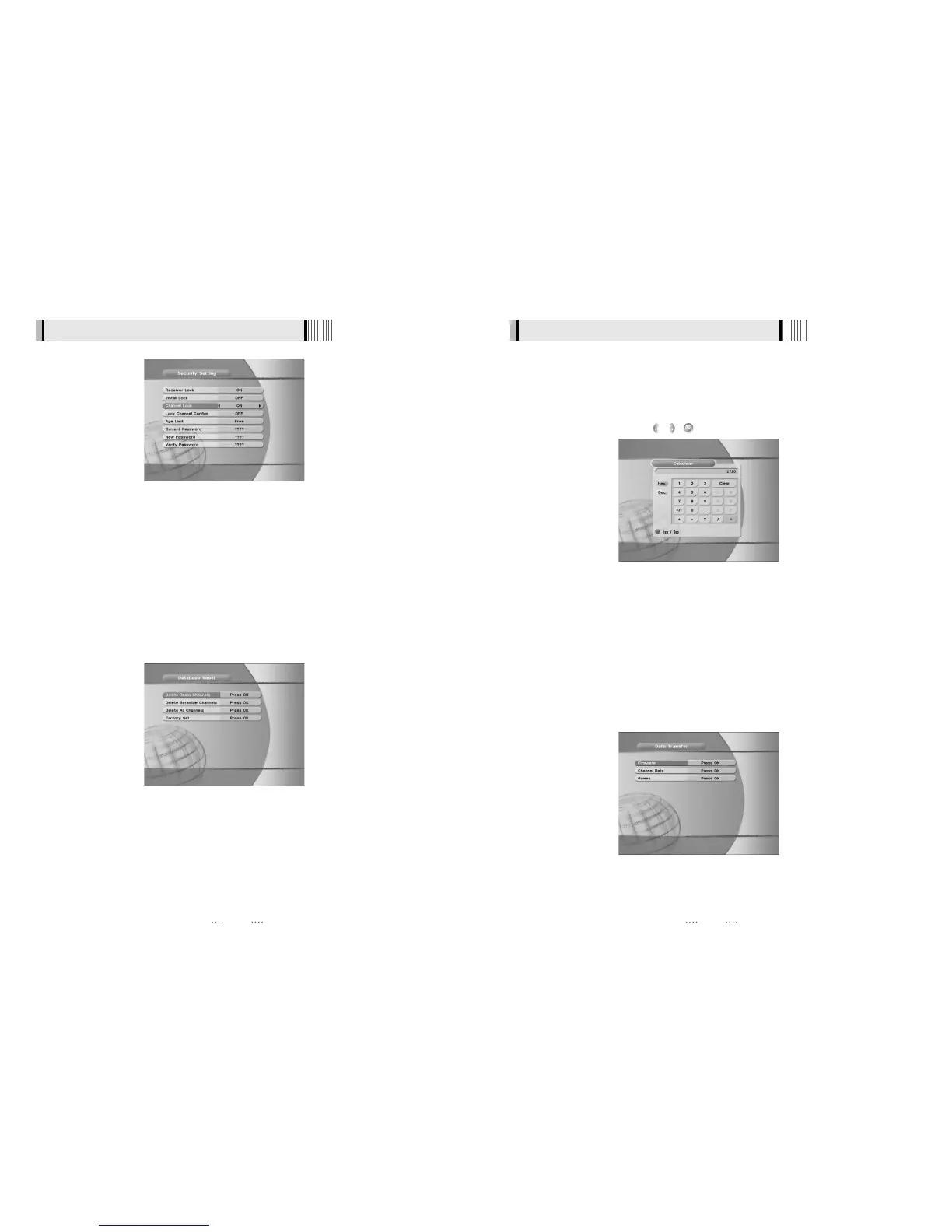
This submenu allows you to restore the factory set values (useful when encountering problems
after changing settings). <Figure 6-15>
- Delete Radio Channels : Erase all radio channels in the database.
- Delete Scramble Channels : Erase all scramble channels in the database.
- Delete All Channels : Erase all channels.
- Factory Set : Erase all channels and restore the factory default settings.
5) Database Reset
<Figure 6-15>
6.2 System Setting
This submenu allows you to use a calculator on the screen. <Figure 6-16>
- You can switch between Hex (Hexadecimal) and Dec (Decimal) basis for arithmetic with the
RED button of the remote control unit.
- Use the Numerical and the / / buttons on the remote control unit.
6) Calculator
<Figure 6-16>
This submenu allows you to transfer the software from a receiver to another receiver. You can
select and transfer Firmware/ Channel Data/ Games. <Figure 6-17>
- Firmware : Transfer the firmware of a receiver to another receiver.
- Channel Data : Transfer the channel data of a receiver to another receiver.
- Games : Transfer the game data of a receiver to another receiver.
7) Data Transfer
<Figure 6-17>
6.2 System Setting



 To Next Page