25
USB
To play multimedia files, games, record
program, update software through USB
port.
Go to USB music menu, choose path to
music files, select one and press “USB
Play” or “OK” button to start play. Press
“Exit” or “USB Stop” to stop and back to
music menu.
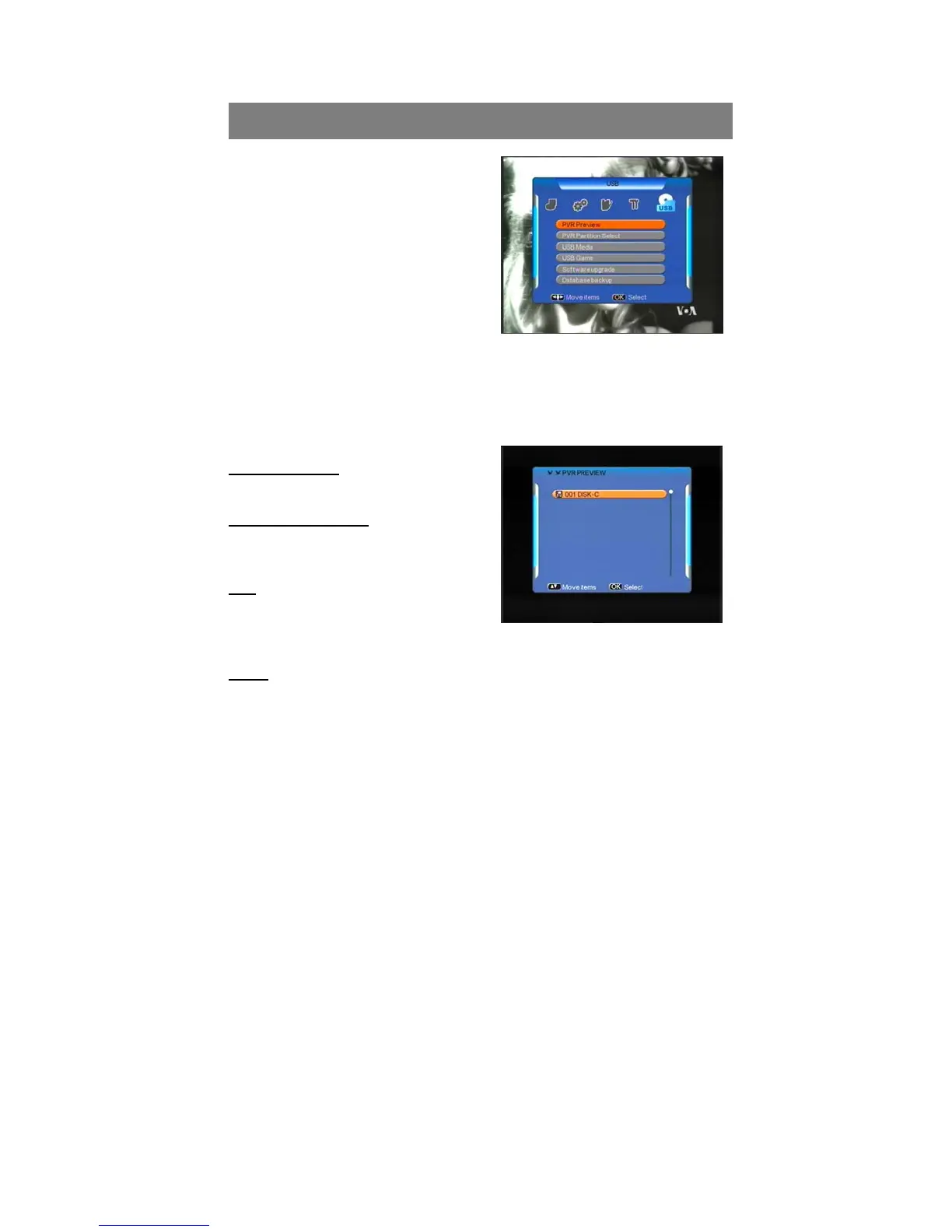
5.1PVR Preview
In PVR preview menu, select recorded file, and press “OK” to preview. Press
OK button turn to full screen.
In preview menu, the operations of skip, pause, forward, backward, previous,
next etc, are not available.
Format supported
MP3
Backward and forward
Press “Backward”/“Forward” to play
backward/forward at max x20 speed.
Skip
Press “Former or “Next” button, when
playing, to skip to play previous or next
music file.
Pause
Press “USB Pause” to freeze music playing, and “USB Play” to resume.
5.2 PVR Partition Select
Before to record TV program, connect hard disk to receiver, and go to PVR
partition select menu, choose disk partition, where the recorded file is supposed
be saved. Only root directory is available, can’t set path to folders.



 To Next Page