22
Channel Manager
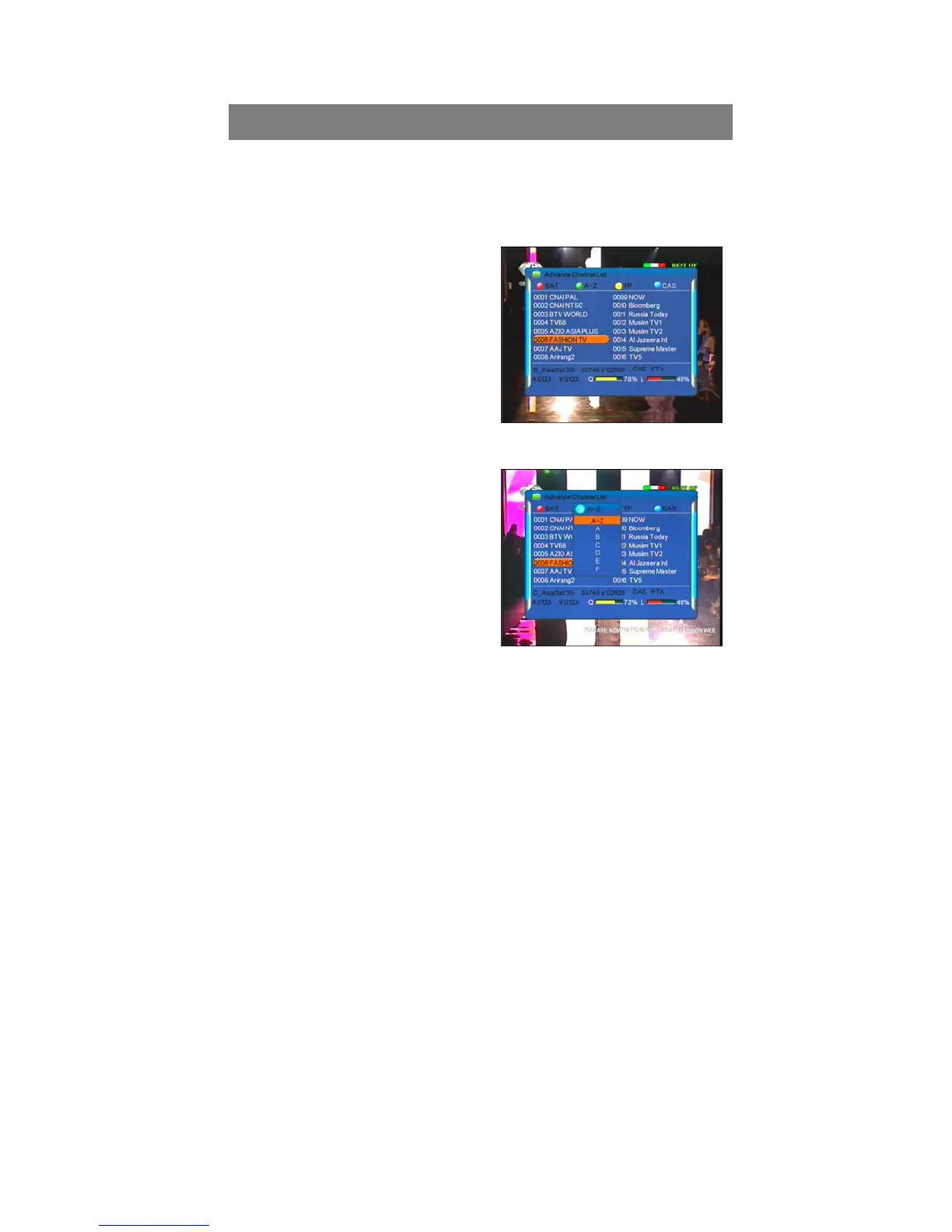
press ”CH”buttons to move in the list, and press “OK” button to select current
channel, press “OK” button again, to exit Channel List Menu to enjoy watching.
With colored buttons (Red; Blue; Yellow;
Green) presented at the top of menu, you
can easily select the different sorting
facilities, operating the related color
buttons on remote control to select the
desired functions.
SAT - Red
Press Red button to display ALL channels
by original scanning order. If you search
more than one satellite, also the satellite sorts the channels.
Alphabet - Green
Press Green button to highlights Alphabet
to choose from A-Z sort the channels by
Alphabetic order, you can also choose “A”,
“B”, …… “Z” to sort the channels.
TP - Yellow
Press yellow button to display all of the
TP, and the channels are sorted by the
TP,
CAS - Blue
Press Blue button to highlights CAS to choose FTA or CAS System, and FTA
Only or CAS Sorting to sort the channels.
FTA: The channels are free to watch.
CAS: The channels are Scrambled coded.



 To Next Page