EasyManua.ls Logo

Strong SRT32HF2003 - User Manual

Strong SRT32HF2003
19 pages
Print Icon
To Next Page IconTo Next Page
Loading...
www.strong.tv
User Manual
Bedienungsanleitung
Manuel utilisateur
Manual del Usuario
Инструкции за употреба
Uživatelská příručka
Korisnički priručnik
Használati útmutató
Manuale utente
Gebruiksaanwijzing
Instrukcja obsługi
Manual do Utilizador
Manual de Utilizare
Uputsvo za upotrebu
Používateľská príručka
Navodila za uporabo
Посібник користувача
Руководство пользователя
HD TV 32'' (80CM) / FHD 40” (100 CM)
SRT32HF2003 / SRT40FF2003
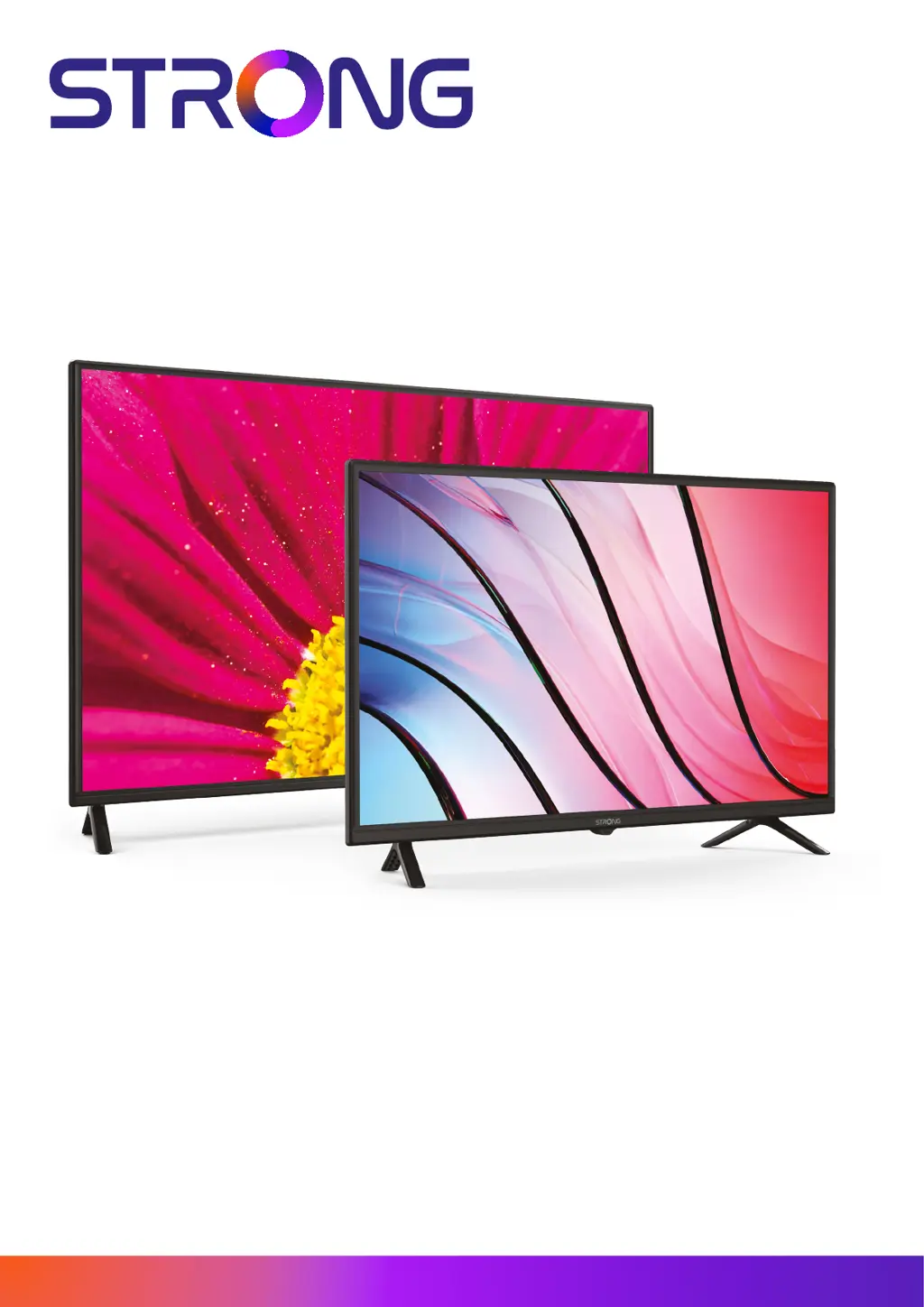
Picture similar

Questions and Answers

  • A
    aporterAug 15, 2025
    What causes any other reception or signal related problems on Strong SRT32HF2003 HDTV?
    • D
      Donald KnightAug 15, 2025
      Cables might have loosened, or moisture might have entered into cables or connectors. Heavy rain or a heavy storm might be present (especially for DVB-S/S2 and -T/T2). Check the cable connections. For DVB-S/S2 and -T/T2, check all equipment connected between the reception point and the TV.
  • S
    Sandra BullockAug 18, 2025
    Why is there no signal on my Strong SRT32HF2003 HDTV?
    • K
      Kathryn WardAug 18, 2025
      The Strong HDTV might not be connected to a signal source (DVB-C, DVB-S/S2, or DVB-T/T2). The antenna may not be aligned correctly, or the connection and distribution equipment could be malfunctioning, incompatible, or defective. For DVB-T/T2, ensure active antennas have antenna power switched ON or external power connected. Also, the antenna may be out of digital signal reception in your area, so check coverage with service providers. For DVB-S/S2, incorrect tuner or LNB parameters can cause this issue.
  • G
    grodriguezAug 21, 2025
    What to do if my Strong SRT32HF2003 HDTV remote control does not work?
    • E
      Elizabeth MorseAug 21, 2025
      First, change the batteries in the remote. If you are using rechargeable batteries, use ones with low self-discharge. Ensure the batteries are installed correctly and that different types of batteries are not mixed. Also, make sure that the IR sensor on the TV is not blocked or interfered with by bright light.
  • D
    Daniel McmillanAug 25, 2025
    What to do if my Strong HDTV has normal picture but no sound?
    • R
      Robert BennettAug 25, 2025
      First, press the volume up button to increase the volume level on your Strong HDTV. Check if the audio is muted and, if so, press the mute button to restore the sound. If you are using external devices to loop the sound, ensure you have selected the correct sources and sound mode. It's also possible that the channel you're tuned to doesn't have audio, or that there's a transmission issue.
  • R
    Rachel SuttonAug 27, 2025
    What to do if my Strong SRT32HF2003 HDTV shows no colour?
    • K
      Kristina MoralesAug 27, 2025
      Check that the devices are properly connected using the correct cables (SCART, RCA sockets). Adjust the saturation settings on your Strong HDTV. Try switching to another channel to see if the current program is broadcast in black and white.
  • M
    Mark HartAug 30, 2025
    What to do if my Strong SRT32HF2003 has no picture but normal sound?
    • J
      Jennifer KimAug 31, 2025
      Adjust the brightness and contrast settings on your Strong HDTV. It is possible that you have tuned into a radio channel, or the program is not transmitting video signals, or there is another broadcasting interference/failure.
  • J
    James OrtegaSep 2, 2025
    Why does my Strong SRT32HF2003 switch off after a certain time?
    • A
      Angela MorganSep 2, 2025
      Check the settings on your Strong HDTV for the automatic STBY function. By default, the TV switches off after 4 hours to comply with European low power regulations and save energy.
  • C
    chadjohnsonSep 5, 2025
    Why does playback of video cause picture freeze on my Strong SRT32HF2003?
    • D
      Dorothy MckinneySep 5, 2025
      The read/write speed of your USB device might be too low. Use a USB storage device with sufficient speed and space for your Strong HDTV. Note that pen drives (USB sticks) may not support sufficient speed.
  • J
    Jennifer CampbellSep 9, 2025
    What causes picture and sound to freeze on Strong SRT32HF2003?
    • M
      Madison MyersSep 9, 2025
      If you are using DVB-S/S2 or DVB-T/T2, the reception signal may be too weak or disturbed by electromagnetic, high-frequency, or other interference signals. If you are using DVB-T/T2, disturbances may be caused by signal reflections. For DVB-C or DVB-S/S2, the connection cables at the signal source may be too long, causing high attenuation. Also, for DVB-T/T2 and DVB-S/S2, the antenna may not be properly adjusted or may have become misaligned after a storm.
  • A
    Amanda CannonSep 12, 2025
    How to fix the LED/Standby indicator if it does not light up on my Strong SRT32HF2003?
    • B
      Brittany VanceSep 12, 2025
      Check whether the power connector is completely plugged into the Strong HDTV and the power socket. Make sure that the switch on multipoint connectors is switched ON. The electrical outlet may be damaged. The STBY LED might be defective.

Summary

SERVICE CENTER

Licenses

SIMPLIFIED EU DECLARATION OF CONFORMITY

1.0 INSTRUCTION

1.1 SAFETY INSTRUCTIONS

Read all instructions before operating the set. Keep for later use.

1.2 STORAGE

Device has been checked and packed before shipping. Keep packaging for warranty.

1.3 ACCESSORIES

Lists included installation instructions, safety instructions, remote control, and batteries.

1.4 EQUIPMENT SET-UP

Instructions for placing the TV on a surface and attaching the stand.

2.0 INSTALLATION

2.1 DEFAULT PIN CODE: 0000

Specifies the default PIN code for initial setup and security.

2.2 FRONT PANEL;UNDERSIDE

Identifies controls and indicators on the front or underside of the TV.

2.3 REAR PANEL

Details the various ports and connectors located on the rear of the TV.

2.4 REMOTE CONTROL

Details the functions and layout of the remote control.

2.5 INSTALLING THE BATTERIES

Instructions on how to insert AAA batteries into the remote control.

2.6 USING THE REMOTE CONTROL

Guidance on operating the remote control and its sensor.

3.0 FIRST TIME INSTALLATION

3.1 AIR > DVB-T;T2 INSTALLATION

Steps for installing channels via terrestrial antenna (DVB-T/T2).

3.2 CABLE > DVB-C INSTALLATION

Steps for installing channels via cable connection (DVB-C).

3.3 SATELLITE > DVB-S;S2 INSTALLATION

Steps for installing channels via satellite dish (DVB-S/S2).

4.0 ELECTRONIC PROGRAMME GUIDE (EPG)

5.0 MENU SETTINGS

5.1 MENU CONTROL (DTV MODE)

Navigating the main menu and selecting items in DTV mode.

5.2 CHANNEL

Settings related to channel management, tuning, and antenna type.

5.3 PICTURE MENU

Settings for picture modes, contrast, brightness, color, and noise reduction.

5.4 SOUND MENU

Settings for sound modes, volume, balance, and audio output.

5.5 TIMER MENU

Options for setting sleep timers, auto standby, and OSD display duration.

5.6 LOCK

Features for system lock, password setting, program blocking, and parental guidance.

5.7 OPTION MENU

Settings for language, audio, subtitles, aspect ratio, and environment.

6.0 MEDIA

6.1 USB MENU

Accessing and browsing files from USB storage devices.

6.2 PLAY MUSIC

Instructions for playing audio files from a USB device.

6.3 PLAY MUSIC

Detailed operations for playing music, including playback controls and information display.

6.4 BROWSE PHOTOS

Instructions for viewing and interacting with photo files from a USB device.

7.0 TROUBLESHOOTING

8.0 SPECIFICATIONS

Strong SRT32HF2003 Specifications

General IconGeneral
Screen Size32 inches
Resolution1366 x 768
Display TypeLED
HDMI Ports2
USB Ports1
TunerDVB-T2/C/S2
Aspect Ratio16:9
Built-in TunerYes
Power Consumption45W
Display TechnologyLED
Resolution TypeHD

Related product manuals