EasyManua.ls Logo

Strong SRT24HE4023C - User Manual

Strong SRT24HE4023C
18 pages
Print Icon
To Next Page IconTo Next Page
Loading...
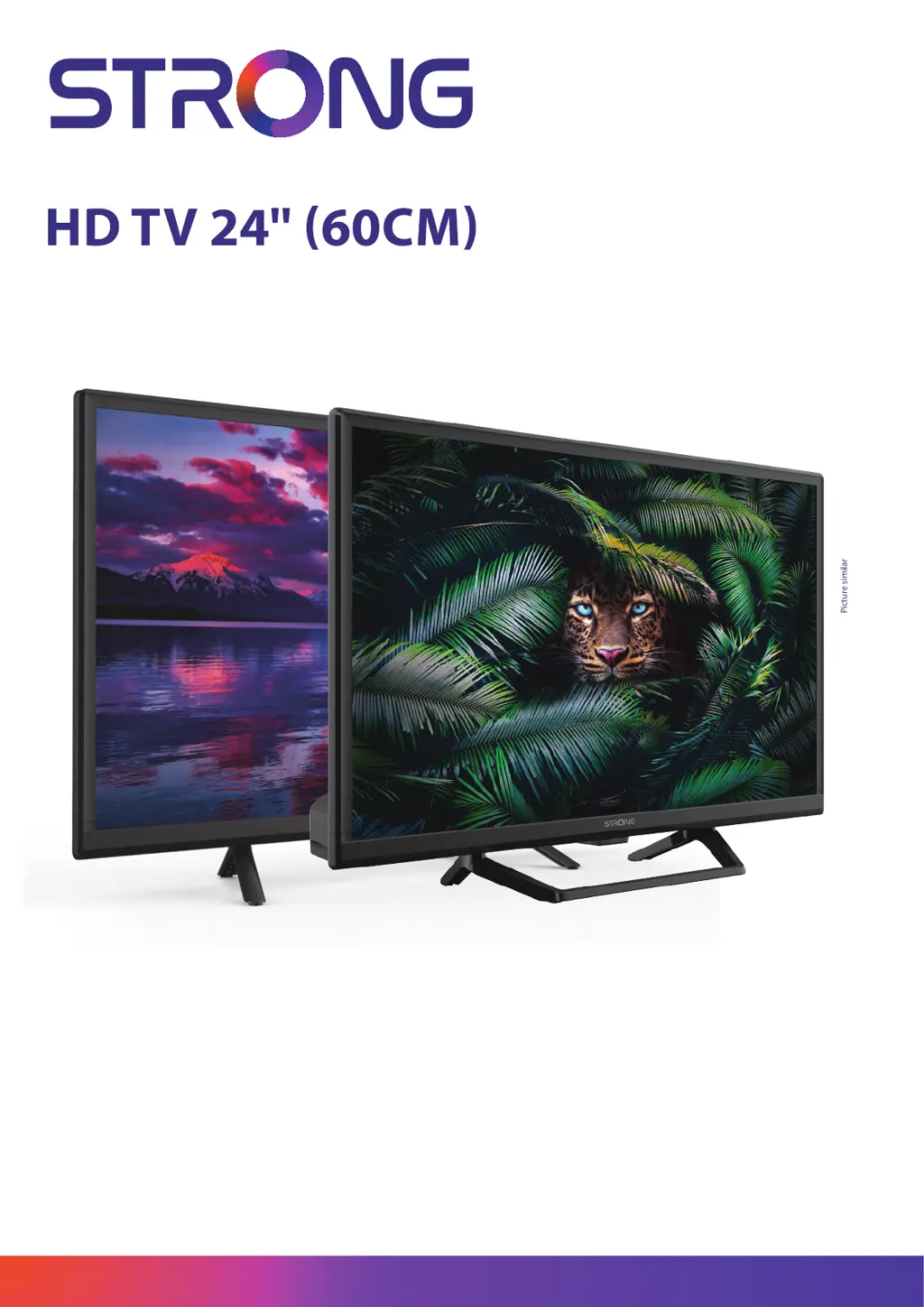
Picture similar
www.strong-eu.com
User Manual Bedienungsanlei-
tung Manuel utilisateur Manual
del Usuario Инструкции за
употреба Uživatelská příručka
Korisnički priručnik Használati
útmutató Manuale utente
Gebruiksaanwijzing Instrukcja
obsługi Manual do Utilizador
Manual de Utilizare Uputsvo
za upotrebu Používateľská
príručka Navodila za uporabo
Посібник користувача
Руководство пользователя
SRT24HE4023
SRT24HE4023C

Questions and Answers

  • P
    Patricia SanchezAug 12, 2025
    Why does my Strong SRT24HE4023C HDTV say no signal?
    • L
      Laura WoodAug 12, 2025
      If your Strong HDTV shows 'No Signal', ensure it's properly connected to a signal source such as DVB-C, DVB-S/S2, or DVB-T/T2. Also, verify that the antenna (terrestrial or satellite) is correctly aligned and that all connection and distribution equipment are functioning correctly. For DVB-T/T2, active antennas may need antenna power switched ON or external power. Check with service providers for coverage in your area. For DVB-S/S2, incorrect tuner or LNB parameters may be the cause.
  • M
    Michael HallAug 16, 2025
    Why is my Strong SRT24HE4023C freezing when playing videos from USB?
    • B
      Billy BrownAug 16, 2025
      If you're experiencing picture freezing, macro blocks, or similar distortion on your Strong HDTV, especially with HD content, the read/write speed of your USB device might be too slow.
  • V
    veronica07Aug 20, 2025
    Why is there no sound on my Strong SRT24HE4023C HDTV?
    • L
      Leah RiveraAug 20, 2025
      If your Strong HDTV has normal picture but no sound, first, press the volume up button to increase the volume. Check if the audio is muted and, if so, press the mute button to restore the sound. If you're using external devices, ensure the correct sources and sound modes are selected. It's also possible that the tuned channel doesn't transmit audio signals or there is some other transmission interference or failure.
  • A
    Amber MorrisAug 25, 2025
    What to do if my Strong SRT24HE4023C picture is frozen?
    • A
      aliciasmithAug 25, 2025
      If your Strong HDTV displays a frozen picture and sound, or shows macro blocks or similar distortion, the reception signal may be too weak or disturbed by electromagnetic or high-frequency interference (DVB-S/S2, DVB-T/T2). Also, check if the connection cables at the signal source are too long. For DVB-T/T2, DVB-S/S2, ensure the antenna is properly adjusted and hasn't been misaligned.
  • H
    hannah16Aug 27, 2025
    Why is there no picture on my Strong SRT24HE4023C HDTV but I have sound?
    • A
      Ashley NashAug 27, 2025
      If your Strong HDTV has no picture but normal sound, try adjusting the brightness and contrast settings. It's also possible that you've tuned to a radio channel or the program isn't transmitting video signals due to broadcasting interference or failure.
  • B
    Benjamin NelsonAug 31, 2025
    How to fix a Strong SRT24HE4023C when the power indicator light is off?
    • S
      Stanley LaneAug 31, 2025
      If your Strong HDTV's LED/Standby indicator isn't lighting up, verify that the power connector is fully plugged into both the TV and the power socket. Also, ensure that the switch on any multipoint connectors is turned ON. The electrical outlet itself may be damaged, or the STBY LED could be defective.
  • K
    kristine28Sep 4, 2025
    Why is my Strong SRT24HE4023C HDTV showing picture in black and white?
    • J
      Joshua DavisSep 4, 2025
      If your Strong HDTV has no color, ensure all devices are properly connected with good cables (Scart, RCA sockets). Try adjusting the saturation settings. Also, switch to another channel, as the current program may be broadcast in black and white.
  • T
    tracifosterSep 7, 2025
    What to do if I have signal problems with my Strong SRT24HE4023C?
    • M
      Michael OconnellSep 7, 2025
      For any reception or signal-related problems with your Strong HDTV, first check the cable connections to ensure they are secure. Moisture might have entered the cables or connectors. If there is heavy rain or a storm, this may affect DVB-S/S2 and -T/T2 signals. Check all equipment connected between the reception point and the TV. If using DVB-S/S2, consult a local satellite specialist for dish alignment, size, obstructions, or signal strength issues.

Strong SRT24HE4023C Specifications

General IconGeneral
BrandStrong
ModelSRT24HE4023C
CategoryHDTV
LanguageEnglish

Related product manuals