Zephyr® User Manual 9
Placement of Case
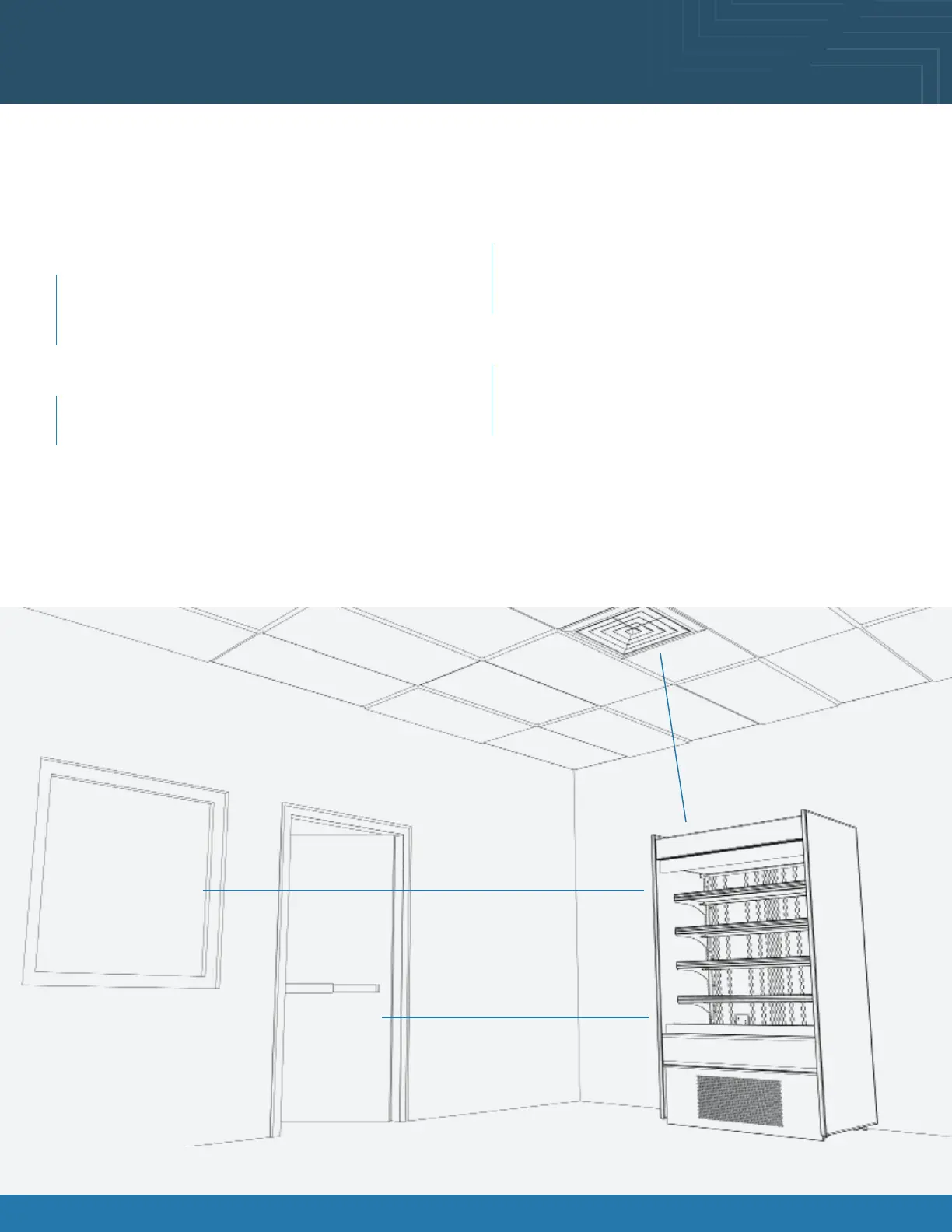
Consider where the display case will be positioned relative to walls, ceilings, HVAC vents, windows, and other equipment
discharging warm air.
Minimum 4” clearance to walls & ceilings.
Some models can be positioned right to the wall & ceiling.
Refer to spec sheets & design guide for further information.
Stay 5’ away from an exterior window
Direct sunlight increases the heat load on the front of
the display resulting in the refrigeration system having
to work harder and possible condensation on the case.
Remain 10’ away from HVAC ceiling vents
Air blowing on the front of the display interrupts the air
curtain and causes product temperatures to increase.
With service display cases that have a glass front, air
blowing on the front glass causes condensation to
develop.
Position the display 15’ away from exterior doors
Air drafts from the front exterior doors interrupt the air
curtain, allowing warm air to penetrate the inside of the
display, affecting product temperature.
The 5’ - 10’ - 15’ Rule
5’
15’
10’









 To Next Page