EasyManua.ls Logo

Stryker 0240-031-050 - User Manual

Stryker 0240-031-050
568 pages
Print Icon
To Next Page IconTo Next Page
Loading...
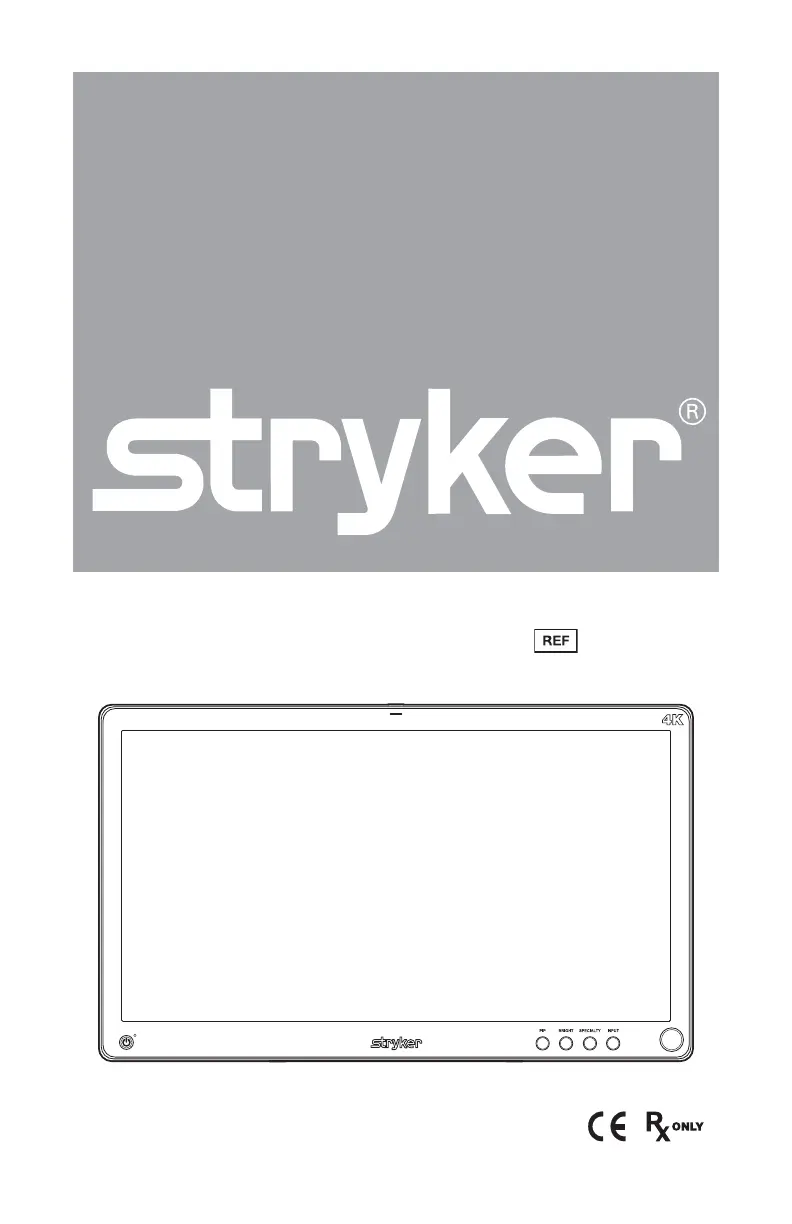
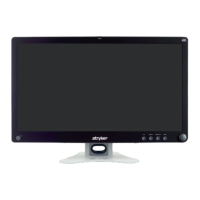
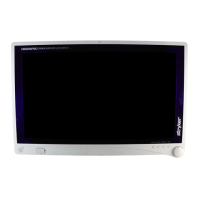
324K Surgical Display
0240-031-050

Table of Contents

Questions and Answers

  • M
    Michelle RileyAug 3, 2025
    What to do if my Stryker 0240-031-050 has an abnormal picture?
    • D
      Donald WongAug 3, 2025
      If you notice an abnormal picture on your Stryker Monitor, consider these solutions: * First, adjust the settings in Scale Mode. * If that doesn't work, wait a few seconds after the initial sync of video signals, or try power cycling the display. * Also, ensure that the video source has a compatible output resolution.
  • J
    jeremiahbanksAug 18, 2025
    How to fix a Stryker 0240-031-050 Monitor when there is no picture?
    • T
      Taylor FrederickAug 18, 2025
      If your Stryker Monitor displays no picture, here are some troubleshooting steps: * First, ensure that both the front and rear power switches are set to ON if the power LED is off. * Also, verify the AC power cord is properly connected to both the AC adapter and the outlet. Confirm the power supply is fully connected and functioning. * If the power LED is blinking, the display is likely in sleep mode. Try connecting active sources or changing the input to wake the display. * Additionally, use the OSD Menu to adjust the brightness and contrast to maximum or reset them to their default settings. Check that the converter power setting is ON in the OSD menu. As a last resort, turn the hard power switch off and on again.

Summary

Safety Warnings and Cautions

General Warnings

Critical warnings to prevent serious injury to users and patients, covering device handling and environment.

Equipment Cautions

Precautions to prevent product damage, including warnings about moisture, cleaning, and accessory use.

Device Information

Intended Use and Conditions

Details the intended use in surgical procedures and near-patient environment conditions.

Contraindications and Package Contents

Lists known contraindications and outlines the package contents for the device.

Device Features Overview

Front Panel Controls and Indicators

Explains the function of buttons, rotary control, and status lights on the front panel for operation.

Cable Cover Management

Cable Cover Installation and Removal

Step-by-step guide for attaching and detaching the cable cover for cable routing and protection.

Display Handle Installation

Display Handle Attachment and Removal

Instructions for installing and removing display handles for positioning assistance, noting they are not for transport.

Setup and Connections

Rear Panel Port Connections

Identifies and describes the various input/output ports on the rear of the display for video and communication signals.

Basic Video Signal Setup

Guidance on routing video signals from sources to the display, including SDC DVI and DVI inputs.

Display Operation

On-Screen Display (OSD) Access

How to activate the OSD menu using front panel buttons and the rotary control for adjustments.

OSD Menu Navigation and Controls

Using the rotary control to select options, adjust parameters, and navigate through OSD levels.

OSD Menu Settings

Specialty and Image Settings

Customizing color profiles, brightness, contrast, sharpness, and image effects for optimal viewing.

Picture-in-Picture (PIP) and Modes

Features like PIP, POP, PBP, Freeze Frame, and Scale Mode for displaying multiple or modified images.

Advanced OSD Configuration

Configuration and Information

Configuring key lock, sleep timer, COM port, and accessing device information like serial number.

Troubleshooting Guide

Common Display Issues and Solutions

Provides solutions for common problems such as no picture, abnormal video, or OSD error messages.

Cleaning and Maintenance

General Cleaning and Recommendations

Guidelines for keeping the display clean, including cautions on cleaning agents and methods.

Preventive Maintenance Checks

Periodic checks for power cord integrity, ventilation slots, and dust accumulation to ensure continued operation.

Device Inspection, Storage, and Disposal

Inspection and Storage Guidelines

Procedures for inspecting the device for deterioration and recommendations for proper storage conditions.

Service Life and Disposal Instructions

Information on the device's expected service life and instructions for environmentally responsible disposal.

Technical Specifications

Display and Connectivity Specifications

Detailed technical data on the LCD panel, resolution, inputs, outputs, and power requirements.

Regulatory Compliance and Approvals

Lists safety classifications, certifications, and adherence to medical device standards.

Electromagnetic Emissions Guidance

EMC Emissions and Environment

Information on RF emissions, harmonic emissions, and voltage fluctuations for safe operation in the specified environment.

Electromagnetic Immunity Guidance

EMC Immunity and Test Levels

Details electromagnetic immunity tests, compliance levels, and environmental guidance for various electrical phenomena.

Symbols and Definitions

Stryker 0240-031-050 Specifications

General IconGeneral
Model0240-031-050
CategoryMonitor
Display TypeLCD
Input Voltage100-240 VAC
Frequency50/60 Hz
Storage Temperature-20°C to 60°C
CompatibilityStryker Endoscopy Systems

Related product manuals