EasyManua.ls Logo

Stryker 240-030-960 - User Manual

Stryker 240-030-960
28 pages
Print Icon
To Next Page IconTo Next Page
Loading...
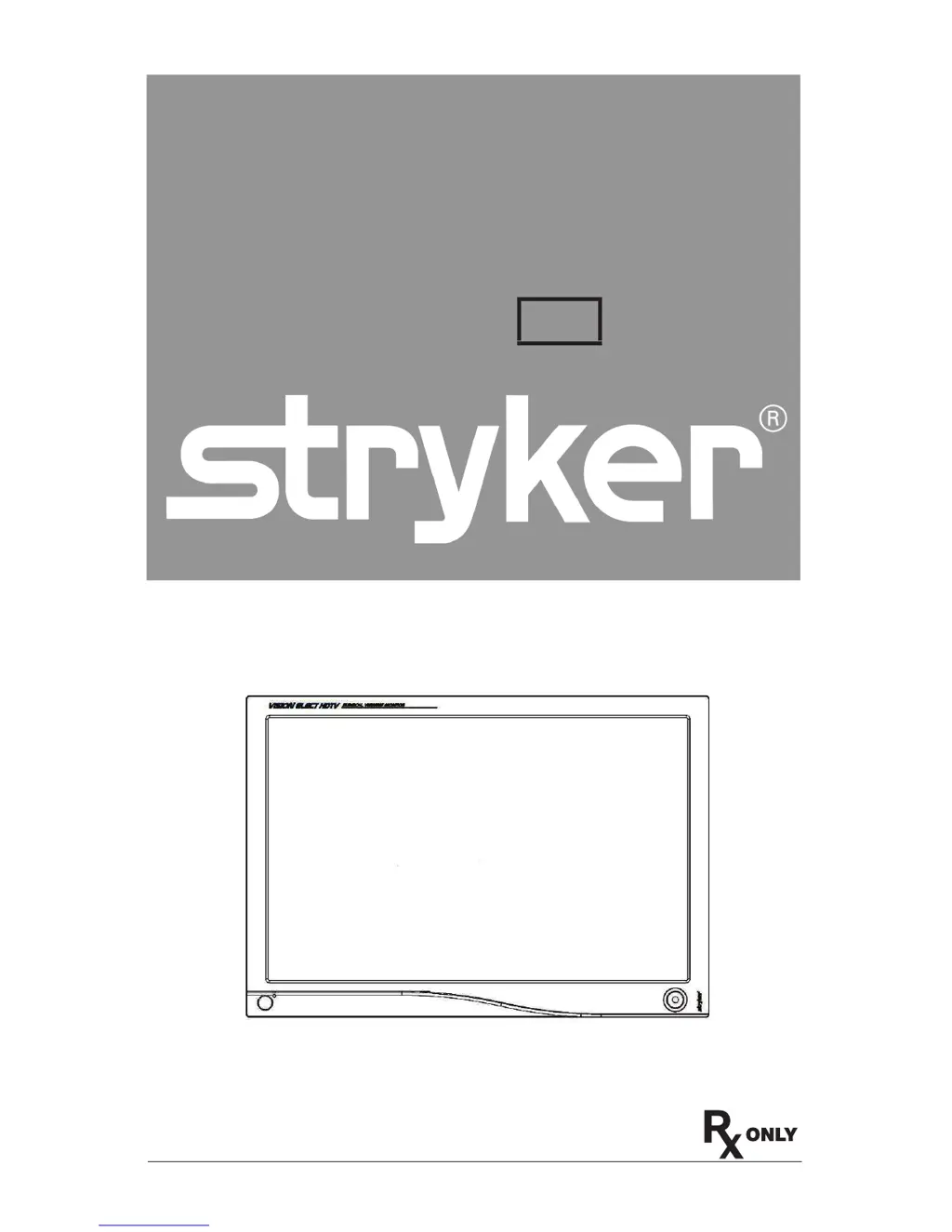
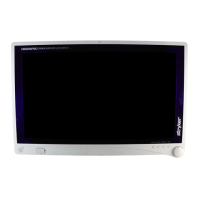
VISION ELECT HDTV
26” High-Definition
LCD Monitor
REF 240-030-960
User Guide
E 570-104-0001moc.rekyrts.www11/8002
English

Questions and Answers

  • M
    Michael StewartAug 3, 2025
    What to do if my Stryker 240-030-960 Monitor shows an abnormal picture?
    • K
      Kevin HessAug 3, 2025
      If your Stryker Monitor is showing an abnormal picture, use the Screen Menu to adjust the PHASE, FREQUENCY, HORIZONTAL, and VERTICAL settings, especially if you are using a non-standard video signal timing. You may also wait a few seconds after the initial sync of video signals, or power cycle the monitor.
  • M
    morgansmithAug 10, 2025
    What to do if my Stryker 240-030-960 has no picture and the LED is ON?
    • T
      Tina GlassAug 10, 2025
      If your Stryker Monitor displays no picture but the LED is ON, use the On-Screen Display (OSD) to adjust the brightness and contrast to the maximum settings. Alternatively, you can reset the brightness and contrast to their default settings.
  • J
    joycegarciaAug 18, 2025
    What to do if my Stryker Monitor has no picture and the LED is blinking?
    • M
      meghanarnoldAug 18, 2025
      If your Stryker Monitor screen is blank but the LED is blinking, verify that the video signal cable is securely connected to the back of the monitor.
  • A
    Amber GonzalezAug 26, 2025
    What to do if my Stryker 240-030-960 has no picture and the LED is OFF?
    • D
      Darrell HintonAug 26, 2025
      If your Stryker Monitor is not displaying a picture and the LED is OFF, check the power switch located at both the front and back of the monitor to ensure it is turned on.

Summary

Warnings and Cautions

Warnings

User must follow warnings to avoid injury or damage to the device.

Cautions

Special service procedures or precautions must be followed to avoid damaging the instrument.

Symbol Definitions

Product Description and Intended Use

Product Contents

Lists the items included with the monitor and instructions for checking accessories for shipping damage.

System Interconnection

Power Connection

Operating the Monitor

Front Panel Controls

Describes the function of the monitor's front panel controls and indicators.

Rear Panel Panel

Input Port Layout

Fiber Optic Module Installation

Input Selection List

Standard On-Screen Display Operation

Stryker Camera Preset Modes

OSD Function Description

Cleaning the Monitor

Cleaning display plastic area

Instructions for cleaning the monitor's plastic casing using non-abrasive cloths and solutions.

Cleaning display filter area

Instructions for cleaning the monitor's filter area with soft cloths and warm water or approved agents.

Troubleshooting

Technical Specifications

Classification and Approvals

Class I Equipment

Details medical equipment classification and compliance with UL 60601-1 and CAN/CSA C22.2 No. 601.1.

Electromagnetic Compatibility

Manufacturers Declaration - Electromagnetic Emissions

Manufacturers Declaration - Electromagnetic Immunity

Warranty

Service and Claims

Declaration of Conformity

Stryker 240-030-960 Specifications

General IconGeneral
BrandStryker
Model240-030-960
CategoryMonitor
LanguageEnglish

Related product manuals