EN-26
Saving Images and Videos
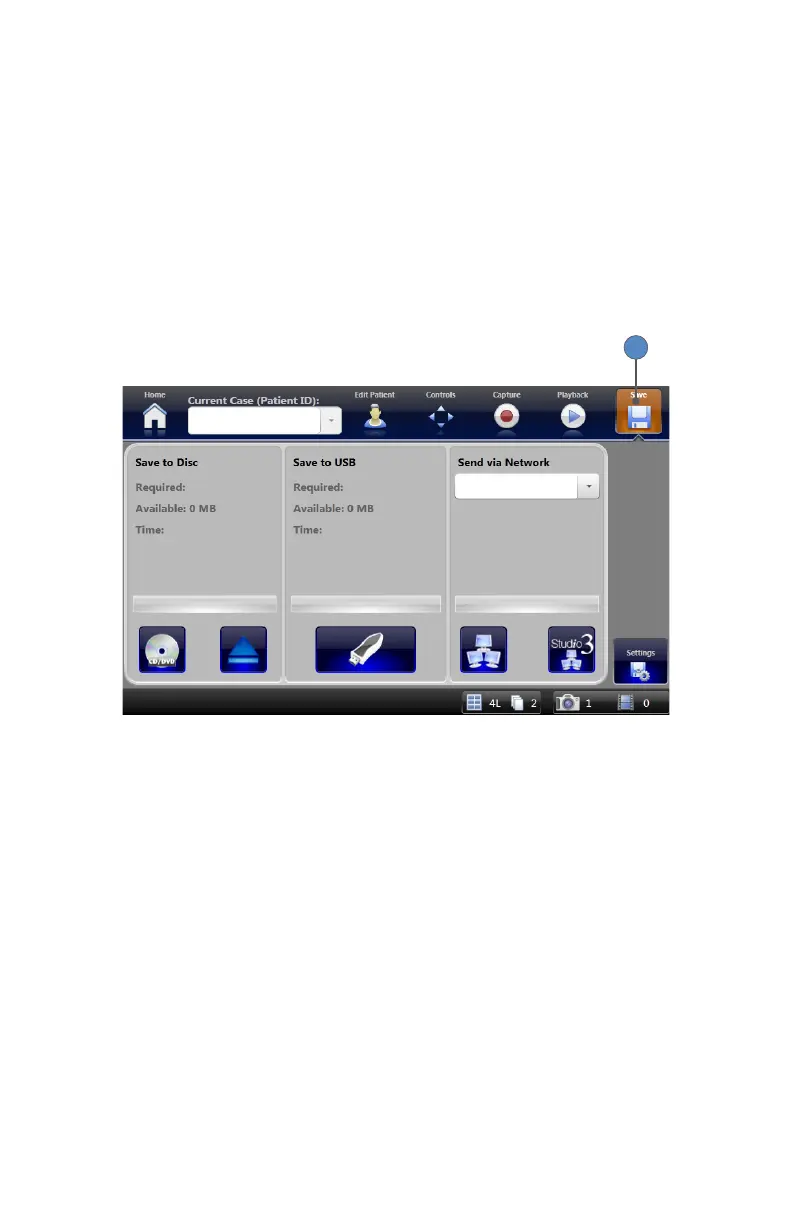
Images and video can be saved to any of the following locations:
• SDC3 built-in hard disk
• Disc (CD or DVD)
• USB drive
• Network locations
1� All images and video are saved automatically to the SDC3 built-in hard disk� To save them to
external media, choose the appropriate destination from the Save screen� The Save screen is
accessible by pressing the SAVE button at the top of the SDC3 display�
1



 To Next Page