10
Superset
®
Superset
®
recalibrates the Pro 360 through its entire 360° range by electronically recording
four horizontal and four vertical settings. It should be performed whenever the accuracy test
shows a discrepancy of 0.1° or more.
How to Perform Superset
®
Turn on the Pro 360 and place it on a flat surface. You can use any horizontal surface within
10° of level and any vertical surface within 10° of plumb to perform Superset
®
. You must
use the same surfaces throughout the entire process.
Note: Each time you reposition the Pro 360 during Superset
®
, wait a minimum of 10 seconds
before pressing the HOLD button to advance to the next step.
Starting Superset
®
• Press and hold the HOLD and ALT ZERO buttons simultaneously. Keep them depressed
for approximately three seconds.
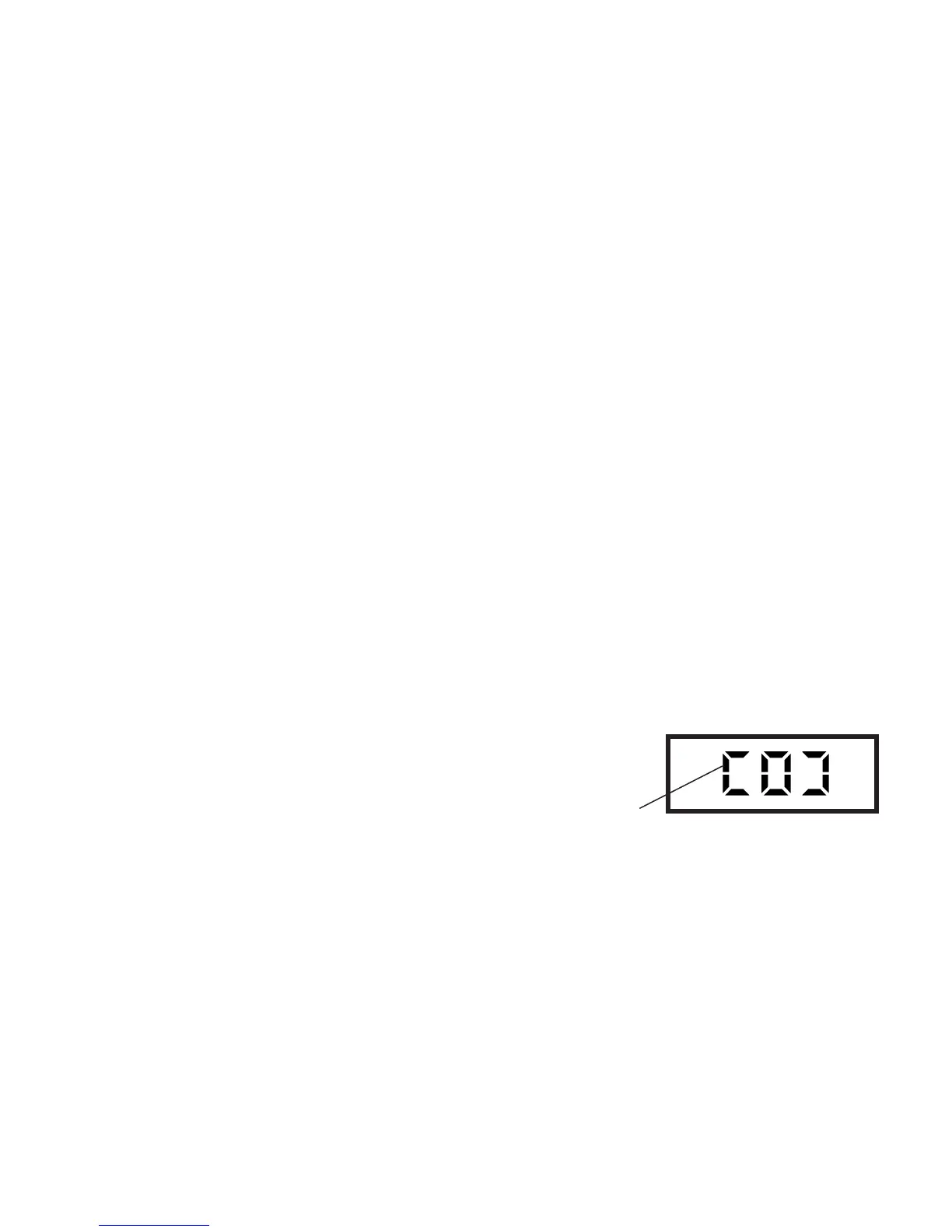
• Release the buttons when the symbol "SUP" appears. A "0"
within flashing brackets will then appear. These brackets are
composed of four horizontal and four vertical segments.
Note that as you proceed through the eight steps of Superset
®
,
a new segment will hold steady after you complete each step.
"0" within flashing brackets



 To Next Page