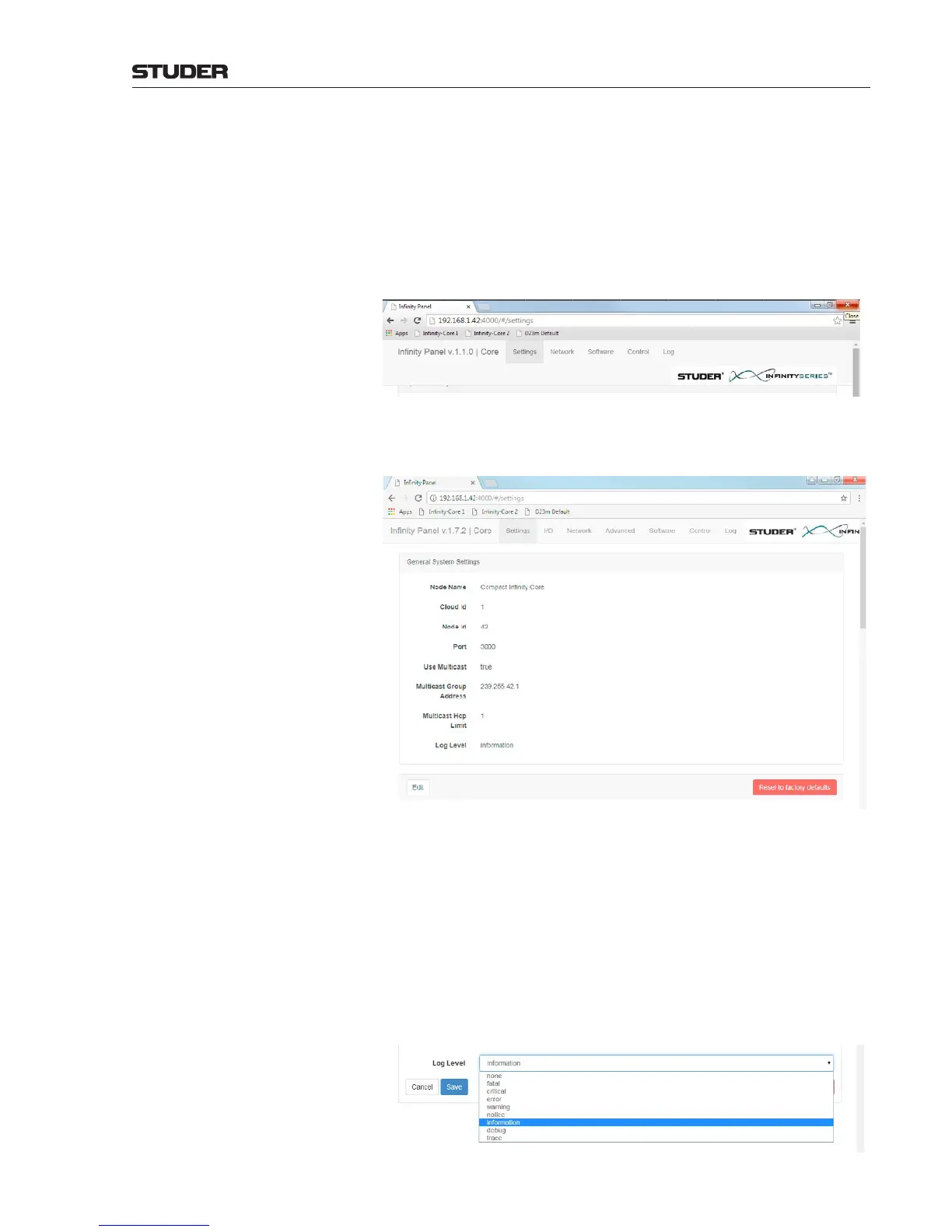
Setting up the Infinity Core Setting up a Infinity Core is done by using the browser based “Infinity
Panel” - which normally is started from the Vista desk.
Any Web browser can be started and the address of the core can be entered :
192.168.1.42:4000 (e.g. as this is the default address).
Then, the Infinity Panel appears - if the desk is connected to the core - and
the following five menu items can be accessed :
Setti
ngs, Network, Software, Control and Log
Settings On this page, the below described parameters are shown. All of these param-
eters can also be edited on this page :
Node Name The name of this Infinity Core - e.g. Main Core or Redundant Core.
Cloud Id The Cloud Id of the Mixer Cloud.
Node Id The Node Id of this Infinity Core.
Communication Port As a default, the communication Port for the communication with Cores is
Port 3000.
Use Multicast This enables to use IP multicast group communication, making use of the
UDP protocol.
Multicast Group Address Here the IP multicast group address is defined. As a default, the Multicast
Group Address for the communication with Cores is 239.255.42.1 .
Log level Here the level of details about the logged information is set. The dropdown
menu allows the shown choice. (Infomation being the default setting).



 To Next Page