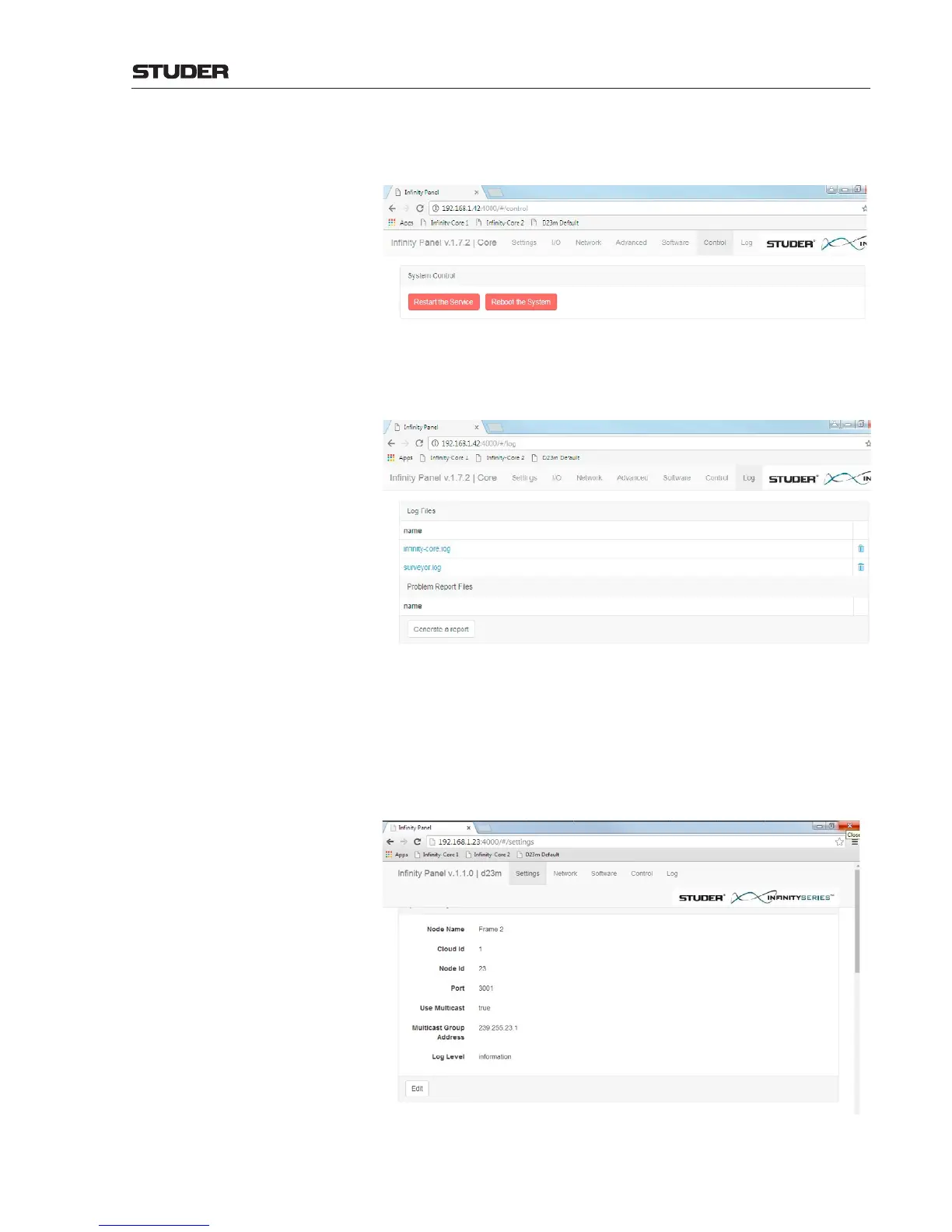
Control On this page, the Infinity Core software service can be restarted, or a hardware
reboot of the Infinity Core can be executed.
Setting up the D23m frames Setting up a D23m frame is done by using the same browser based “Infinity
Panel” as it is used for setting up a core. The Infinity Panel normally is started
from the Vista desk.
Any Web browser can be started and the address of the D23m frame can be
entered : 192.168.1.23:4000 (e.g. as this is the default address).
Then, the Infinity Panel appears - if the D23m frame is connected to the desk
- and the same five menu items as when setting up a core can be accessed :
Log Here, the log files of the system can be shown or deleted. The level of details
of the log files is depending on the parameter Log Level which can be set
on the Settings page.



 To Next Page