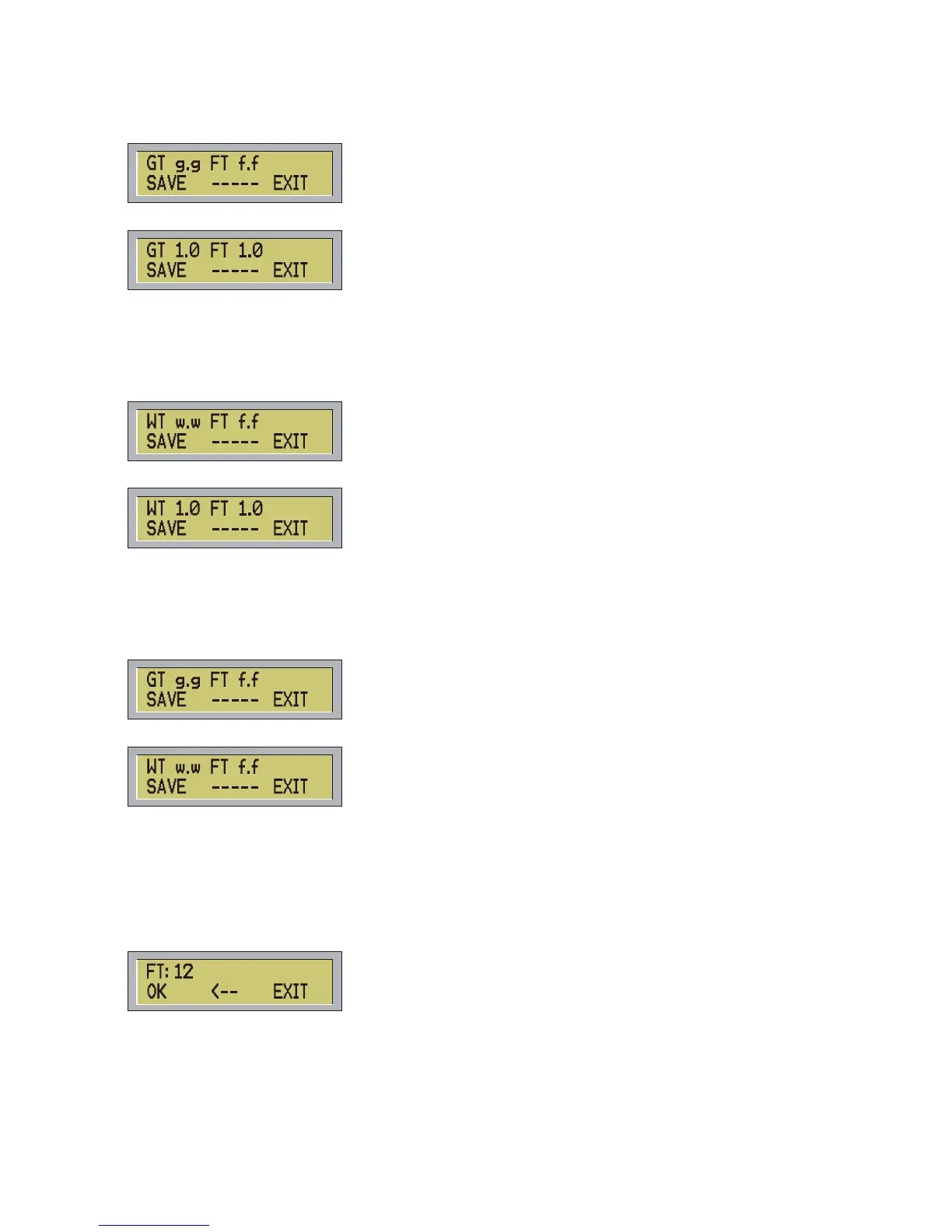
a) Pressing GLTM (F1) the controller will show:
In Global Time:
In step time:
In the first situation you can see the current value of global time and fading time, meanwhile in the second
situation you can see the default time of 1.0 sec.
To save the scene press SAVE (F1), to leave the function press EXIT (F3) or ESC.
b) Pressing From menu Edit Step STTM (F2) you will see one of these menus:
In Step Time:
If the current program is in Global time you have to re-set it in Step Time:
In the first situation you will see the current values of waiting and fading time, in the second situation you will
see the default time of 1.0 sec.
To save the scene press SAVE (F1) to leave the function press EXIT (F3) or ESC.
From menu Edit Step press NEXT (F3) the controller will show:
In Global Time:
In Step Time:
In Global Time the field hold the value of global time in the current program, and the fields w.w and f.f hold
waiting and fading time of the current scene respectively.
To save the scene press SAVE (F1) to leave the function press EXIT (F3) or ESC.
All the time global stand-by and fading can be settled by slider WAIT TIME and FADE TIME or using the
keypad. The function is the same of the one for the input of the value of channels.
For ex. You can modify the fading time of one scene using the slider FADE TIME, then you can digit a
numeric value and the controller will show:
The value you have input is 12, at the end of the input press OK (F1) or ENTER.
To cancel the last number press Å (F2). To leave the function press EXIT (F3) or ESC.
Use key STEP/. button to input decimal point.
Press ENTER to save the current scene. The message Step Saved will confirm the rescue.
11



 To Next Page