2 - FAST OPERATION ON THE CONTROL 5
To operate the Control 5 immediately, follow the instructions indicated in the sections:
- Patch
- Basic Programming
- Play
To learn all the other functions of the Control 5 controller, it is necessary to read the whole manual carefully.
PATCH:
- In the controller there is a default patch, if the default patch satisfies the requirements of the operator
it is possible to proceed to assign to each spot the right DMX address. If it is necessary modify the
patch, go to the paragraph CONFIGURATION MENU, make a new Patch and come back to this
point.:
- In order to assign the right DMX address to each spot, select the spot on the controller and read on
the display the starting DMX value:
BASIC PROGRAMMING:
1) How to select a program:
- The first time you switch on the controller the display will show:
Press SPOT or
PROGRAM to start
- Press PROG button to select one program.
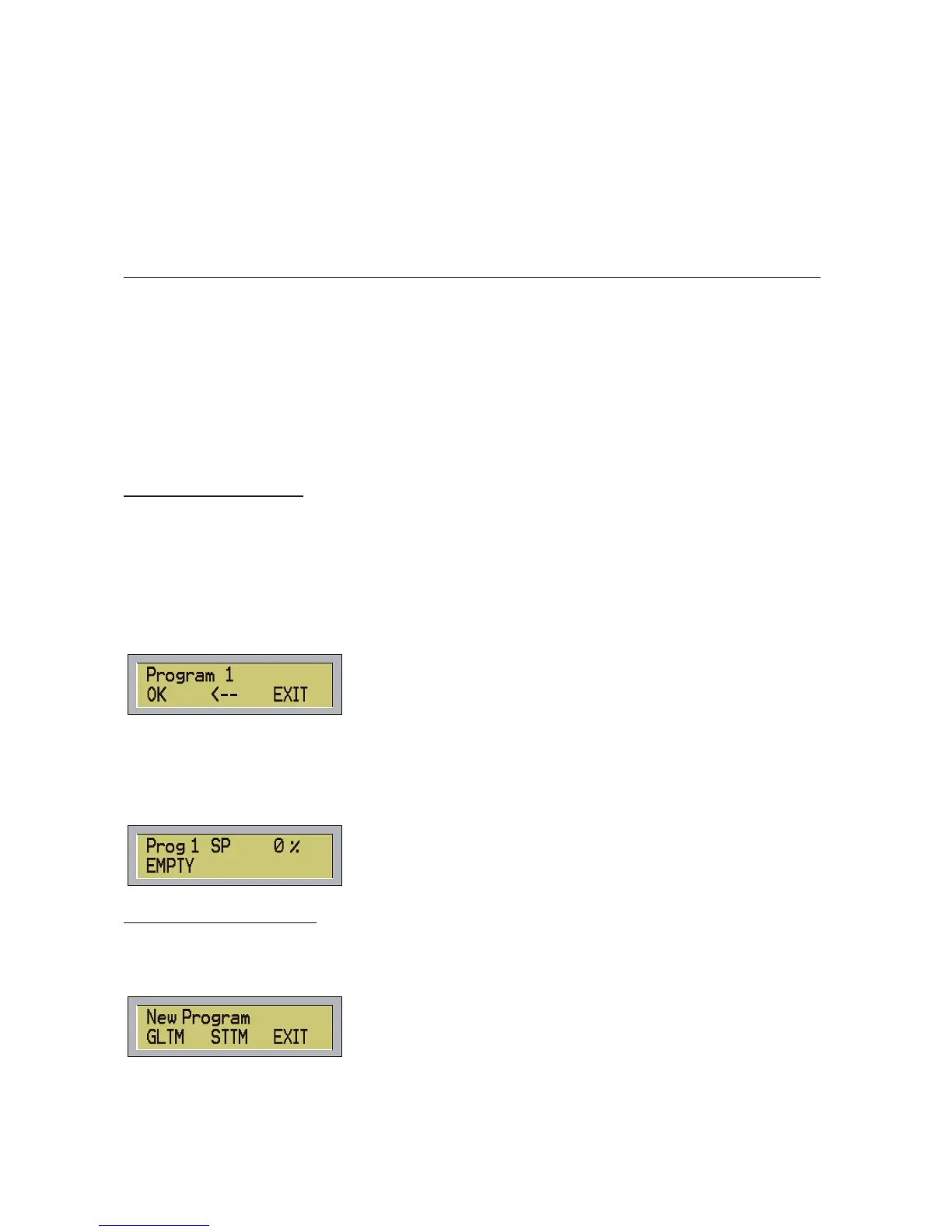
- On the display, the following menu will be shown:
Digit the required program number and press OK (F1) or ENTER. To cancel the last digit number press F2.
To decrease the value press – to increase press +.
To leave the function press EXIT (F3) or ESC.
If you select the program number 1, the display will show:
2) How to make a new scene:
- Before start making a new scene, be sure to have selected the MANUAL function.
- To make a new scene, press INS STEP. Being the program empty, the following menu will be shown
on the display
You can set up the new program on Global Time or Step Time. Press EXIT (F3) or ESC to go back to the
options without any change.
a) In Global Time all scenes will have same life-time but a different time of fading can be assigned to each
single scene.
6



 To Next Page