NOTE: It is not possible to edit a custom model already settled in the patch, because any change will cause
malfunction with the programs already memorized , when the user press EDIT (F1) or ENTER a check will
be done to verify if the selected model is already settled in the patch.
If yes, the error message ‘WARNING! Model On Patch’ will be shown
Without errors the custom model is settled and the function ends.
LOCK function:
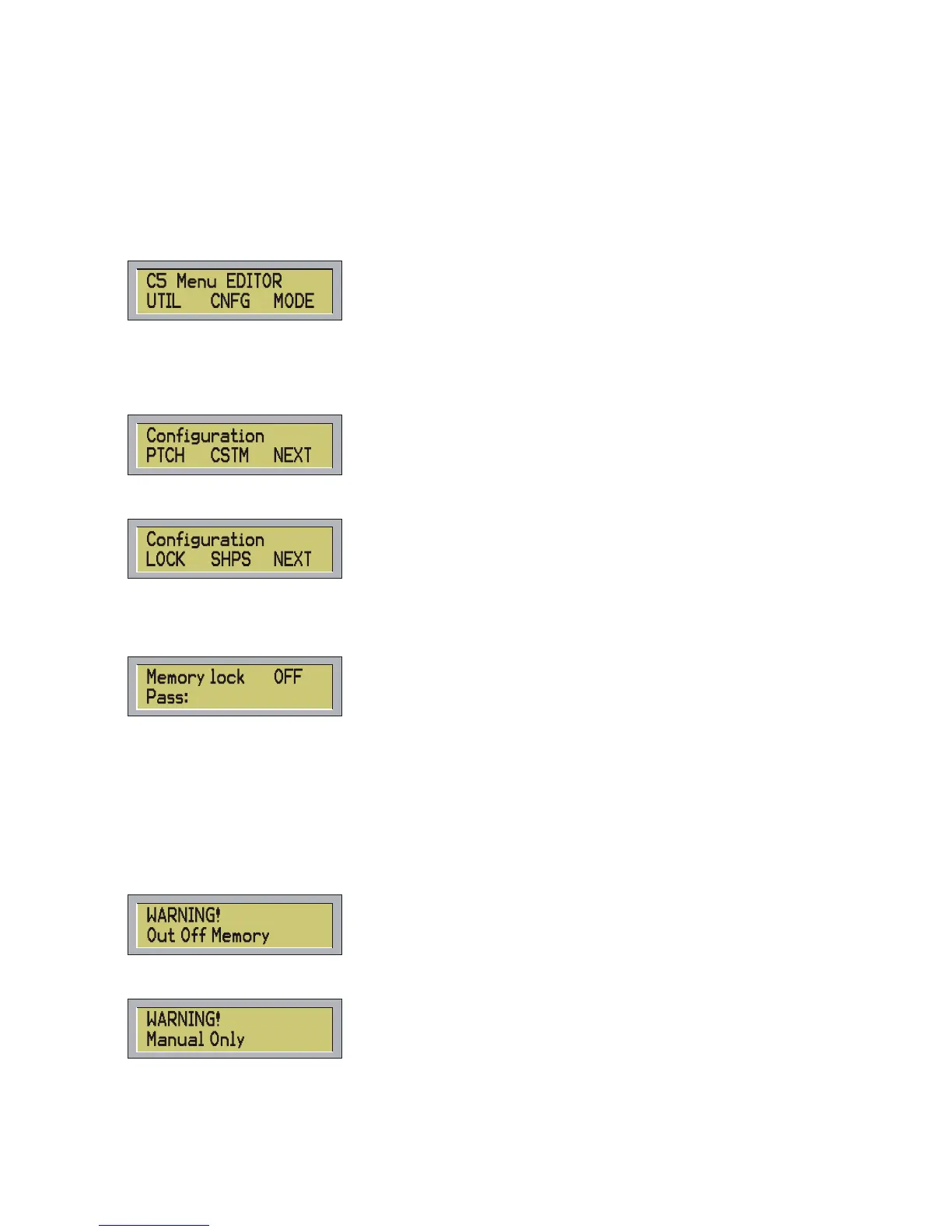
When on the following main menu:
Press CNFG and the display will show:
Press NEXT (F3) and the following menu will appear:
Pressing the LOCK (F1) button it will enable and disable the protection of the memory.
The controller has a protection in order to avoid any kind of input by not-authorized users.
The following message will be shown:
To modify the protection digit the code number 2-6-4-5
Pressing ESC to leave the function.
10 – ERROR MESSAGES
The controller shows an error message when the user press a wrong button, after an incorrect operation or
after a functional defect.
List of Error Messages:
The controller is out of memory, there is not space to save other scenes.
The function can be activated in manual mode only. For example: STEP/ button.
21



 To Next Page