VMK88-MANUAL_______________________________KEYBOARD
________________________________________9________________________________________
The VMK-88 can store 27 user programmable patches. Not only does each patch contain programming information
for buttons, sliders, knobs and pedals, the KEYBOARD itself, as a
controller
, can be customized. Each Patch can
contain
MIDI Channel, Aftertouch, Transpose, Program Change
and
Bank Select
information.
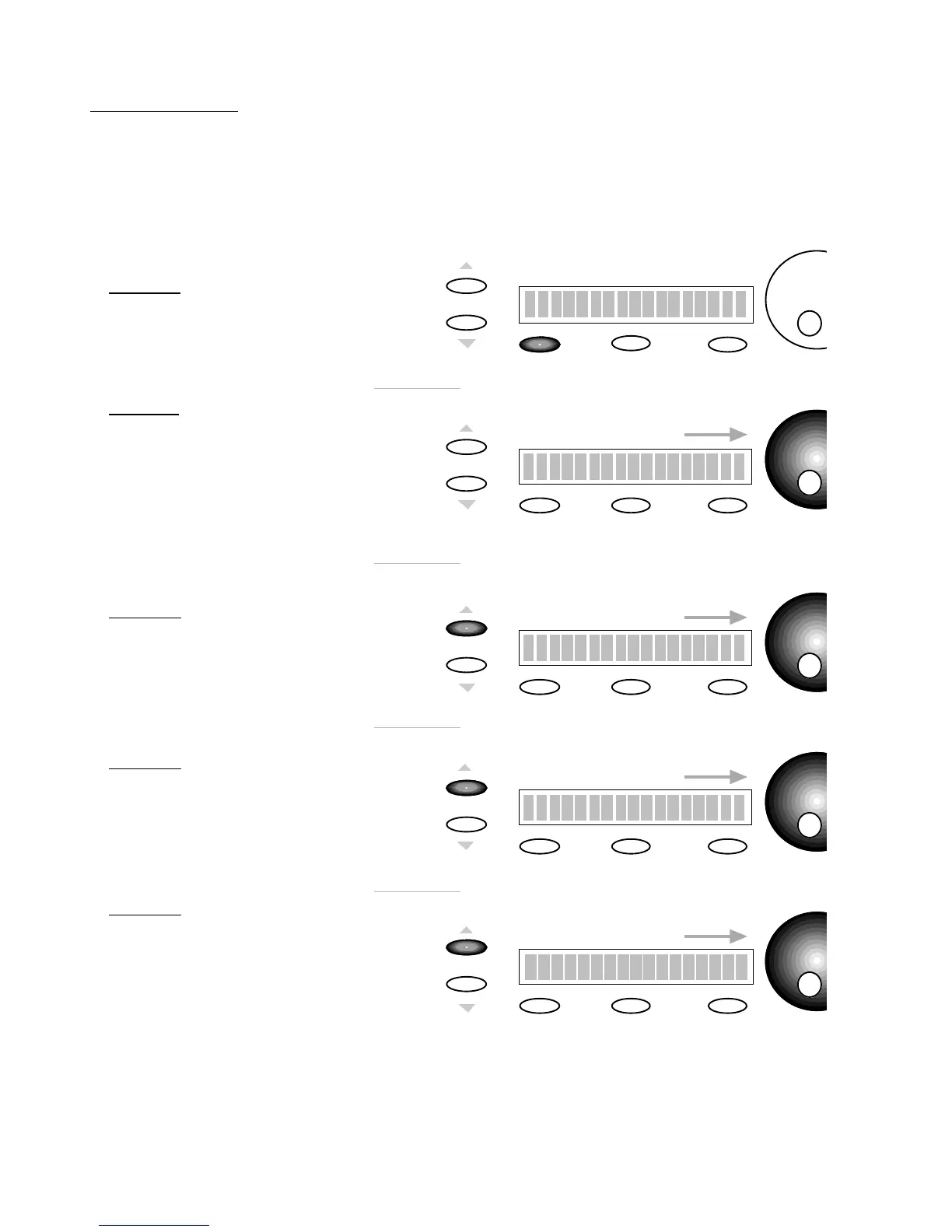
PROCEDURE: KEYBOARD PROGRAMMING
Edit
Storage
Enter
SCREEN
CHANGE
Prog Change: 0
You have the option to send
out a
Program Change
within
the Patch.
Keyboard Edit
SCREEN
CHANGE
Edit
Press or Move
Any Controls
1)
PRESS
EDIT
SCREEN
CHANGE
To adjust the Midi Channel
use the
DE
dial.
Keyboard Edit
Midi Channel : OFF
2)
PRESS
KEY
You may
Press
any key
on the Keyboard.
SCREEN
CHANGE
Bank Sel. Hi : 0
Edit
To adjust the Bank Select Hi
value use the
DE
dial
3)
PRESS
PAGE UP
Within each
Patch a
Bank Select
High
message can be sent .
SCREEN
CHANGE
Edit
To adjust the Bank Select Lo
use the
DE
dial
4)
PRESS
PAGE UP
Storage
Enter
To adjust the Program Change
Value use the
DE
dial
5)
PRESS
PAGE UP
Storage
Enter
Edit
Storage
Enter
Storage
Enter
Keyboard Edit
Bank Sel. Lo : 0
Keyboard Edit
Within each Patch a
Bank Select
Low
message can be sent.
See your sound source
manufacturer’s manual
for details.
See your sound source
manufacturer’s manual
for details.














 To Next Page